


Rename a workspace
Rename a workspace from the Workspaces page. Its tasks, people and history are not affected.
-
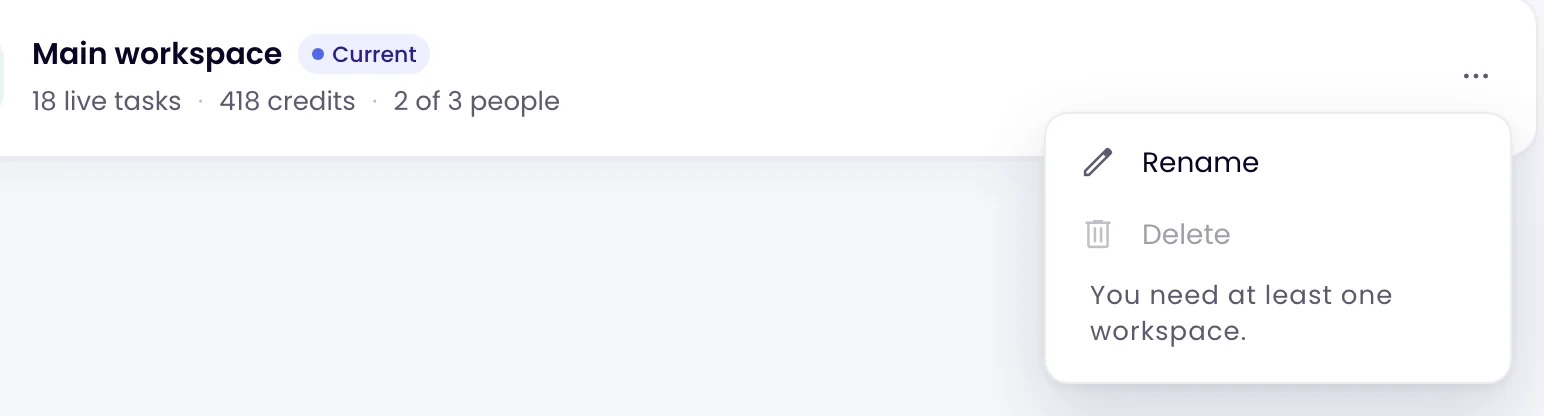
Open the workspace menu
Click Workspaces in the left sidebar, click the three dots at the end of the workspace’s row and choose Rename.
-
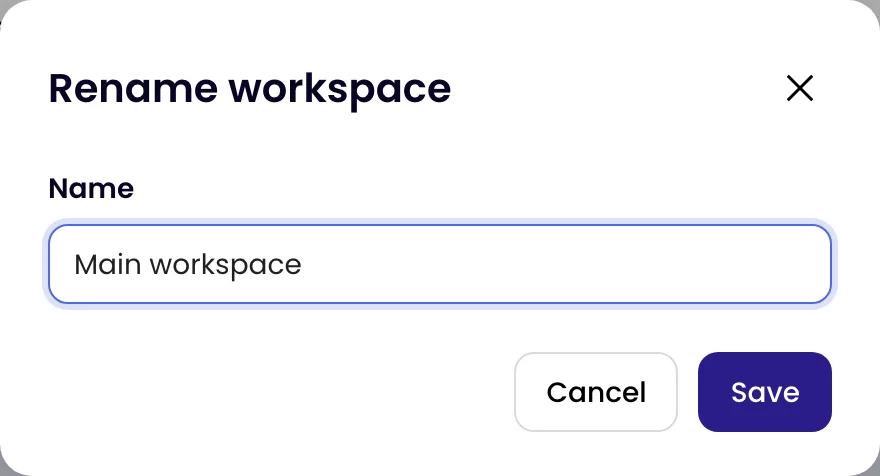
Change the name and save
Enter the new name and click Save.
Related
Was this page helpful?