
Close an organisation
Closing an organisation turns a Business account back into personal accounts. Nothing is deleted: tasks move to a new workspace and every member keeps access on a personal plan.
Admins only
Only an admin of a Business account sees Close the organisation. To delete your data instead, see Close your account.
-
Open your profile
Click your avatar at the top right and choose Profile. At the bottom of the page, on the Close the organisation card, click Close organisation.
-
Confirm
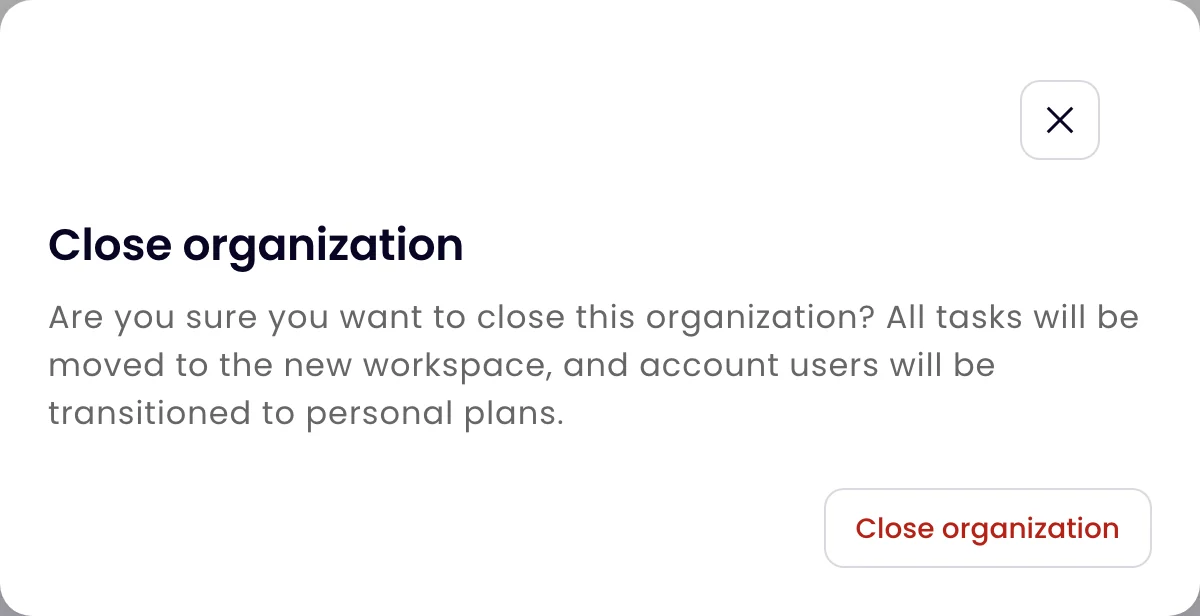
The dialog explains what will happen. Under Type “close” to confirm, type close, then click Close organization.
What happens
- All tasks are moved to a new workspace, with their history.
- Every member of the organisation is moved to a personal plan.
Was this page helpful?