
Favorites
Favourite the checks you want to come back to, such as a pricing change to discuss or evidence for a report, and find them all on one page.
Add a favourite
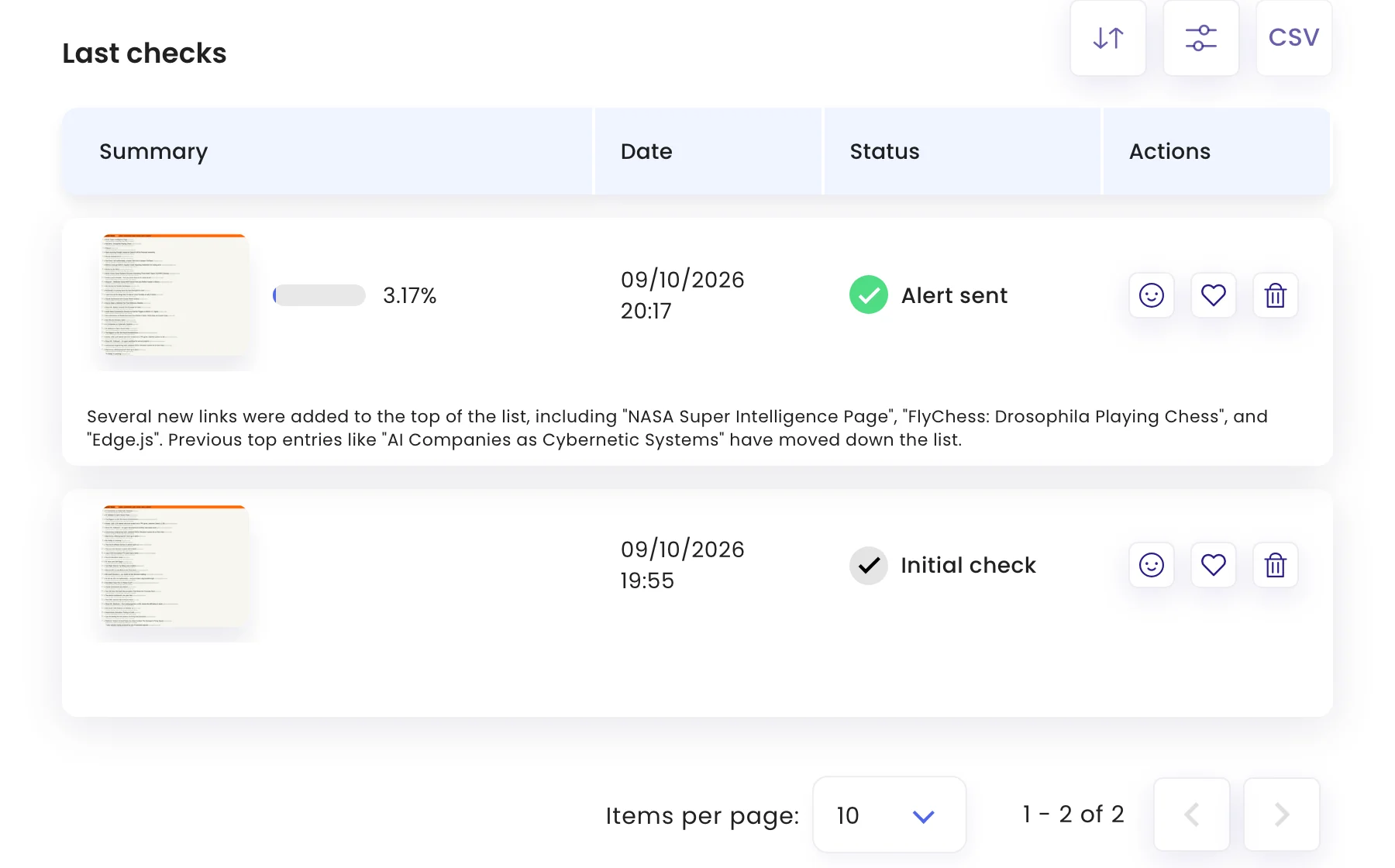
In a task’s Last checks list, click the heart on a check’s row. Click it again to remove it.
See your favourites
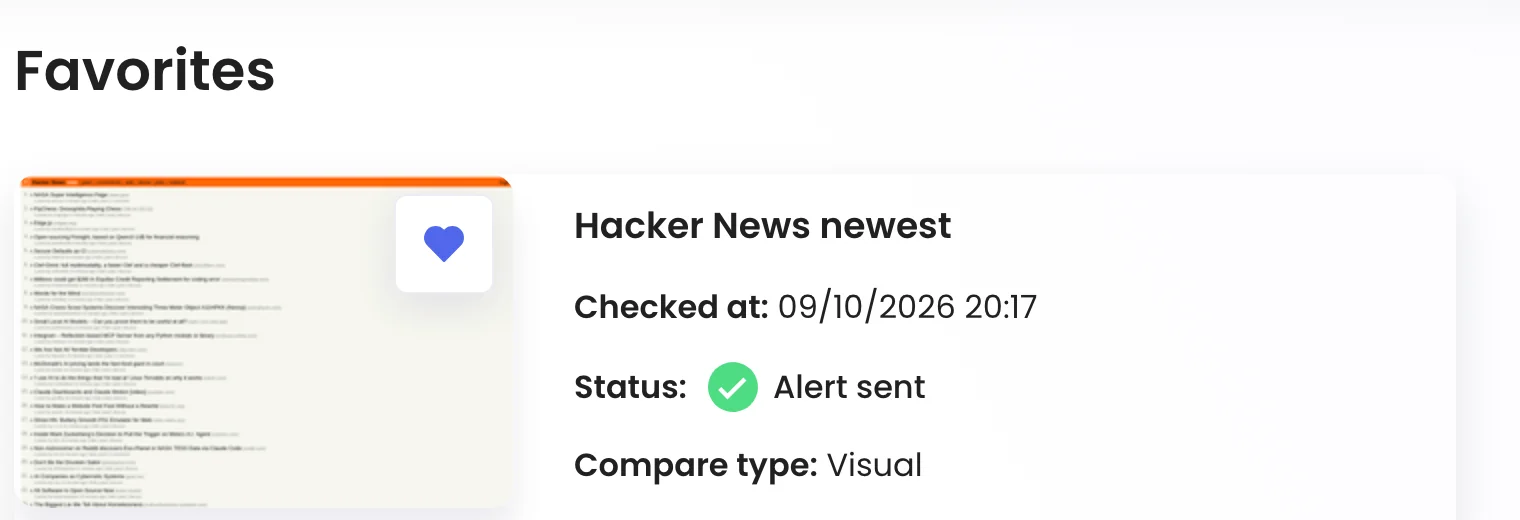
Click the heart in the left-hand menu to open Favorites. Each card shows the task, when the check ran, its status, mode and how much changed. Click a card to open the check.
Was this page helpful?