
The Feed
The Feed lists what changed across every task in the workspace, newest first, with each change’s summary, so you can catch up in one place.
Open the Feed
In Tasks, switch to the Feed tab. A badge shows how many items are new since you last looked.
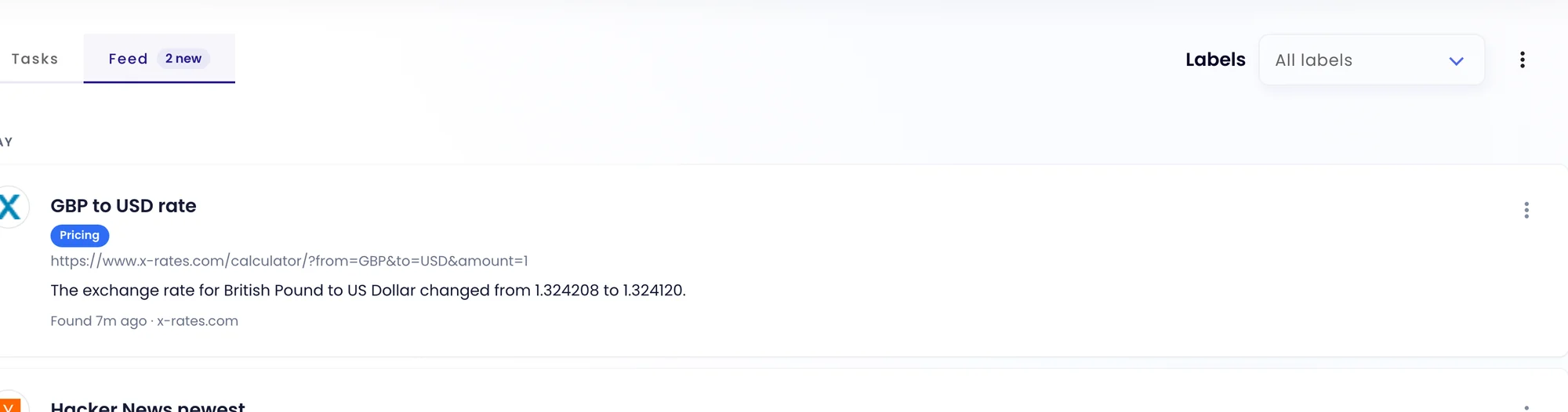
Each item shows the task, its labels, the page, the summary of the change and when it was found. Click an item to open the check. Its three-dot menu lets you dismiss it, edit the task or add the check to Favorites.
Narrow it down
- Use Labels at the top to show only some tasks, for example just Competitors.
- Use the three-dot menu to Mark all as read.
Was this page helpful?