
Turn off alerts for one task
Keep a task checking and recording changes, but stop it sending alerts. Useful for pages you only want to review in the history now and then.
-
Open the Channels tab
Edit the task and go to its Channels tab.
-
Switch channels off
Turn off every channel that’s on, including Email, then click Update task.
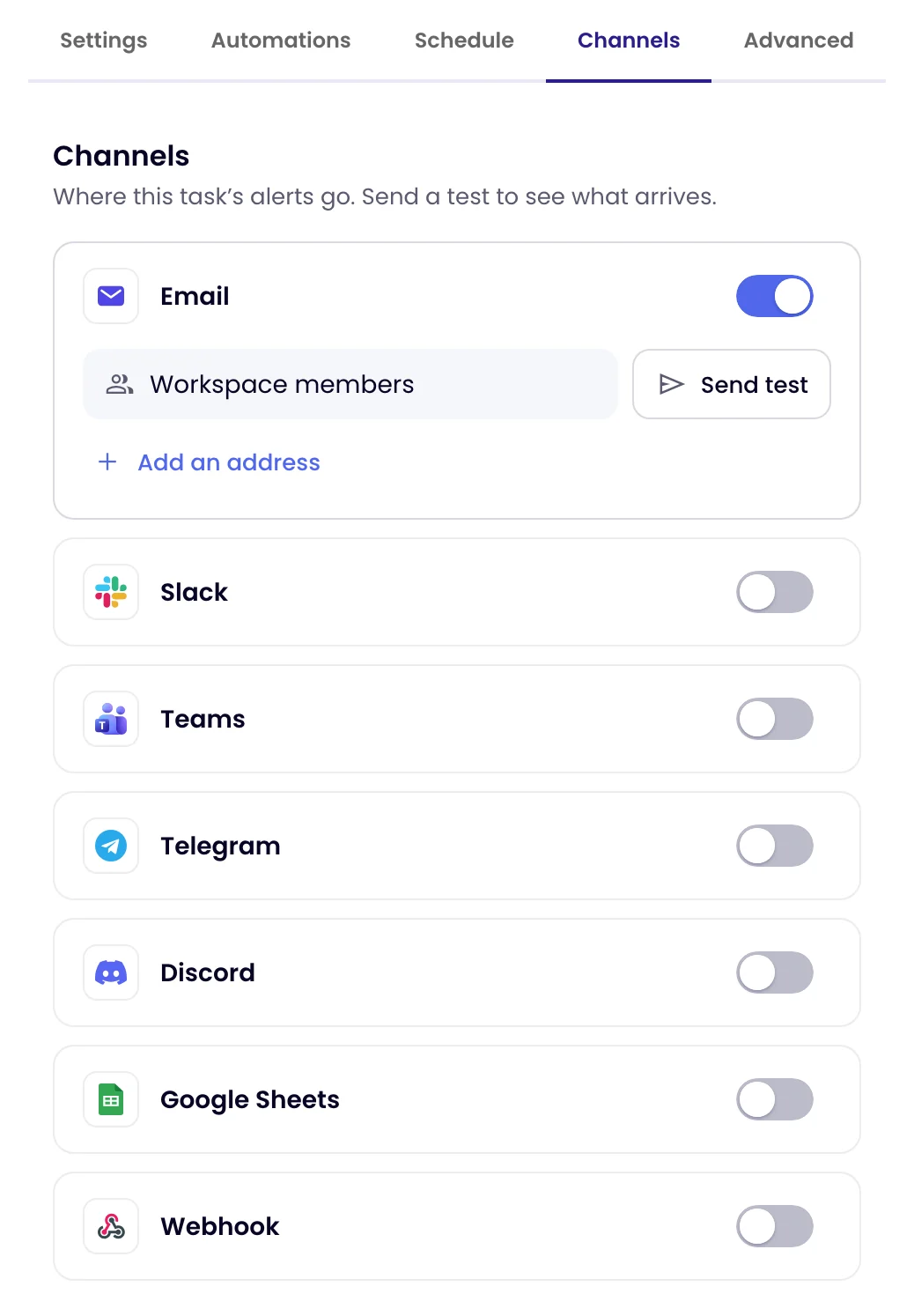
The task keeps running on its schedule. Every check, and every change it finds, is still recorded in the task’s history. Switch a channel back on to resume alerts.
Other options
| You want to… | Do this |
|---|---|
| Stop alerts to you only, on every task | Mute alerts for yourself |
| Stop the task checking altogether | Deactivate the task |
| Get fewer, more relevant alerts | Add a Notify me when rule so only the changes you care about alert you |
Was this page helpful?