Web & dev agencies. QA & defacement monitoring across every client.
Monity AI runs continuous QA across every client site you manage — defacement detection, post-deploy regressions, unauthorised content edits, broken layouts. One workspace per client, one chat interface to rule them all.
- 7-day Business trial
- No credit card
- Security review ready
 Web & dev agencies monitors
Every client, one account
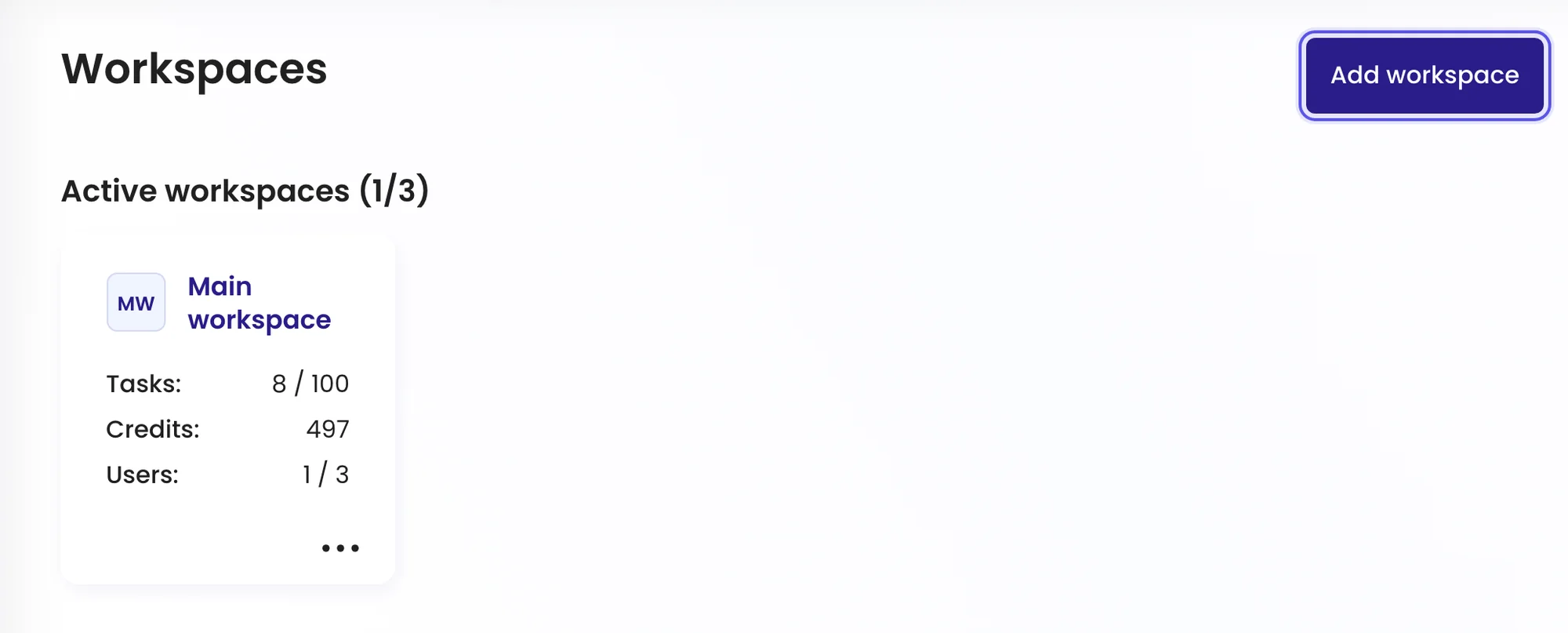
A workspace for each client’s sites.
Keep each client’s pages, history and alerts in their own workspace, and switch between them in one click. Invite your developers and account managers with the role they need.
How it looks
Spot a broken layout before the client does.
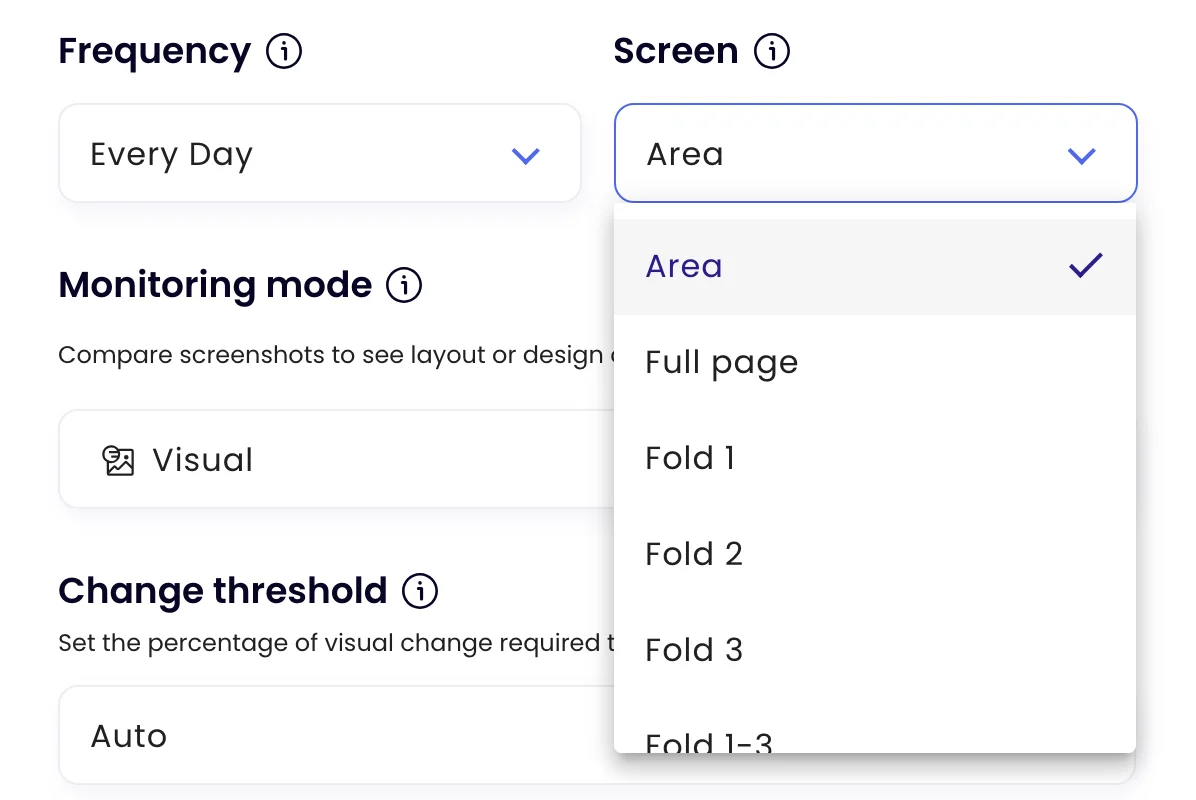
Monity takes a screenshot on every check and compares it with the last one. A broken layout, a missing section or an unexpected message shows up with the changed regions marked.
When to check
Check more often around releases.
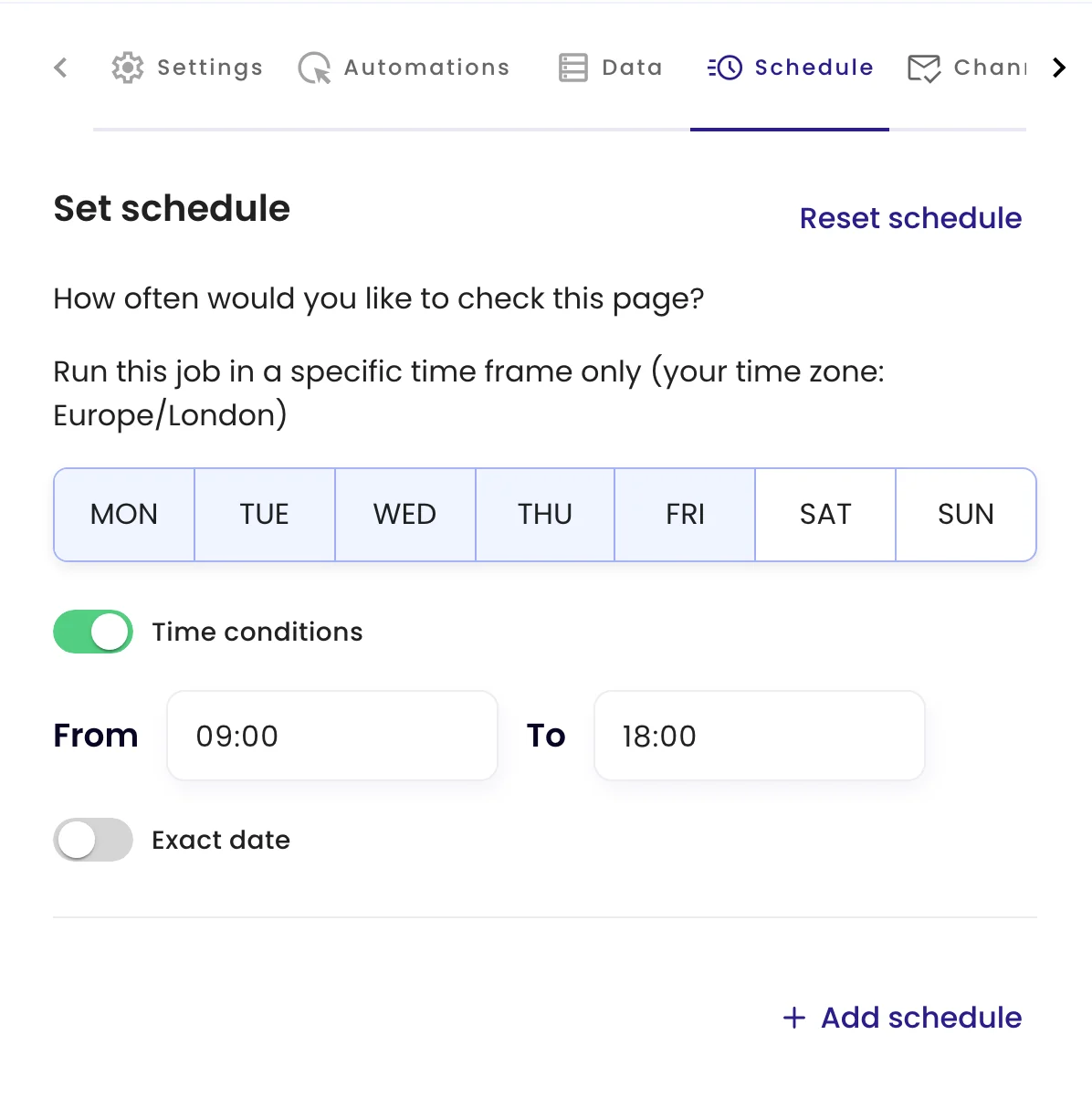
Set how often each page is checked and limit checks to the days and hours that matter, for example every 15 minutes during a release window.
Examples
What web teams ask Monity to watch for their clients.
Alerts go to the channels you switch on for each task.
-
 Tell me if the client’s pricing page looks different after a deploy
The Enterprise card is missing from the pricing page Seen on the 15-minute check after the release.
Tell me if the client’s pricing page looks different after a deploy
The Enterprise card is missing from the pricing page Seen on the 15-minute check after the release. Slack · #client-northwind
-
Notify me if the homepage shows anything other than the client’s own content
The homepage hero was replaced with an unfamiliar message The rest of the page is unchanged.
 Email · support@agency.com
-
Notify me if the contact form is no longer on the contact page
The contact form no longer appears on /contact It was there on the previous check.
 Microsoft Teams · Support
-
Tell me when the legal pages change
The privacy policy was edited: a new cookie section Before and after are in the check.
Email · pm@agency.com
Northwind is an example company.
FAQ
Questions about Web & Dev Agencies
Is Monity an uptime monitor?
Can it watch staging sites or pages behind a login?
How do I keep clients separate?
How do I avoid alerts for carousels and dates?
Hear about a broken page before your client does.
Start with one client’s homepage, pricing page and contact page.
- Free plan: 3 tasks, no card
- 7-day Business trial
- Every alert channel on every plan