
What is monity.ai?
monity.ai watches web pages for you and tells you when something you care about changes: a competitor’s price, a new job ad, a policy update, a product back in stock. You describe what matters; it checks on schedule and only interrupts you when it should.
How it works
-
You create a task
Give it a page and, in plain words, what you want to know, for example “tell me when the Business plan price changes”. Monity AI, the assistant you open with Ask Monity in the app, sets it up, or you set it up yourself in the task editor. See the quick start.
-
monity.ai checks the page
On your schedule, it opens the page in a real browser, signed in if needed, runs any steps you set up, and captures it.
-
It works out what changed
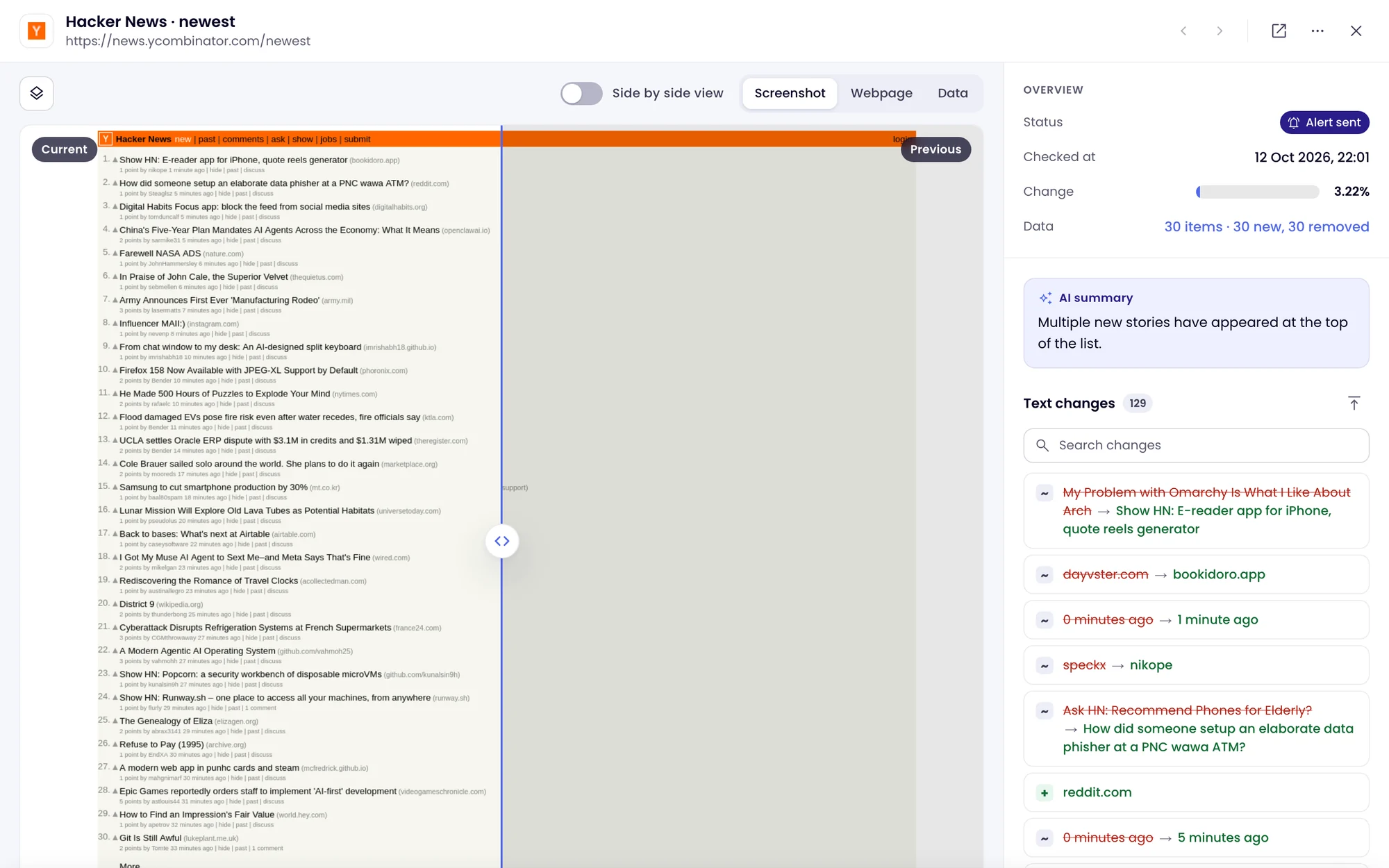
Each check is compared with the last one. AI summarises the difference and decides whether it matches what you asked for.
-
You get an alert that explains itself
Matching changes go to email, Slack, Teams, Discord, Telegram, Google Sheets or a webhook, with the summary and a link to the before and after.
What you can monitor
- How a page looks, one part of it, its text, or its source code. See monitoring modes.
- Values such as prices or counts, quoted in the alert or checked against exact conditions. See Extract data and alert on conditions.
- Speed, SEO, accessibility, broken links and security on every check. See skills.
- Pages behind a login. See Monitor pages behind a login.
- PDFs, JSON feeds, and new pages across a site.