
Telegram alerts
Get alerts from the monity.ai bot in Telegram, as a direct message or in a group with your team. There are no tokens to copy.
Direct messages
-
Switch on Telegram
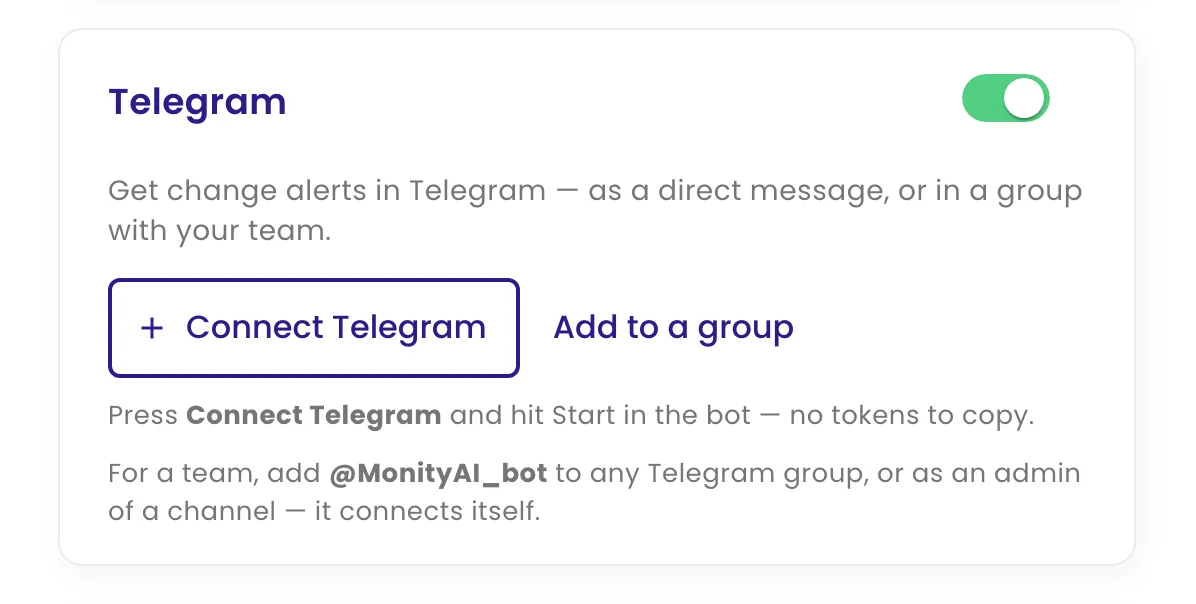
Edit the task, open Configure › Channels and switch on Telegram.
-
Connect
Click Connect Telegram. Telegram opens a chat with the monity.ai bot; press Start. Back in monity.ai the chat appears in the list and is ticked.
-
Test and save
Use the send icon next to the chat to get a test alert, then click Update task.
Groups and channels
Click Add to a group and choose the group in Telegram; it connects automatically. You can also add the monity.ai bot to a group yourself, or as an admin of a Telegram channel; its username is shown at the bottom of the Telegram panel. Each connected chat can be ticked per task, tested, or removed with the bin icon.
What arrives in Telegram
A “Change detected” message with the task name linking to the page, the date, the AI summary, and View changes and Open website buttons.