
Advanced task settings
The Advanced tab holds settings most tasks never need: where the check runs from, which saved login it uses, what it compares against, and how the page is loaded.
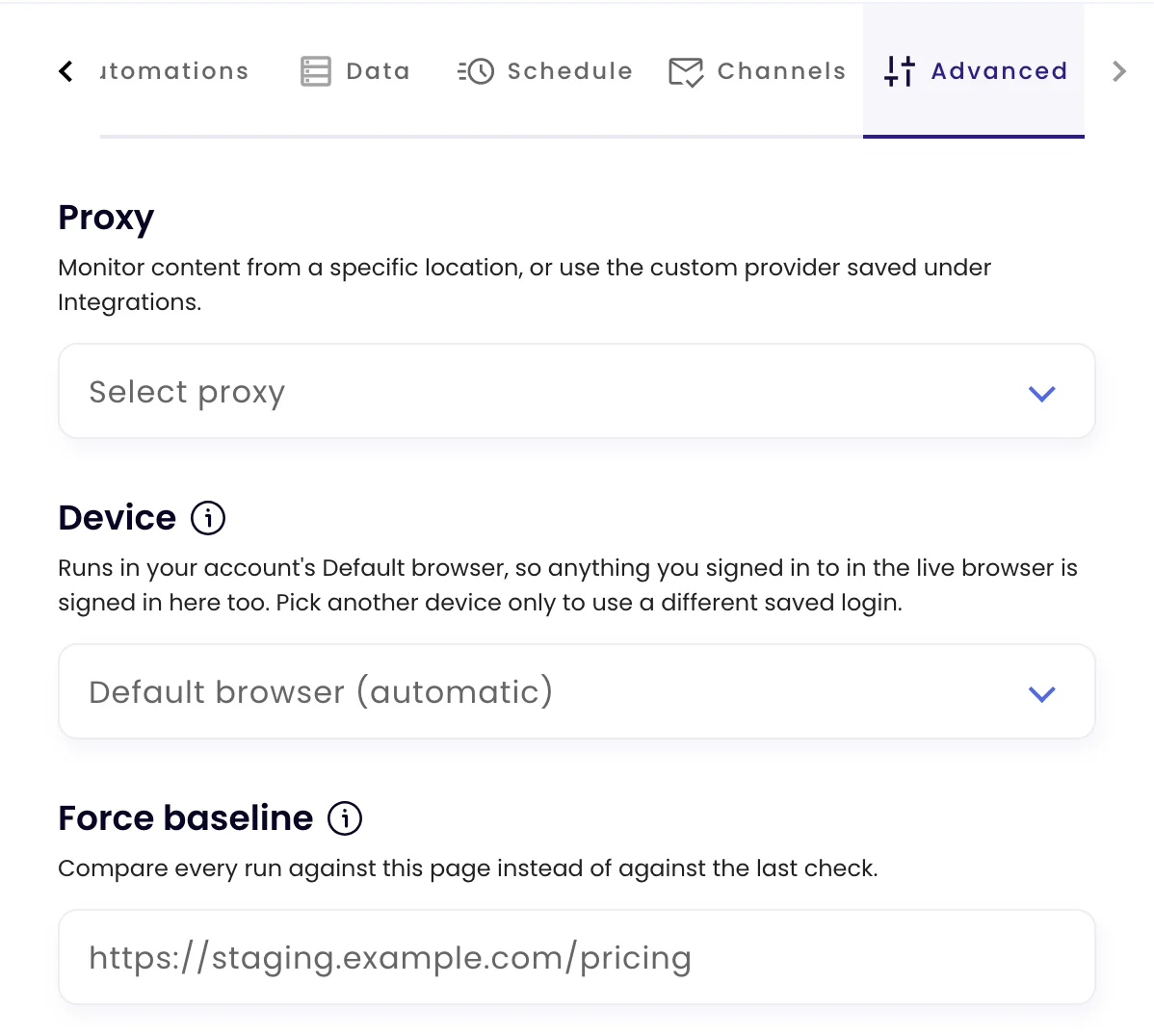
| Setting | What it does |
|---|---|
| Proxy | Checks the page from another country, to see local prices, stock or content. Choose a country, or Custom proxy (from Integrations) to use your own HTTP, HTTPS or SOCKS proxy saved under My account › Integrations. |
| Device | The saved sign-in the check uses. Leave it on Default browser (automatic) unless this task needs a different login. See Monitor pages behind a login. |
| Force baseline | Normally each check is compared with the previous one. Enter another URL here, such as a staging copy, and every check compares the two pages as they are now, so you see where they’ve drifted apart. If that URL can’t be loaded, the check falls back to comparing with its previous result and says so. |
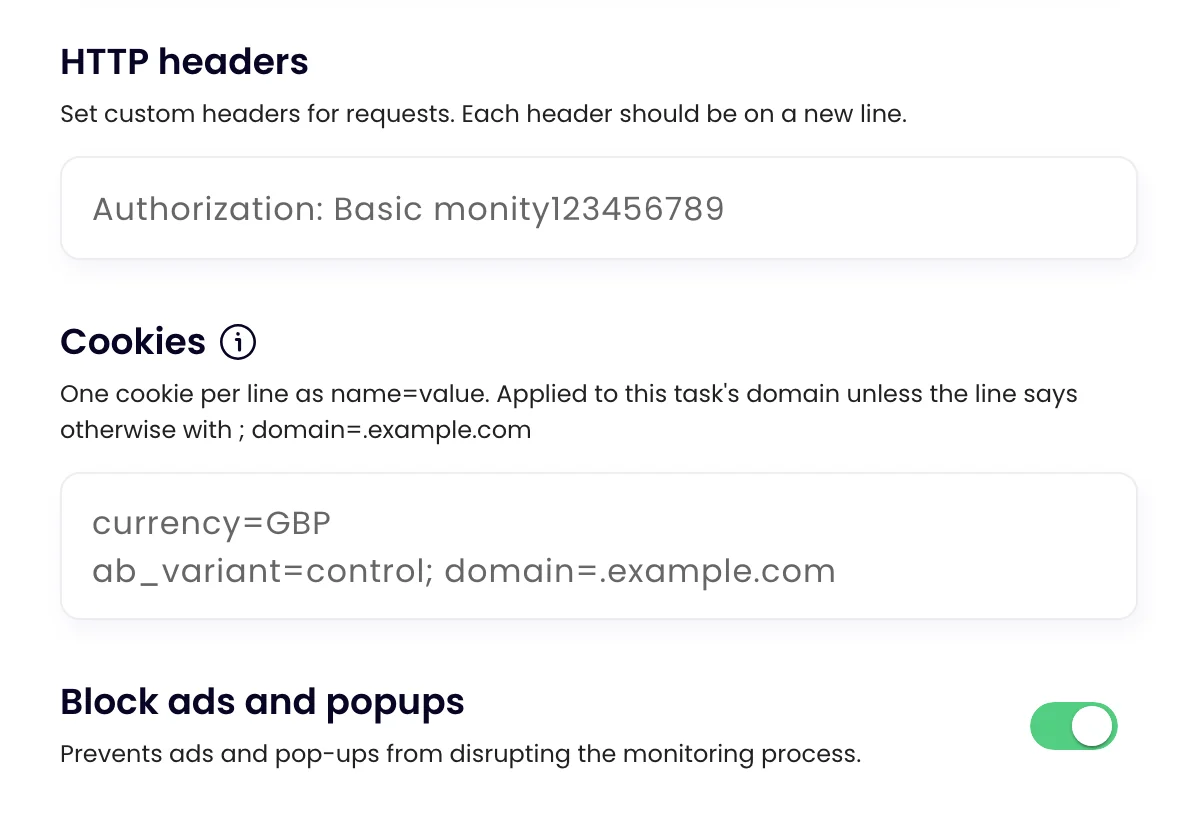
| HTTP headers | Extra request headers, one per line, for example Authorization: Basic …. |
| Cookies | Cookies set before the page loads, one per line as name=value. Use them to pin things that would otherwise vary between checks, such as currency, language, an A/B test bucket or a consent choice. Not suited to staying signed in, because session cookies expire. |
| Block ads and popups | Keeps ads and pop-ups from covering the page or showing up as changes. On by default. |
| Task labels | Groups the task with others. See Organise tasks with labels. |
Was this page helpful?