
Heartbeat monitoring: get alerted when a cron job doesn’t run
A heartbeat monitor watches a job that runs on a schedule: a backup, a cron job, a queue worker, a nightly import. Your job calls a link when it finishes. If the call does not come in time, Monity alerts you, because the job did not run, failed before the end, or ran late.
Create a heartbeat monitor
-
Choose Heartbeat
On the Uptime page, click New monitor and choose Heartbeat. Give it a name your team will recognise in an alert, such as “Nightly backup”.
-
Say how often the job runs
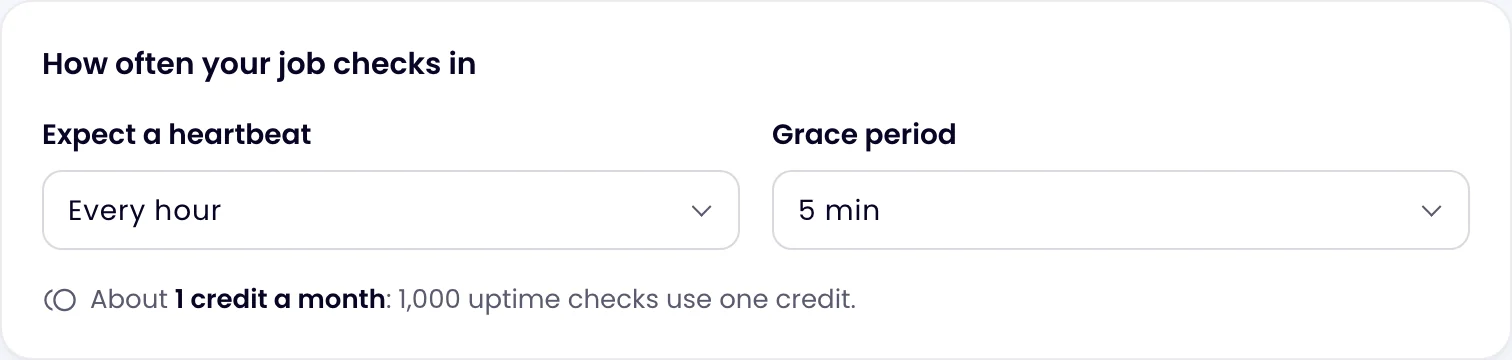
Under How often your job checks in, set Expect a heartbeat to the job’s schedule: every minute, 5, 10, 15 or 30 minutes, every hour, or every 6, 12 or 24 hours. The Grace period is how late the call may be before the monitor is down: 1, 5 (the default), 15 or 30 minutes, 1 hour or 6 hours. Allow for the longest the job normally takes.
-
Create it and copy the link
Click Create monitor. The monitor’s page shows the Heartbeat link and a ready-made
curlcommand, each with a Copy button. Until the first call it says it is waiting for the first heartbeat.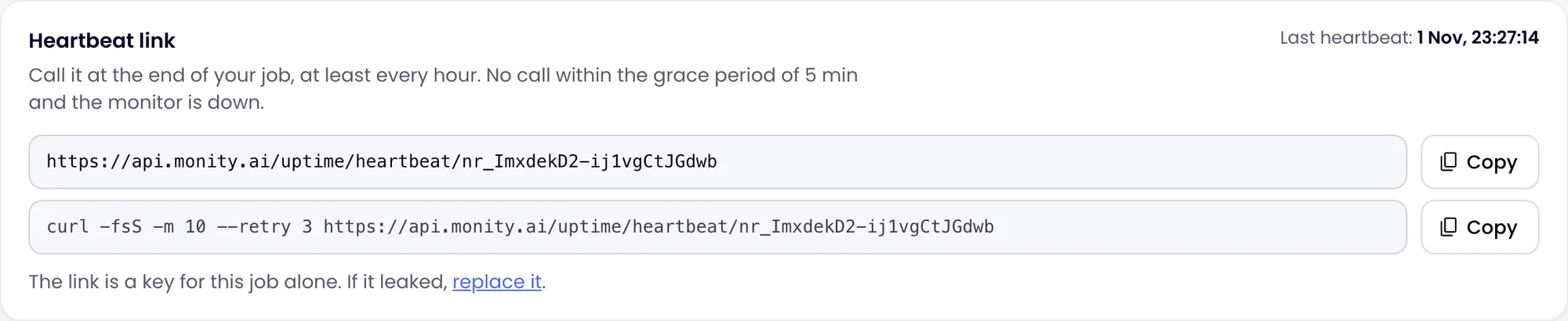
-
Call it at the end of your job
Add the call as the job’s last step, so it only runs when everything before it worked. The link answers GET, POST and HEAD and needs no sign-in.
Examples
A crontab entry that runs a backup at 02:00 and checks in only if the backup succeeded (&&):
0 2 * * * /usr/local/bin/backup.sh && curl -fsS -m 10 --retry 3 https://api.monity.ai/uptime/heartbeat/<your-token>The same at the end of a shell script:
#!/bin/sh
set -e
pg_dump shop > /backups/shop.sql
curl -fsS -m 10 --retry 3 https://api.monity.ai/uptime/heartbeat/<your-token>
In a scheduled CI job (GitHub Actions, GitLab CI and the like), add the curl line as the final step. In code, any HTTP request to the link works, for example fetch(url, { method: 'POST' }) in Node.js or requests.post(url) in Python.
When it goes down and comes back
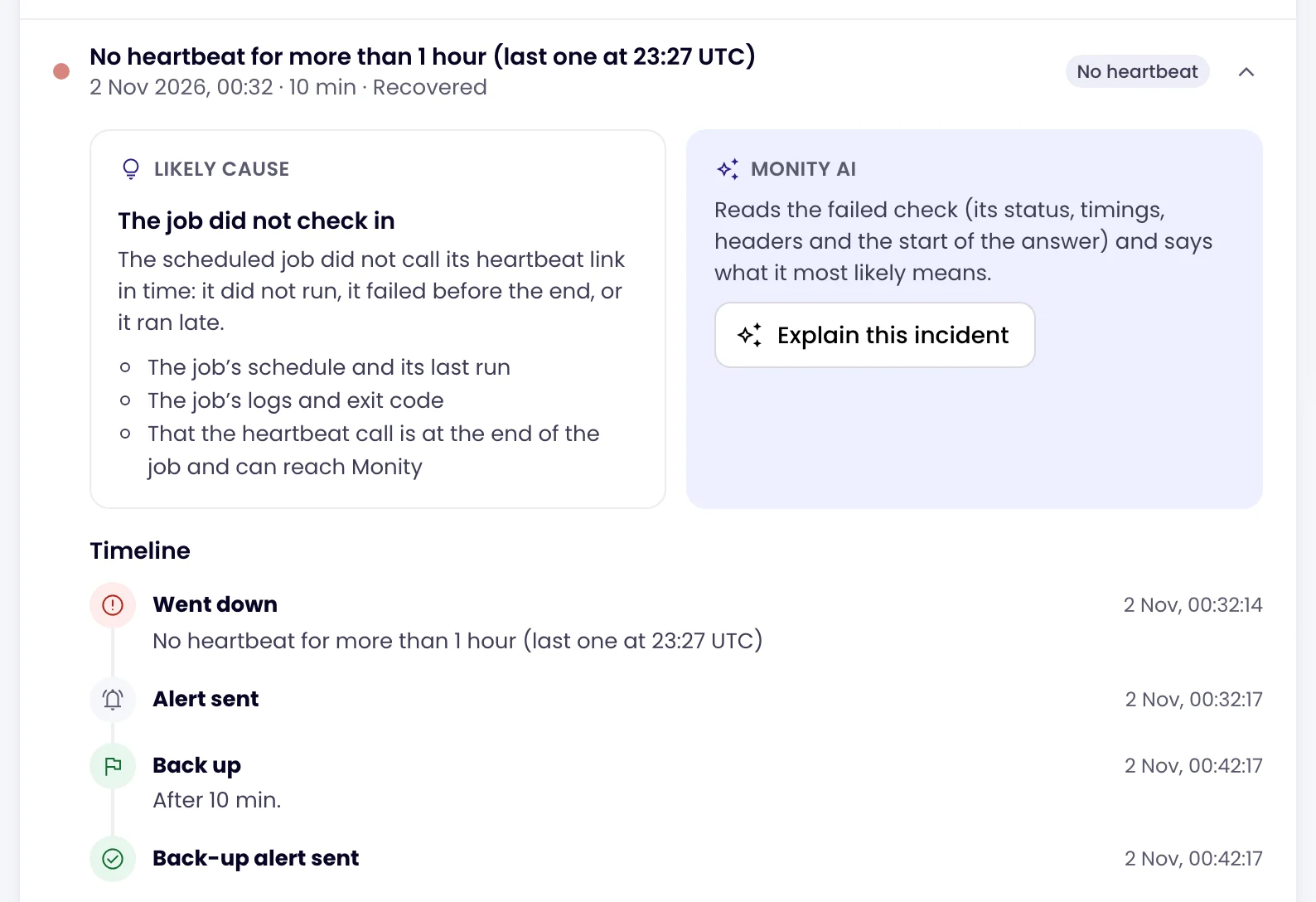
If no call arrives within the interval plus the grace period, the monitor goes down and an alert goes out through its channels. The incident’s likely cause reads “The job did not check in”, with what to look at: the job’s schedule and last run, its logs and exit code, and whether the call can reach Monity. The next call ends the incident and, unless you switched it off, sends a recovery alert.
A paused monitor accepts calls but ignores them. After a maintenance window, a heartbeat monitor gets a full interval and grace period from the window’s end before it can be down.
Anyone with the link can check in for your job, so only admins and editors see it. If it leaks, click replace it on the monitor’s page and update your job: the old link stops working.