


Type
Type enters text into a field before the check: a search term, a postcode, a filter value, or a login form.
-
Add a Type step
On the task’s Automations tab, add a step and choose Type.
-
Pick the field and enter the text
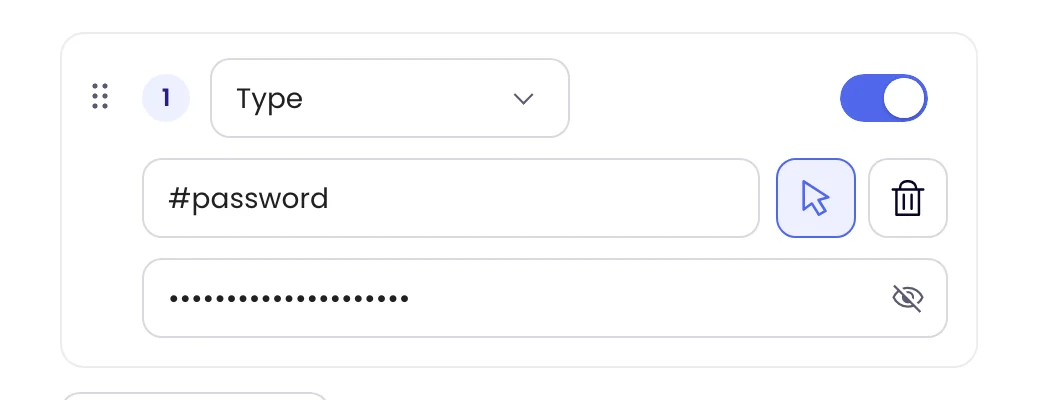
Pick the field with the pointer icon or type its selector, then enter the words to type.
-
Submit if needed
Add a Click step on the form’s button if the page needs it.
Passwords and other secrets
Click the eye icon next to the text to mark it private. Private text is hidden in the editor and stored encrypted; once saved it can’t be shown again, only cleared and re-entered.
Easier for logins
For most sites it’s simpler, and works with two-factor sign-in, to log in once in the live browser. See Monitor pages behind a login.
Was this page helpful?