
Element mode
Element mode watches one part of a page, such as a price, an availability badge, a table or a headline, and ignores everything else. It alerts when that element changes, wherever it moves on the page.
-
Load the page
Open the task in the editor, or start a new one and load its address. The page appears in the preview on the left.
-
Hover and click Focus here
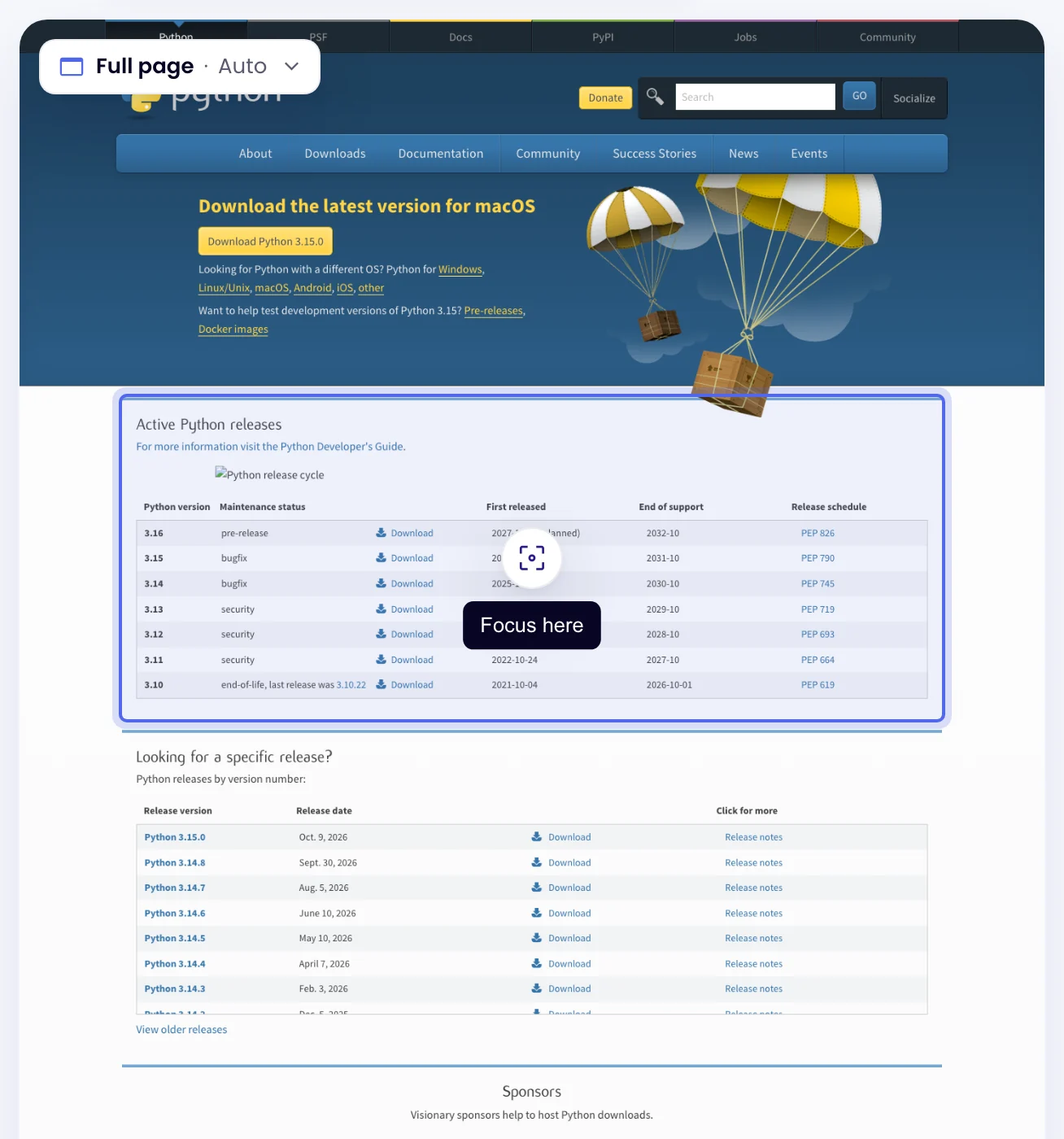
Move over the preview: the block under the pointer is outlined, with a round Focus here button in its middle. Click it.
-
Choose Element and use it
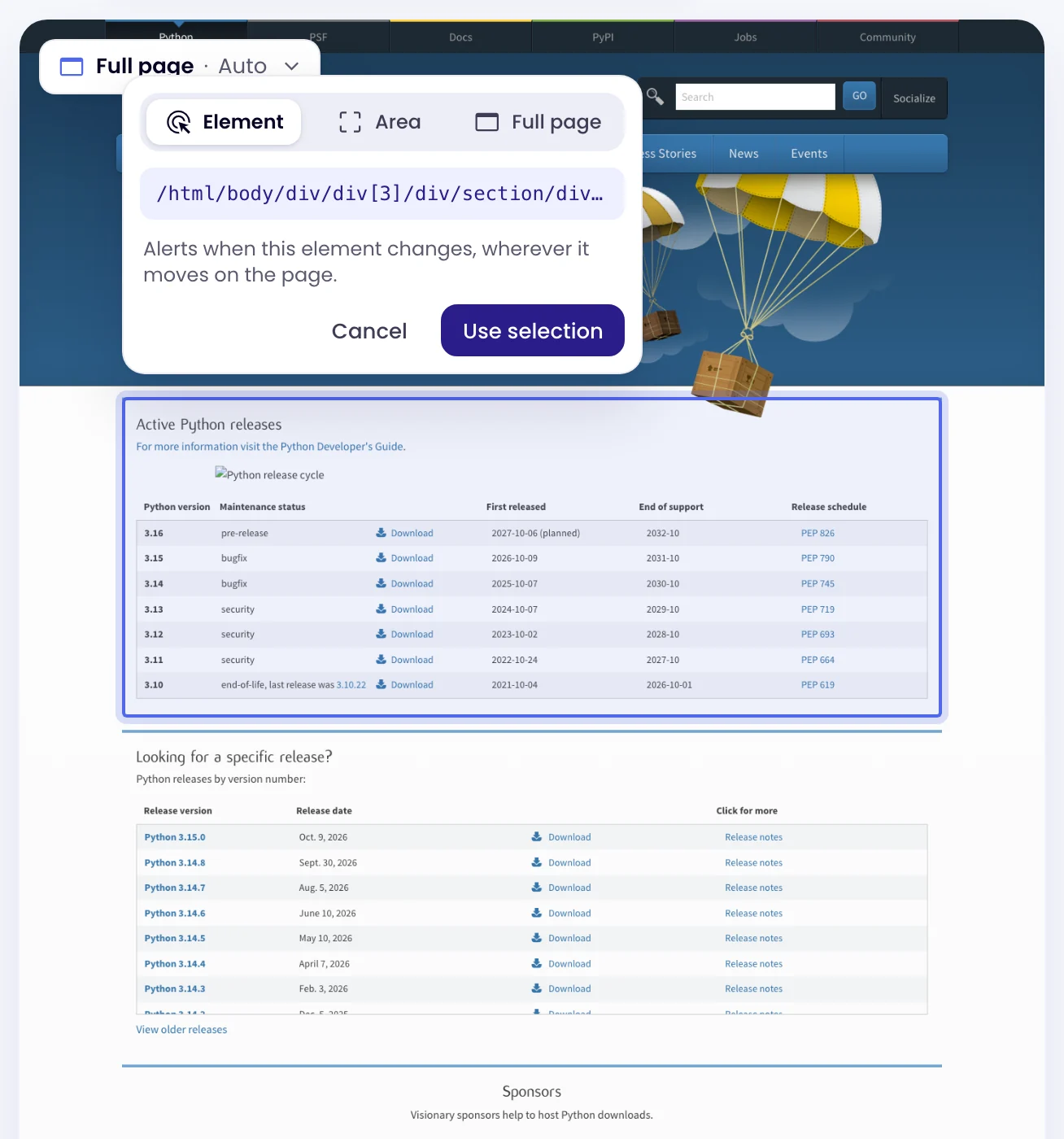
A small window asks what to watch: Element, Area or Full page. Choose Element; the element’s selector shows under the choice. Click Use selection to keep it, or Cancel. Nothing changes until you click Use selection.
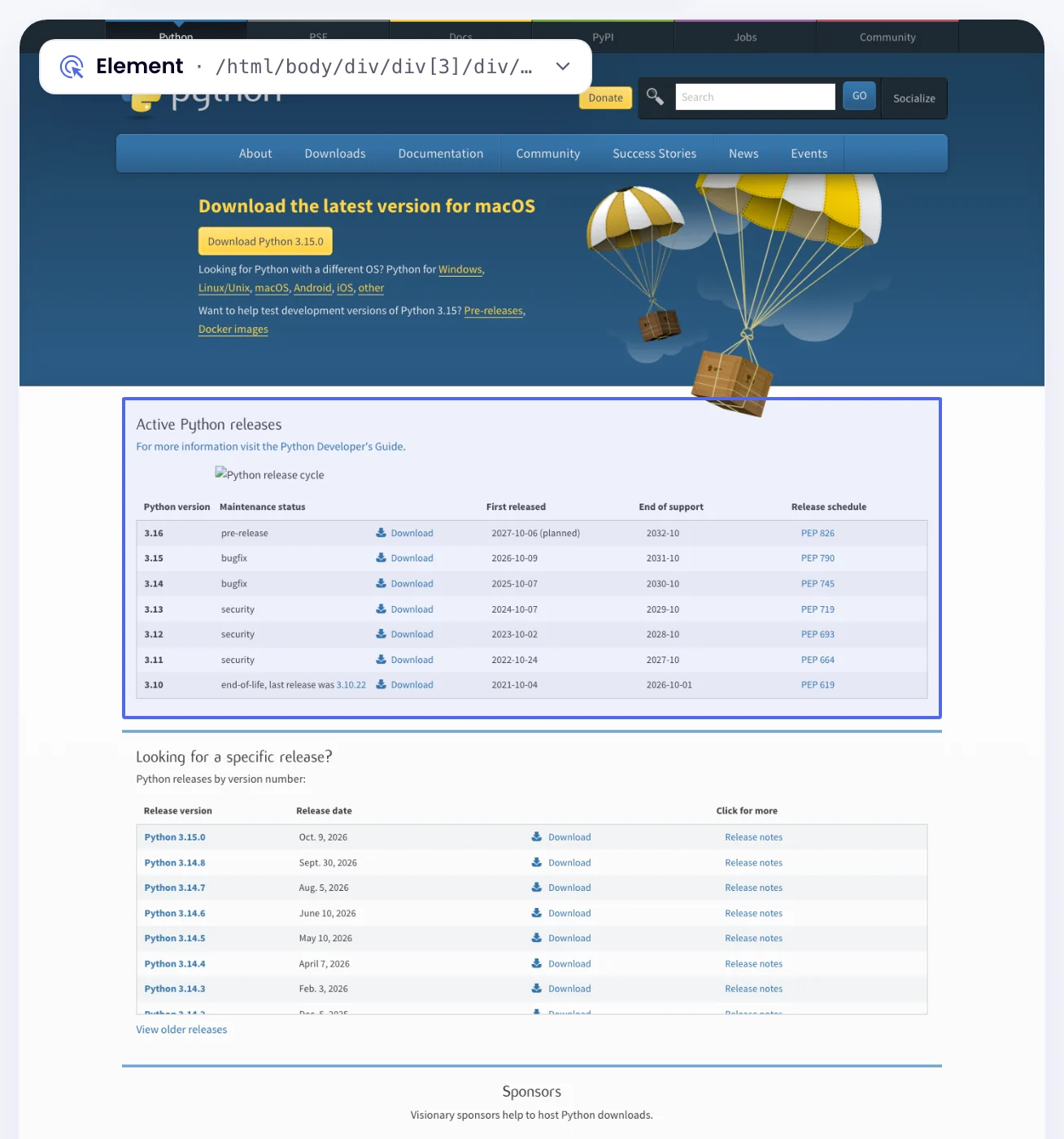
The task switches to Element mode. A chip at the top left of the preview shows what it watches, for example Element with the selector. Click the chip to change it.
-
Check the selector and threshold, then save
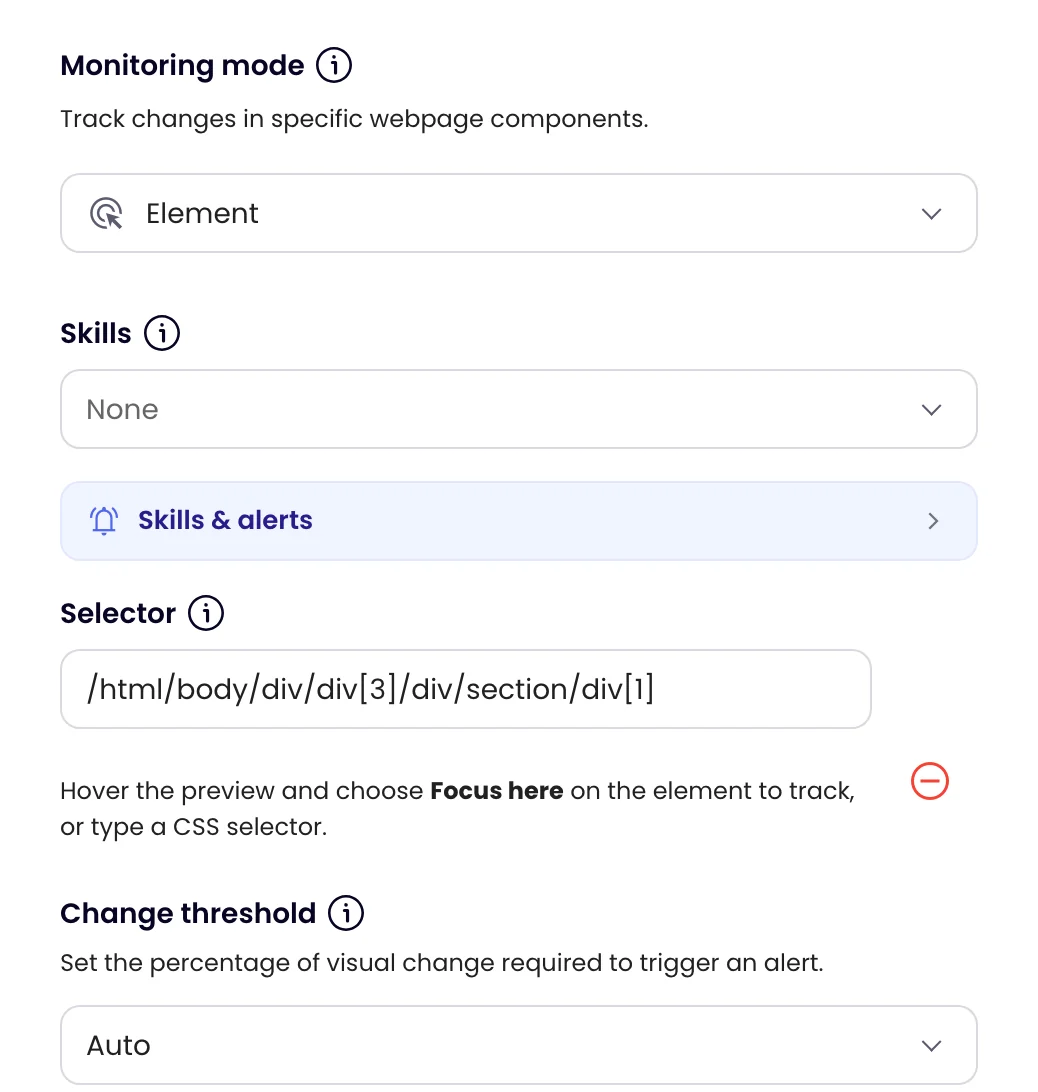
On the Settings tab, Selector holds the CSS selector or XPath. You can also type one there instead of picking. Change threshold works as in Visual mode. Click Update task.
The picker and the chip are there in Auto, Visual and Element modes, once a page has loaded. Choosing Area draws a box instead (see Visual mode), and Full page watches the whole page again.
Add a Notify me when rule such as “the price drops below 1.30; include the price”, so the alert quotes the value. See Extract data and alert on conditions.