
Screenshot API: a screenshot of any page from one HTTP call
The Screenshot API gives you a screenshot of any public page from one HTTP call. Monity takes it with the same browser its checks use: cookie and consent banners dismissed, ads blocked, lazy content loaded and the whole page stitched into one image. Each screenshot costs 1 credit, a failed one is refunded, and a cached one is free.
Before you start
You need an API key with write access, because a screenshot spends a check:
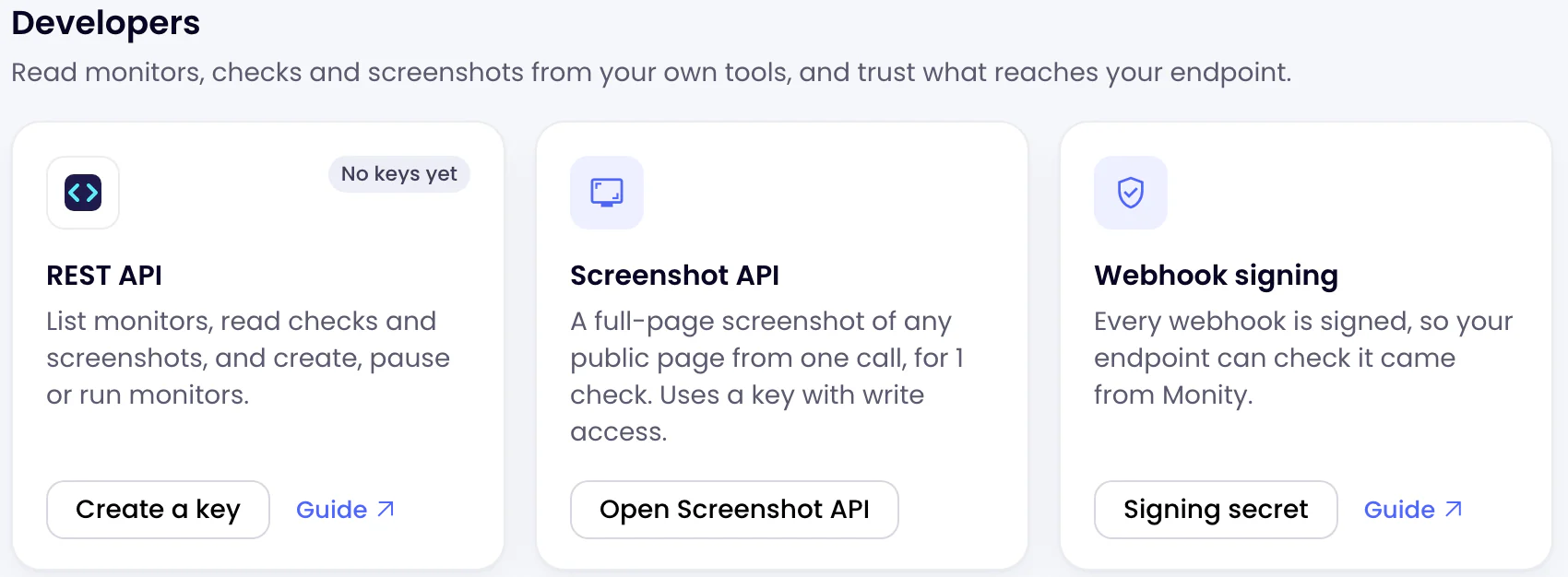
- In the app, open Integrations. Under Developers, click Create a key on the REST API card.
- Name the key, switch on Allow write access and click Create key.
- Copy the key, which starts with
mk_live_. It is shown once. Keep it on your server: never put it in a web page or an app people can download.
The Screenshot API is on every plan, the free one included. Screenshots are paid from the checks of the workspace the call names, or of your account’s default workspace.
Take a screenshot
Send the page’s address to https://api.monity.ai/v1/screenshot with your key in the Authorization header. The answer is the image itself.
curl
curl -G https://api.monity.ai/v1/screenshot \
  -H "Authorization: Bearer YOUR_API_KEY" \
  --data-urlencode url=https://example.com \
  -o screenshot.png
JavaScript (Node.js 18 or later)
import { writeFile } from 'node:fs/promises';

const response = await fetch('https://api.monity.ai/v1/screenshot', {
  method: 'POST',
  headers: {
    Authorization: 'Bearer YOUR_API_KEY',
    'Content-Type': 'application/json',
  },
  body: JSON.stringify({
    url: 'https://example.com',
  }),
});
if (!response.ok) throw new Error(await response.text());

const image = Buffer.from(await response.arrayBuffer());
await writeFile('screenshot.png', image);
Python
import requests

response = requests.post(
    "https://api.monity.ai/v1/screenshot",
    headers={"Authorization": "Bearer YOUR_API_KEY"},
    json={
        "url": "https://example.com",
    },
    timeout=120,
)
response.raise_for_status()

with open("screenshot.png", "wb") as file:
    file.write(response.content)
Put your key in place of YOUR_API_KEY. X-Api-Key: YOUR_API_KEY works as well as the Authorization header; a key in the address is not accepted. GET takes the parameters in the query, POST as a JSON body.
Choose what you get
Without options you get the whole page at 1440 × 900 as a PNG, with banners and ads cleared. The options you will use most:
| Parameter | Example | Does |
|---|---|---|
full_page |
false |
Only the first screen instead of the whole page. |
device |
mobile |
A phone-sized viewport, 390 × 844. |
width, height |
1920, 1080 |
The viewport in pixels. |
format, quality |
webp, 85 |
PNG, JPEG or WebP; quality for JPEG and WebP. |
delay |
2 |
Seconds to wait after the page loads. |
output |
json |
JSON with the image’s address instead of the image. |
cache |
3600 |
Reuse a screenshot of the same page and options taken in the last hour, for free. |
For example, the first screen at phone size, as WebP:
curl -G https://api.monity.ai/v1/screenshot \
  -H "Authorization: Bearer YOUR_API_KEY" \
  --data-urlencode url=https://example.com \
  -d full_page=false \
  -d device=mobile \
  -d format=webp \
  -o screenshot.webp
Every parameter, the answers and the errors are in the Screenshot API reference.
Price
- 1 credit a screenshot, from the workspace’s credits, the same ones its tasks use.
- Refunded when the page cannot be captured.
- Free when
cacheanswers with a recent screenshot.
Each answer says what it used and what is left, in the X-Monity-Credits and X-Monity-Credits-Remaining headers. See Pricing for the checks in each plan.
Limits
- Public pages only. Private and local addresses, and names that lead to them, are refused, and so is anything the page itself asks for there, such as a redirect or a frame. Monity does not sign in to pages for a screenshot.
- 1 screenshot at a time and 60 a minute for each account, cached ones included. After 10 failed screenshots in an hour, the account waits before it can take more.
- A whole page is cut at 25,000 pixels tall, and an image has at most 36 million pixels (a page 1,920 wide is cut at 18,750). A WebP image is at most 16,383 pixels a side: a larger page is scaled down to fit.
device=mobilesets a phone-sized viewport. The browser keeps its own identity, so a site that serves its phone pages by browser shows its desktop page at phone width.- Images stay at their address for 3 hours. Download what you want to keep.
- A site that blocks automated browsers may not let the page be captured; the check is refunded.
In the app
In the sidebar, Developers › Screenshot API has a Playground to try every option, saved setups you can call by their id, and every screenshot taken from the API or the app. See Screenshot setups, Playground and Runs.