
Create a workspace
Workspaces keep groups of tasks apart, for example one per client, team or project. Each workspace has its own tasks, labels, people and credit balance.
-
Open Workspaces
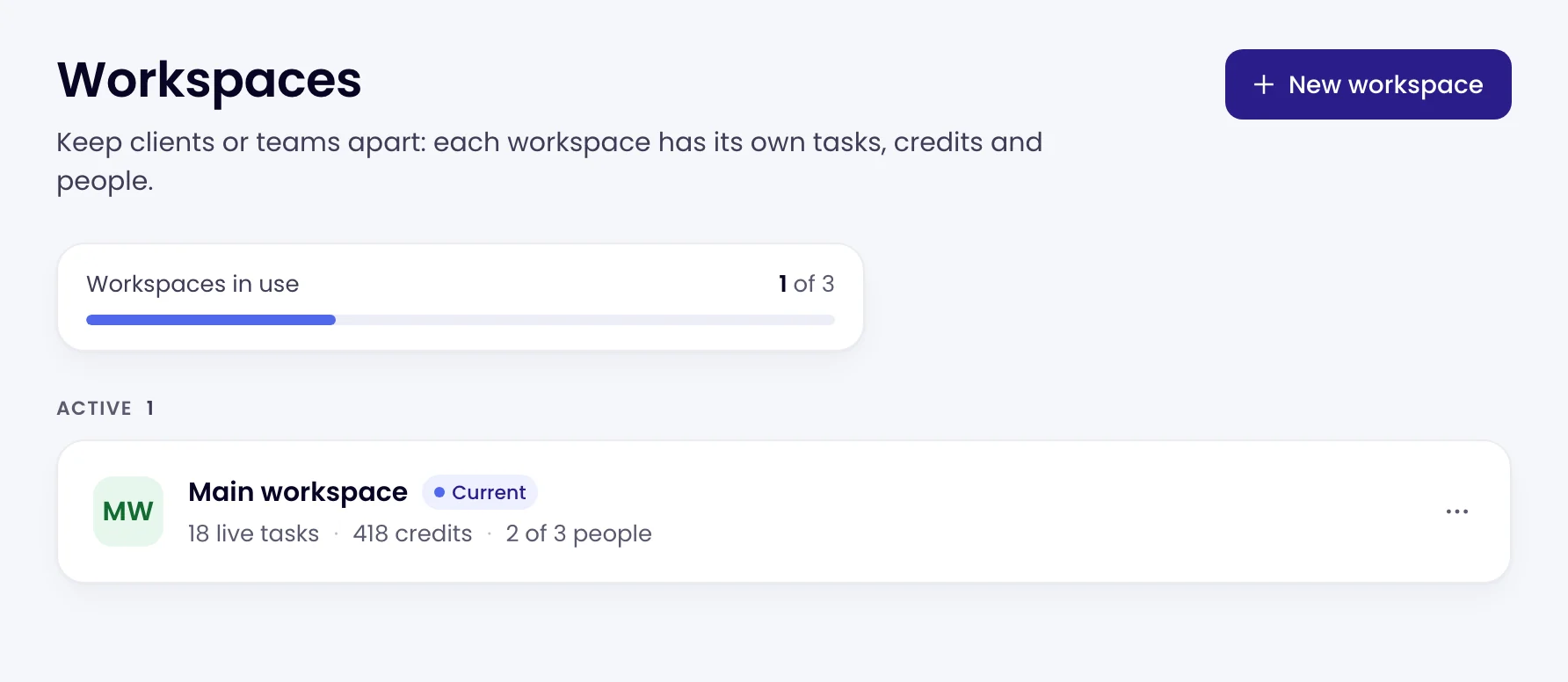
Click Workspaces in the left sidebar. Each row shows a workspace’s live tasks, credits and people. Workspaces in use at the top shows how many your plan includes.
-
Add a workspace
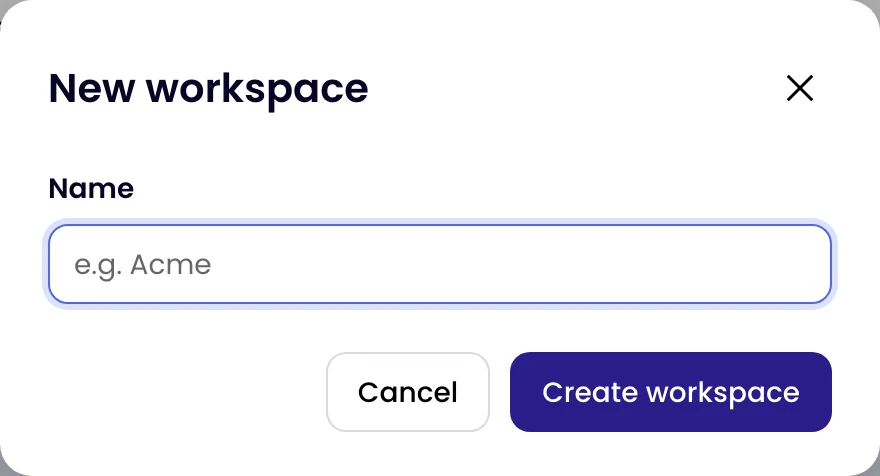
Click New workspace, give it a Name and click Create workspace.
-
Switch to it
Use the workspace switcher at the top of the left sidebar, or Open on the workspace’s row. New tasks are created in the workspace you’re in.
Your plan sets how many workspaces, tasks and people you can have. When every workspace your plan includes is in use, New workspace is greyed out and the page links to See plans. Workspaces come with Business plans; the workspace switcher also offers Get more workspaces.