
Email alerts and extra recipients
Email alerts go to everyone in the task’s workspace. Add extra addresses to copy in people who don’t have a monity.ai account.
Who gets the email
With Email switched on (the default), every member of the workspace receives the alert, except anyone who has muted their alerts. Each email has the subject “Change detected on” followed by the task name, a short AI summary, an image of what changed, and buttons to view the check and visit the page.
Add more addresses
-
Open the Channels tab
Edit the task and go to its Channels tab.
-
Enter the addresses
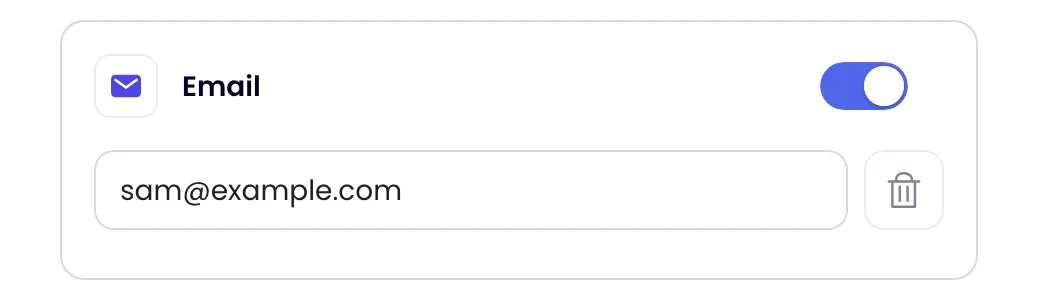
Type an address in the field under Email. Click Add for another field, or the bin to remove one.
-
Save
Click Update task.
Your plan sets how many extra addresses a task can have; when you reach it, Add disappears. Extra recipients see the summary and image, and get the button to the check only if Public checks is on in your Profile’s Preferences (click your avatar at the top right, then Profile), because they can’t sign in to your account.