
Text Script
Text Script clicks elements by the words on them. Write the steps as plain commands, and monity.ai finds the matching button or link on every check, even if the page’s code changes.
Write a script
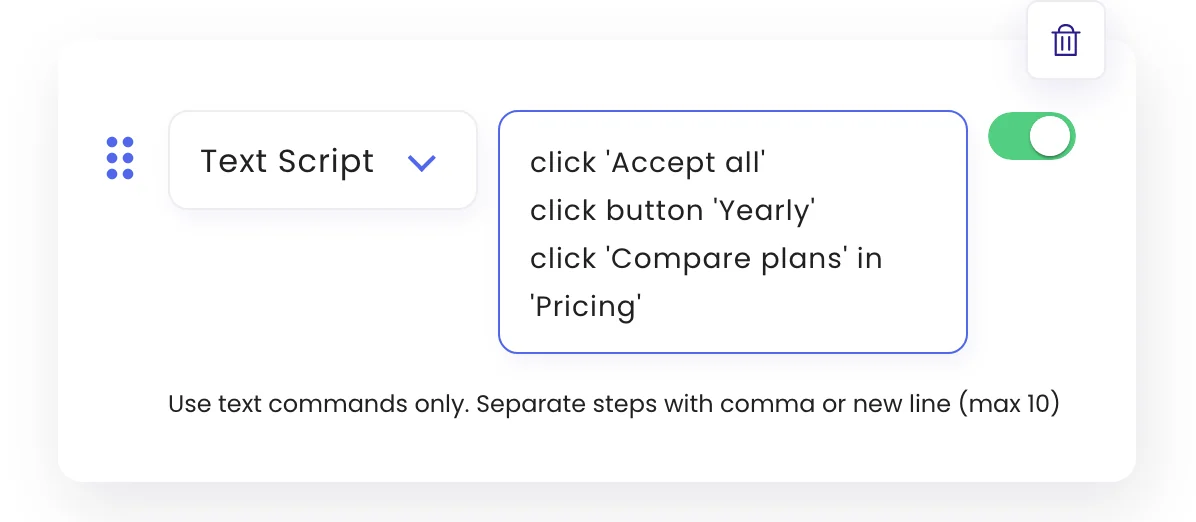
On the task’s Automations tab, add a step, choose Text Script and write one command per line (or separate them with commas). Up to 10 commands run in order.
Commands
| Command | Clicks |
|---|---|
click 'Accept all' |
The element whose text is “Accept all”. |
click button 'Yearly' |
A button with that text. link, label and radio work the same way. |
click 'Compare plans' in 'Pricing' |
“Compare plans” inside the part of the page that contains “Pricing”, when the same text appears more than once. |
The word click and step numbers such as 1. are optional. Put the text in quotes, especially if it contains a comma.
When to use it
Text Script is the quickest way to handle cookie banners and tabs. To type, choose from a drop-down or hover, use the other action types.
Was this page helpful?