
Find tasks: search, filter and sort
The toolbar above the task list lets you switch between live and inactive tasks, sort the list, filter it and search it. The controls work together, so you can search within a filtered list.
Search
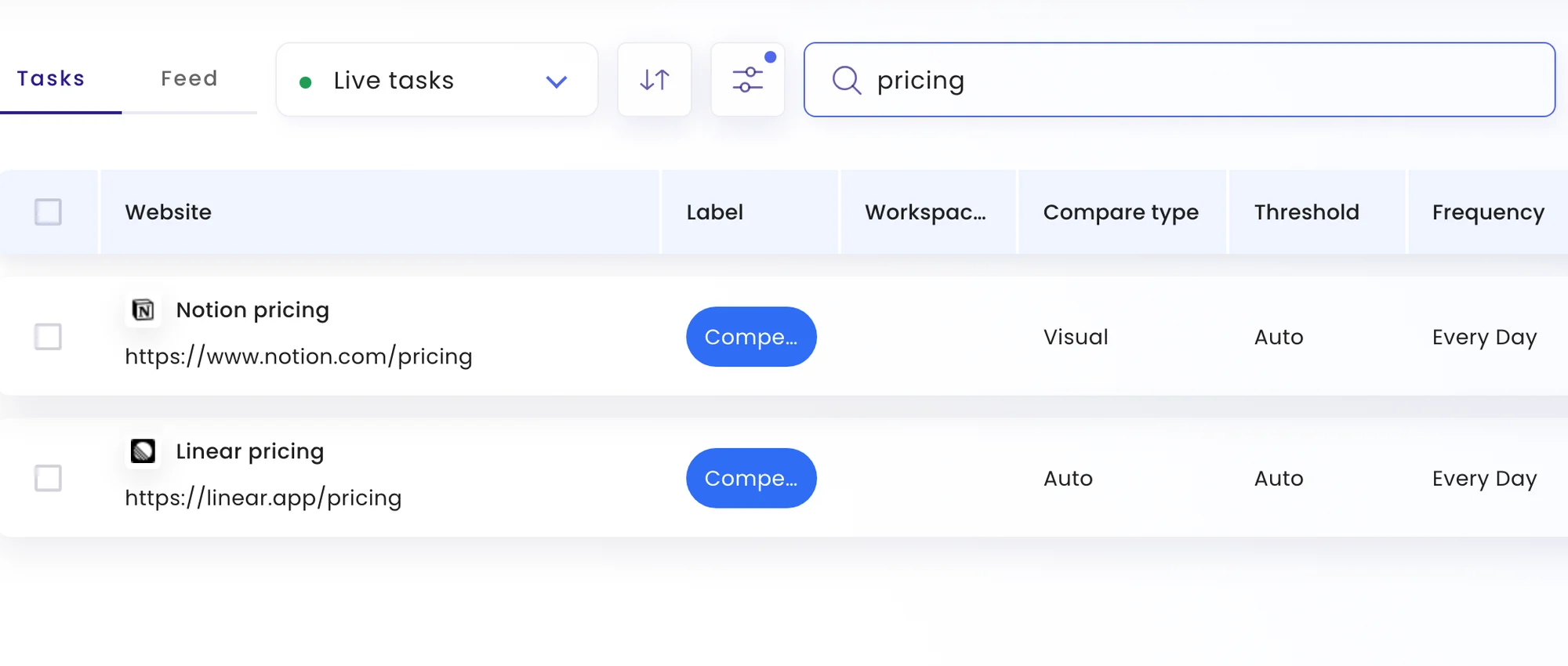
Type in the search box to narrow the list to tasks whose name or address matches.
Live and inactive tasks
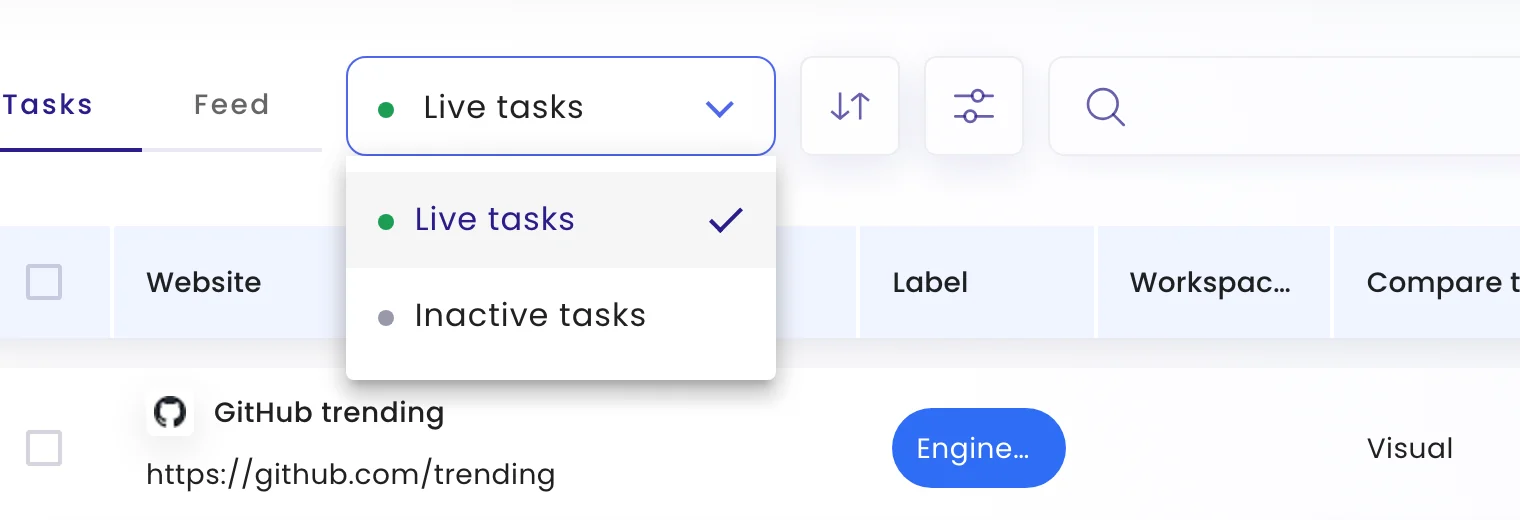
The menu next to the Tasks tab switches between Live tasks (being checked) and Inactive tasks (deactivated).
Sort
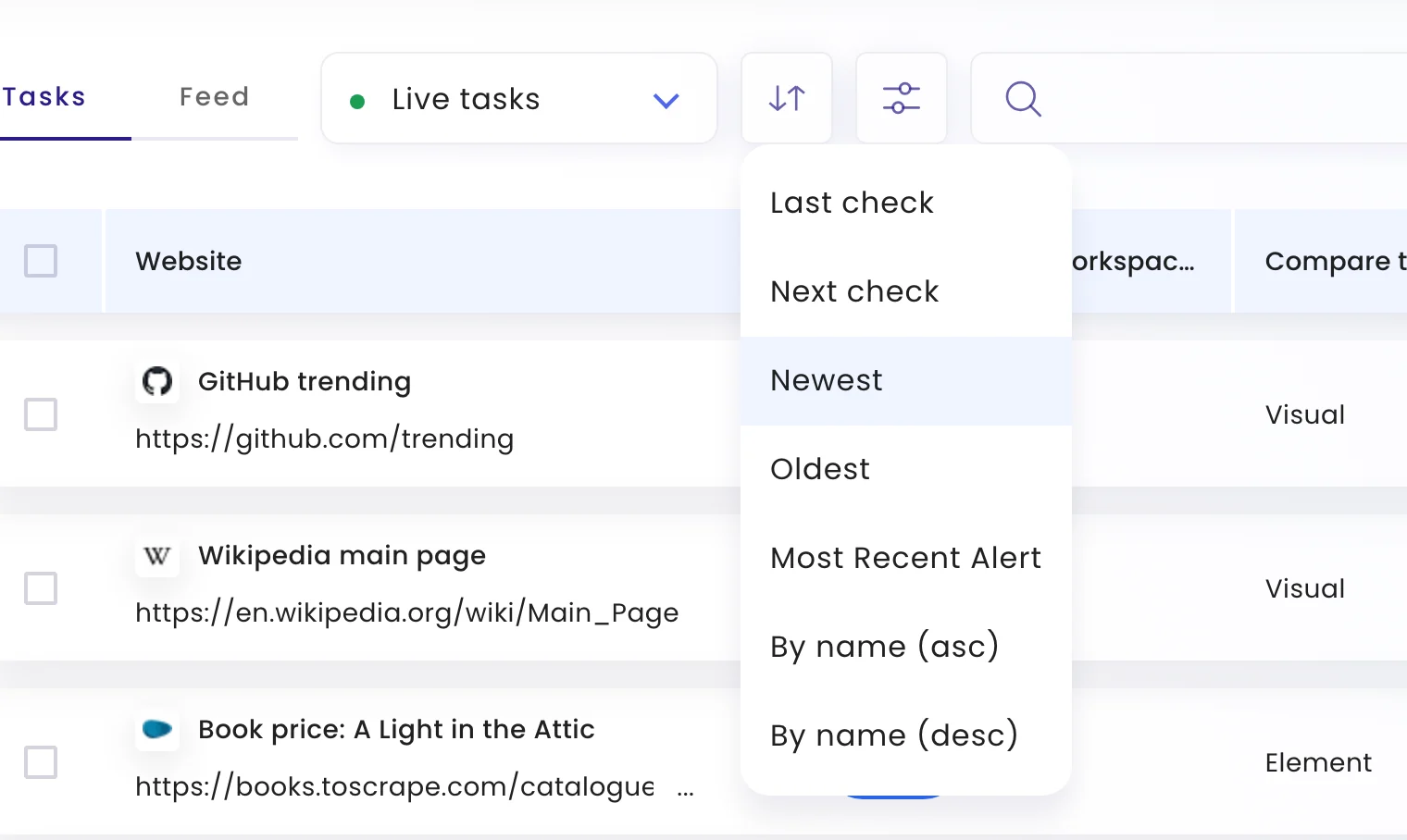
Click the arrows button to order the list by Last check, Next check, Newest, Oldest, Most Recent Alert, or by name.
Filter
Click the sliders button to filter by:
| Filter | Shows tasks… |
|---|---|
| Last Alert | that last alerted since, before or between dates you pick |
| Mode | with a monitoring mode: Auto, Visual, Element, Text, HTML or Crawler |
| Frequency | checked at a given frequency |
| Change threshold | with a given visual change threshold |
| Label | with any of the labels you choose |
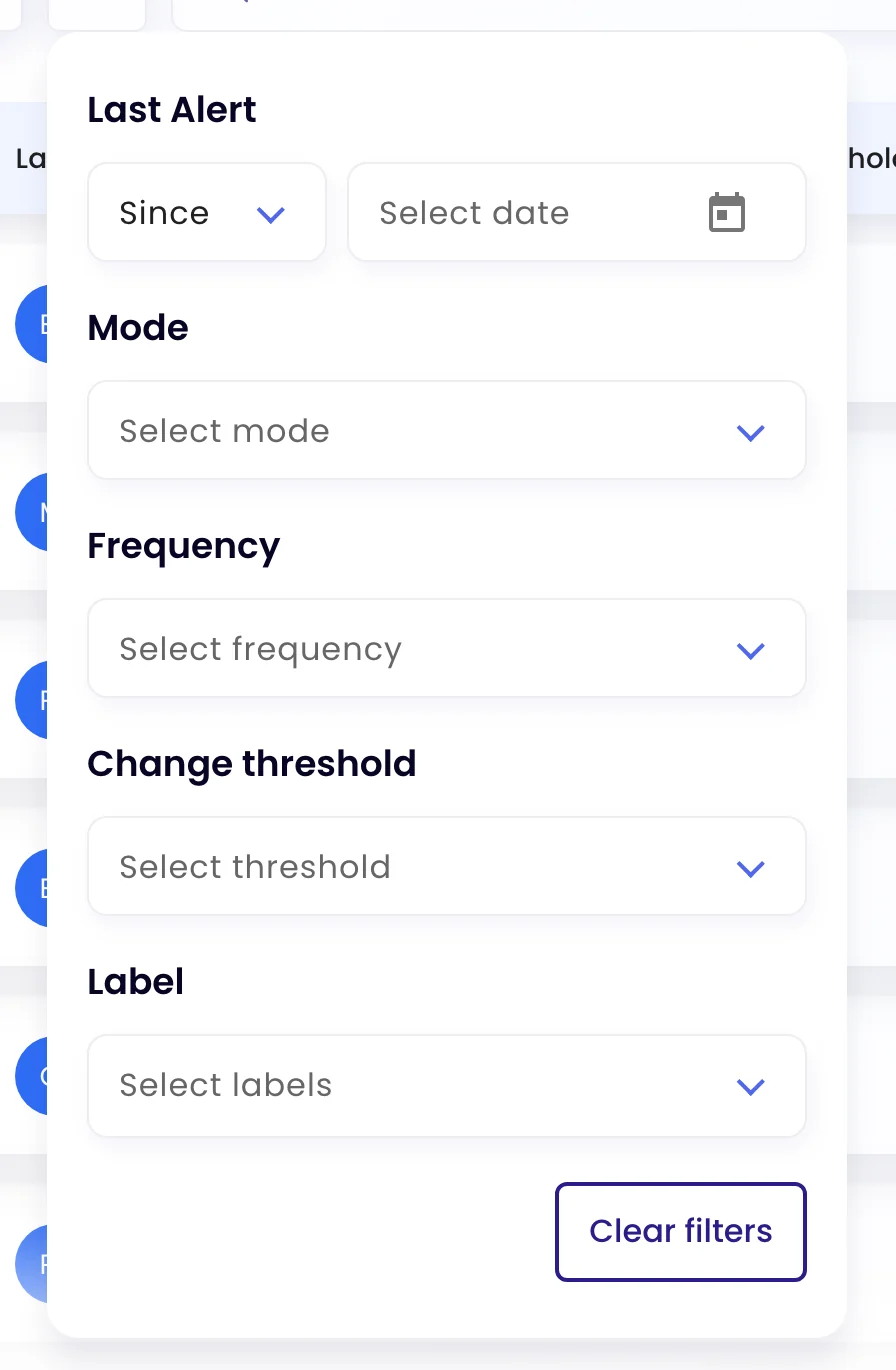
Clear filters resets them all.
Related
Was this page helpful?