
Notify me when: alert rules
“Notify me when” is a rule in plain language that decides which changes are worth an alert. Every change monity.ai finds is checked against it, and you only hear about the ones that match.
Write a rule
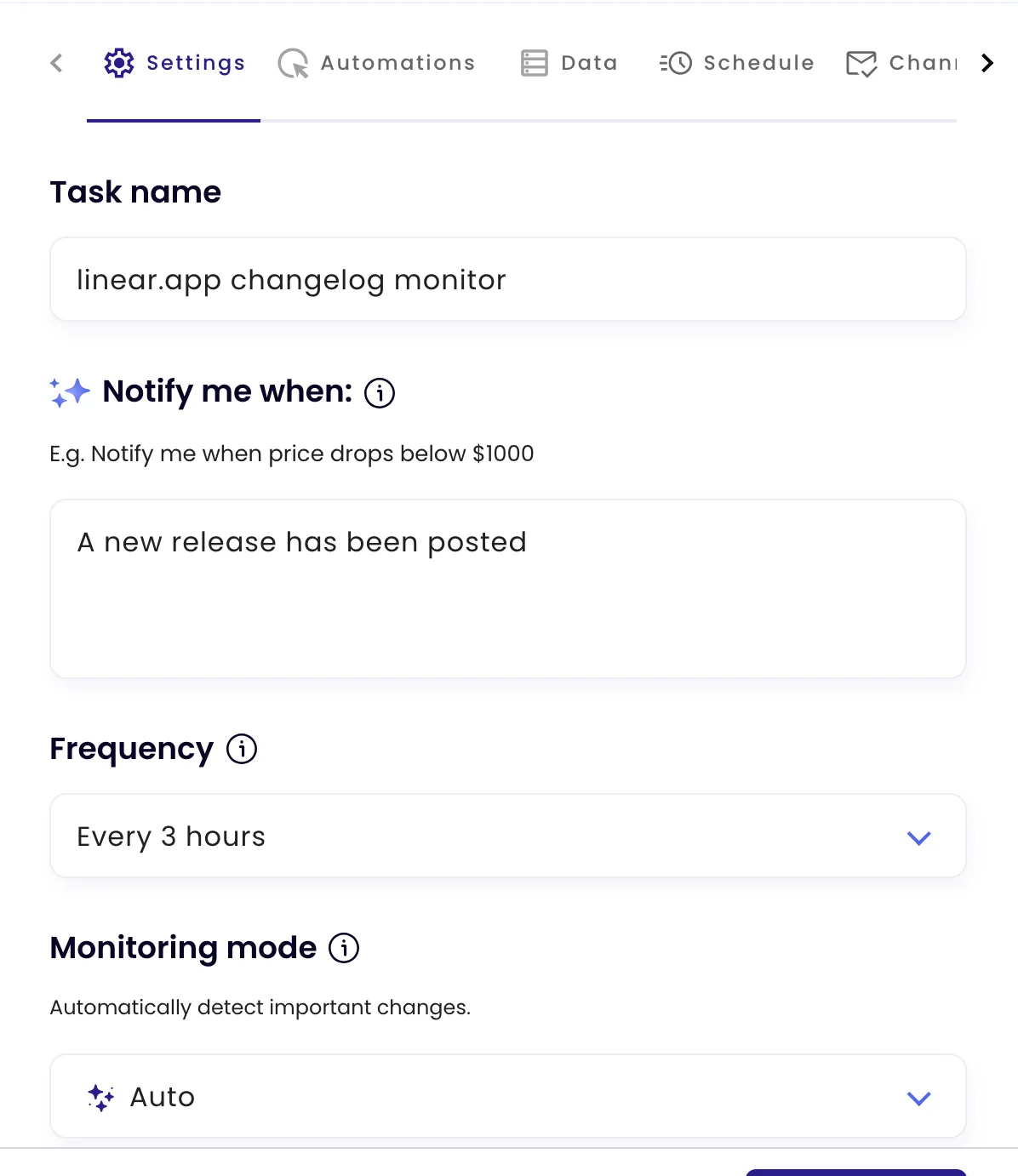
On the task’s Settings tab, type the rule under Notify me when (up to 500 characters). It’s available in Auto, Visual and Element modes. Leave it empty to be told about any meaningful change.
Rules that work well
| Instead of… | Write… |
|---|---|
| price changes | the price of the Business plan goes above $30 |
| stock | the medium size is back in stock |
| new stuff | a new job is posted in London or remote |
| policy update | the refund period or the cancellation terms change |
Be specific about what, and about the condition. Name the plan, product, section or number you care about. One rule can combine conditions: “a price drops below $20 or a new colour is added”.
How it decides
When a check finds a change, AI compares it with your rule and alerts only if it matches. When there’s a rule, it replaces the visual change threshold: even a small visible change is evaluated, and a large one that doesn’t match stays quiet. Every check is still kept in the task’s history.
For strict numeric conditions on one value, such as “less than 1.30”, use data extraction with conditions instead.