
Discord alerts
Post alerts to a Discord channel through a channel webhook. No bot to install.
1. Create a webhook in Discord
-
Open the channel’s integrations
In Discord, hover over the channel, click the gear icon and open Integrations › Webhooks. You need the Manage Webhooks permission.
-
Create and copy
Click New Webhook, give it a name such as “monity.ai”, and click Copy Webhook URL.
2. Add it to the task
-
Paste the URL
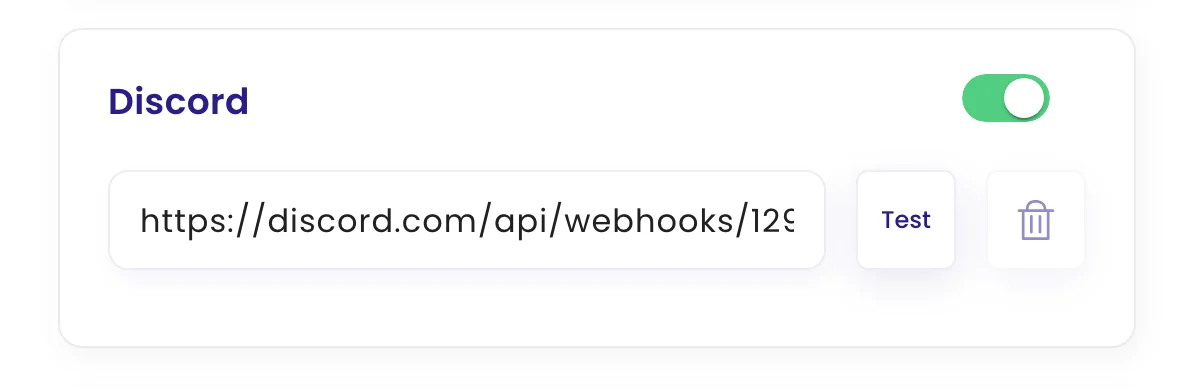
Edit the task, open Configure › Channels, switch on Discord and paste the URL. Click Test to check it works.
-
Save
Click Update task.
What arrives in Discord
A message titled “Change Alert” with the task name, and an embed with the page address and the AI summary of the change.
Was this page helpful?