


A 404 Not Found means the website is up but has nothing at that address. The page was moved or deleted, or the link has a typo. As a visitor, check the address, go up a level, or search the site for the page’s title. If it’s your site, redirect the old address to its replacement with a 301, or let it stay 404 if the page is gone and nothing replaces it.
Page not found? Where it probably went
- Check the end of the address for a typo, a stray character or a full stop copied from a sentence. On most servers letters are case-sensitive:
/Aboutand/aboutcan be different pages. - Go up a level. Remove the last part of the path to reach the section the page lived in.
- Search for the title, on the site or in a search engine. Moved pages often turn up under a new address.
- Tell the site if a link on its own pages led you there. Owners rarely see their own broken links.
Why Google shows your 404s
Search Console’s Page indexing report lists addresses Googlebot found returning 404, often old ones it still knows from links. That’s normal. Google’s crawling docs say what happens to them: a URL already indexed is removed, a new one isn’t processed, and Google crawls it less and less often. So a 404 only costs you when it’s a page that ranked or had links. Look at the list for those:
- A page that moved: redirect the old address to the new one with a 301.
- A page that’s gone with a close replacement: redirect to that replacement, not to the homepage.
- A page that’s gone for good: leave it 404, or answer 410 Gone. RFC 9110 prefers 410 when the server knows the removal is permanent.
A missing page that answers 200 is worse than a 404. Google calls a page that says “not found” or is empty, but returns 200, a soft 404, and Search Console reports it. Keep your 404 page helpful, with search and popular links, and keep its status 404.
WordPress: every page 404 except the homepage
That pattern means the rewrite rules behind pretty permalinks are missing, usually after a migration that lost .htaccess, or a move to nginx without equivalent rules. On Apache, put back WordPress’s default rules; saving Settings › Permalinks also rewrites them when WordPress can write the file:
# BEGIN WordPress
RewriteEngine On
RewriteRule .* - [E=HTTP_AUTHORIZATION:%{HTTP:Authorization}]
RewriteBase /
RewriteRule ^index\.php$ - [L]
RewriteCond %{REQUEST_FILENAME} !-f
RewriteCond %{REQUEST_FILENAME} !-d
RewriteRule . /index.php [L]
# END WordPress
A 404 that shouldn’t be there
- Just published, still 404: a CDN cached the 404. Purge the cache for that address. On a Cloudflare site the 404 itself always comes from your server: Cloudflare doesn’t generate them for customer sites.
- Images or scripts 404 after a deploy: the deploy missed files, or asset names changed while cached pages still point at the old ones.
- A private page: the RFC lets a server answer 404 to hide something you’re not allowed to see. GitHub’s API does this for private repositories.
Find broken links before visitors do
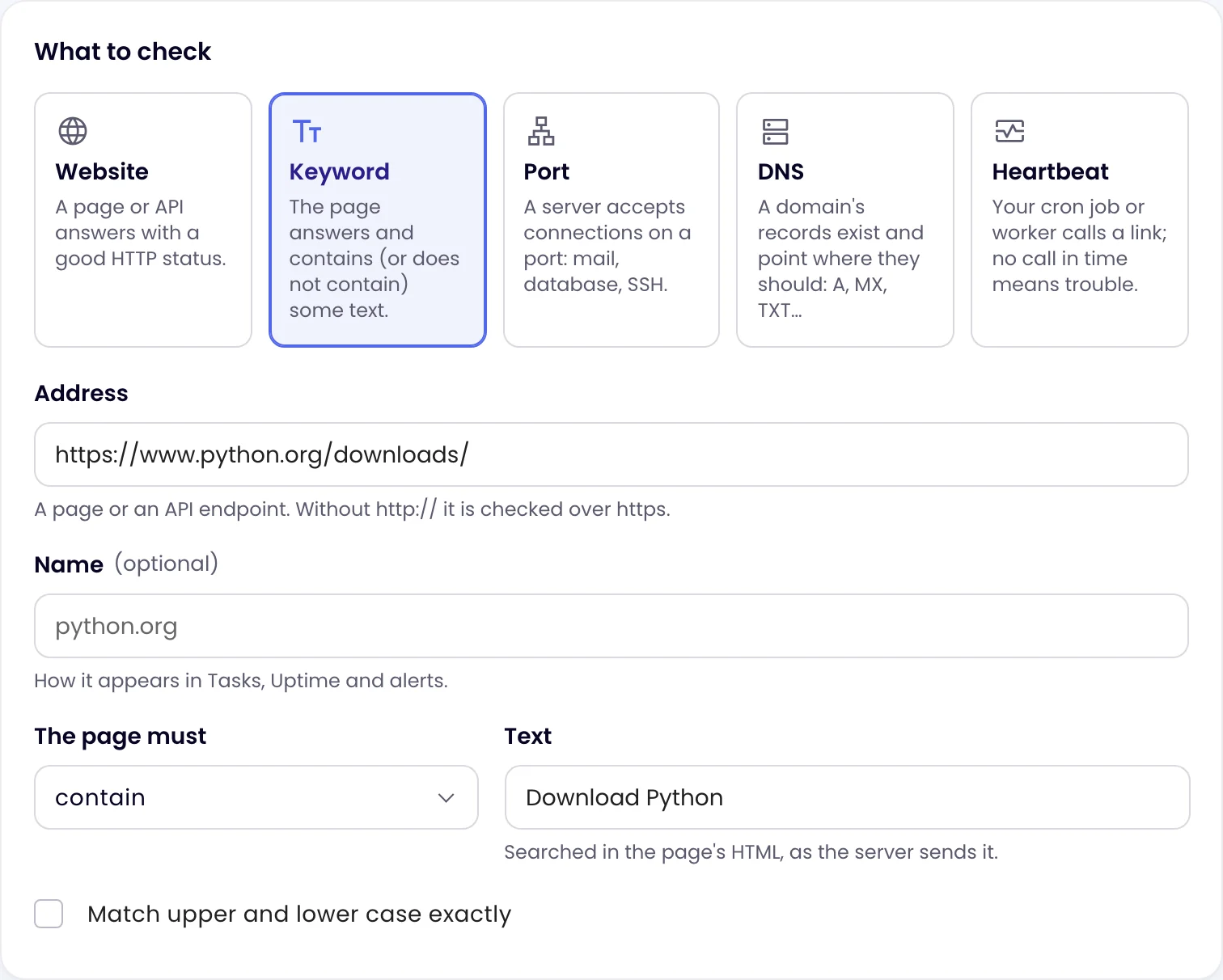
Monity’s free broken link checker finds dead links and redirect chains on a page and up to 5 of its internal pages, and the sitemap validator tests every address in your sitemap for 404s. For pages that must never disappear, a keyword monitor checks on a schedule that the page answers and still shows its own text, which also catches a “not found” page served with a 200.
More: 403 Forbidden, 302 Found and all HTTP status codes.