


A 409 Conflict means your request clashes with the current state of what it tries to change: someone else edited it first, it already exists, or its state doesn’t allow the action. Unlike most 4xx errors, a 409 is meant to be resolved: fetch the latest version, adjust your change and send it again. On a website you’ll mostly meet it when a form is sent twice, or a record changed while you had it open.
Which conflict is it?
RFC 9110 reserves 409 for cases “where the user might be able to resolve the conflict and resubmit the request”, and asks the server to say where the conflict is. So read the body first. The usual kinds:
| Conflict | Example | What to do |
|---|---|---|
| Someone changed it first | Kubernetes rejects an update made from a stale resourceVersion |
Fetch the latest version, reapply your change, send it again |
| It already exists | Kubernetes answers 409 when the object you create exists (some APIs, GitHub’s among them, answer 422 instead) | Use another identifier, or update the existing one |
| An idempotency key reused | Stripe answers 409 when a request “conflicts with another request (perhaps due to using the same idempotent key)” | Reuse a key only to retry the same request; new operation, new key |
| The state doesn’t allow it | Starting a job that is already running (MDN’s example) | Wait, or check the state first |
| WebDAV | Creating a folder whose parent doesn’t exist (RFC 4918) | Create the parent first |
| A Cloudflare site | Error 1001, a DNS resolution error, with a 409 (Cloudflare) | Only the site’s owner can fix its DNS records |
Edit conflicts: fetch, reapply, resend
The RFC’s own example is two people saving the same document. The fix is a loop: read the current version, apply your change to it, write it back, and repeat a few times if it changed again in between. Give up after a set number of tries and show the person the conflict; a blind loop can overwrite a colleague’s work.
If you build the API, HTTP already has a tool for this. The client sends the version it read in If-Match, and the server refuses the write when the version moved on:
curl -i https://api.example.com/docs/42
#  ETag: "v7"
curl -i -X PUT https://api.example.com/docs/42 \
  -H 'If-Match: "v7"' -H 'Content-Type: application/json' -d @doc.json
#  412 Precondition Failed if someone saved "v8" in between
409 or 412?
A 412 Precondition Failed answers a conditional request, like the one above, whose condition no longer holds. A 409 is the general code for a clash the server finds by itself, without a condition from the client. RFC 6585 adds 428 Precondition Required, for servers that want every write to carry a condition, so lost updates can’t happen silently.
A 409 on a website
As a visitor, a 409 after sending a form usually means it was sent already, or the thing you edited changed. Reload the page before trying again, so you don’t book or order twice. On a Cloudflare site with Error 1001, the site’s DNS is broken, and only its owner can fix it.
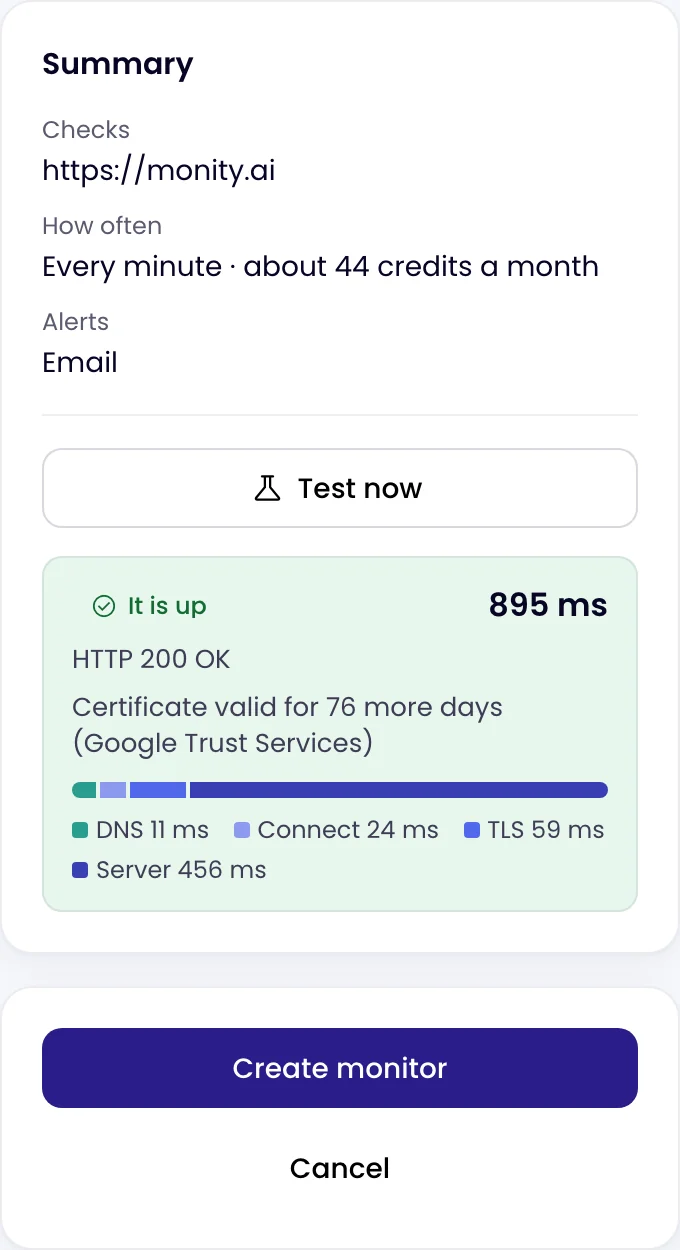
A 409 is rarely something to monitor, because it answers a particular write. To watch an endpoint’s health, check what it answers to a plain GET; Monity’s Test now shows that before you save a monitor.
More: 422 Unprocessable Content, 400 Bad Request and all HTTP status codes.