


A 429 Too Many Requests means you sent more requests than a server allows in a set time, so it refuses more until its limit resets. How long that takes is the server’s choice, and the response may say it in a Retry-After header. As a visitor, stop reloading and come back in a few minutes. In code, wait for Retry-After and back off.
How long does a 429 last?
As long as the rule that sent it says. RFC 6585, section 4 defines 429, lets the server send Retry-After, and leaves it to each server how it counts: per address, per account, per key or per endpoint. What the response tells you decides how long to wait:
Retry-After: 120means wait 120 seconds. The header can also carry a date (RFC 9110, section 10.2.3).- Rate limit headers say when the window resets. GitHub’s REST API sends
x-ratelimit-remainingand, when that reaches 0,x-ratelimit-resetin UTC epoch seconds. - Nothing at all leaves you guessing. GitHub’s rule is a good default anywhere: wait at least a minute, then wait longer after each failure.
Some limits are fixed windows. Cloudflare’s own API allows 1,200 requests per five minutes per user, and past that it blocks every call for the next five minutes. A website behind Cloudflare shows “Error 1015: You are being rate limited” instead, and Cloudflare’s advice is to wait, because retrying again and again may extend the block.
Blocked on a website: what to do
- Stop reloading. Every reload is one more request against the limit.
- Wait a few minutes, then try once.
- Turn off a VPN or change networks. Limits are usually counted per IP address (MDN), and a VPN, an office or a mobile carrier puts many people behind one address.
- Pause anything that refreshes the page for you: an auto-refresh extension, a script, or a tracker checking that site often.
- Still blocked? Contact the site. Only its owner sets the limit; Cloudflare says so for its 1015 page.
Calling an API: back off the right way
A 429 from an API is the provider asking your code to slow down. Stripe answers rate-limited requests with 429 and asks you to retry with exponential backoff and jitter. GitHub answers its secondary limits with 403 or 429. A retry loop that does both, in JavaScript:
async function fetchWithBackoff(url, options = {}, tries = 5) {
  for (let attempt = 0; attempt < tries; attempt++) {
    const res = await fetch(url, options);
    if (res.status !== 429) return res;
    const after = res.headers.get('retry-after');
    const wait = after && !isNaN(after) ? Number(after)   // seconds
      : after ? (Date.parse(after) - Date.now()) / 1000       // an HTTP date
      : 2 ** attempt;                                         // no header: 1, 2, 4, 8 s
    // Random jitter, so many clients don’t all retry at the same moment.
    await new Promise((r) => setTimeout(r, (Math.max(wait, 0) + Math.random()) * 1000));
  }
  throw new Error(`Still rate limited after ${tries} tries`);
}
Then send fewer requests. Cache answers, batch calls, take webhooks instead of polling, and read the limit headers so your code slows down before it reaches zero. A higher limit usually means a higher plan or separate keys per app, where the provider allows it.
Which limit did I hit?
| Where it comes from | What you get | What to do |
|---|---|---|
| GitHub REST API | 403 or 429; 60 requests an hour without a token, 5,000 with one | Wait for retry-after, or until x-ratelimit-reset |
| Stripe API | 429 | Exponential backoff with jitter |
| Cloudflare API | 429 past 1,200 requests in five minutes | Wait five minutes |
| A website’s Cloudflare rate limiting rule | 429 by default (the owner can pick any 400 to 499 code), shown as error 1015 | Wait; don’t keep retrying |
nginx limit_req |
503, unless the owner set limit_req_status 429 |
A 503 under load may be a rate limit |
Your own site is sending 429s
A limit set too tight turns away real customers during a sale while your dashboards look calm. Find the rule that fired in your CDN’s or server’s logs, raise it for ordinary pages, keep tight limits on login and search, and let known clients through: your monitoring and your payment provider’s webhooks. Send Retry-After, so well-behaved clients know when to come back. On nginx, rejected requests get a 503 until you set the code yourself (nginx docs):
limit_req_zone $binary_remote_addr zone=perip:10m rate=10r/s;
limit_req_status 429;
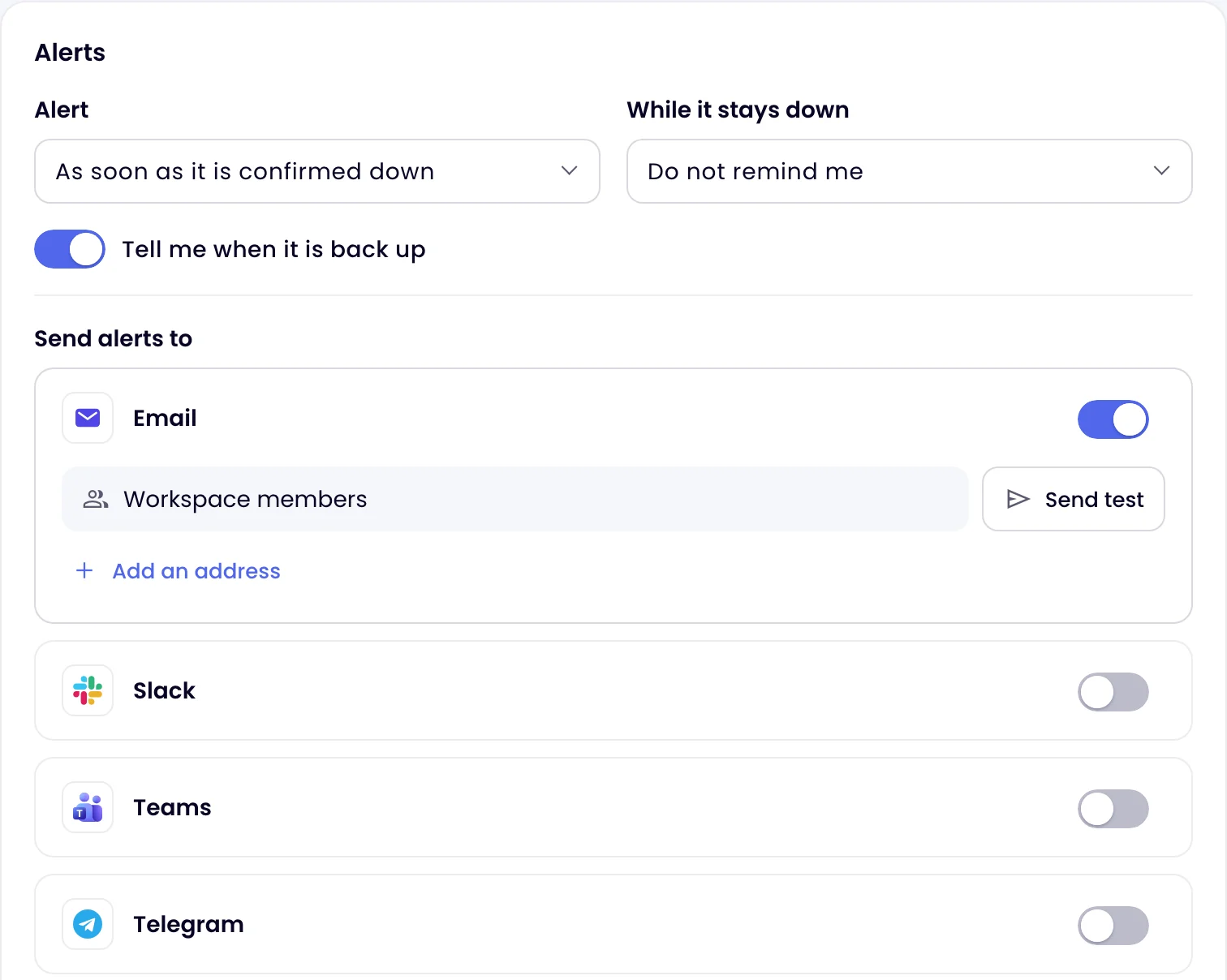
To hear about it before customers do, check the site from outside. A website monitor in Monity’s uptime monitoring counts any status outside its good range (200 to 399 unless you change it) as a failure, checks again 3 and 6 seconds later, then alerts.
More on status codes: all HTTP status codes, 503 Service Unavailable and 403 Forbidden.