


A 504 Gateway Timeout means a server in the middle, such as nginx, a load balancer or a CDN, waited for the app behind it and gave up before an answer came. The app may be running, just too slowly, or the proxy couldn’t reach it in time. To fix it, find which timeout fired and what was slow behind it; then make that work faster or move it out of the request.
A timeout between the site’s own servers
RFC 9110 defines 504 as a gateway or proxy that “did not receive a timely response from an upstream server”. That separates it from a 502, where the proxy got a broken answer (MDN). Your connection is almost never the cause, and the server that sent the 504 isn’t either: look behind it.
Which timeout fired?
| Layer | Gives up after | What you see |
|---|---|---|
| nginx, proxying to an app | proxy_read_timeout, 60 seconds by default, counted between two reads, not for the whole response (fastcgi_read_timeout for PHP-FPM) |
504, and “upstream timed out” in the error log |
| AWS Application Load Balancer | 10 seconds to connect to a target; the idle timeout, 60 seconds by default, for an answer (AWS) | 504 from the load balancer |
| Cloudflare | 125 seconds for the origin’s response | Its own error 524; a Cloudflare-branded 504 is your server’s 504 passed on |
| PHP itself | max_execution_time, 30 seconds by default (PHP) |
A fatal error, usually a 500, not a 504 |
If the 504 arrives after about 60 seconds, suspect nginx or the load balancer’s defaults; after about two minutes on a Cloudflare site, the error would be 524 instead.
Slow or stuck? Measure it
Time the slow page from the command line. curl splits the wait into connecting and waiting for the first byte:
curl -o /dev/null -s -w 'connect %{time_connect}s, first byte %{time_starttransfer}s, total %{time_total}s, status %{http_code}\n' https://example.com/report- A slow connect points at the network: a firewall or security group, the wrong upstream address, a server that stopped accepting connections.
- A fast connect and a long wait for the first byte points at the app: a heavy database query, a big export, image processing, a call to another API that hangs, or every worker already busy.
- A response that starts but never ends can be a declared
Content-Lengthlarger than the body: AWS’s load balancer waits for bytes that never come.
Make it faster, or take it out of the request
- Fix the slow part: the missing index, the uncached result, the external call without its own timeout.
- Move long work to the background. Start an export or a report in a job queue, answer at once with “in progress”, and let the page ask for the result. Cloudflare recommends this status polling for long processes.
- Add capacity when every worker is busy, or limit the endpoint that ties them up.
- Raise a timeout only on purpose, and keep the layers in order: each outer layer should wait a little longer than the one inside it, or the outer one gives up while the app is still working.
Catch the slowdown before the 504
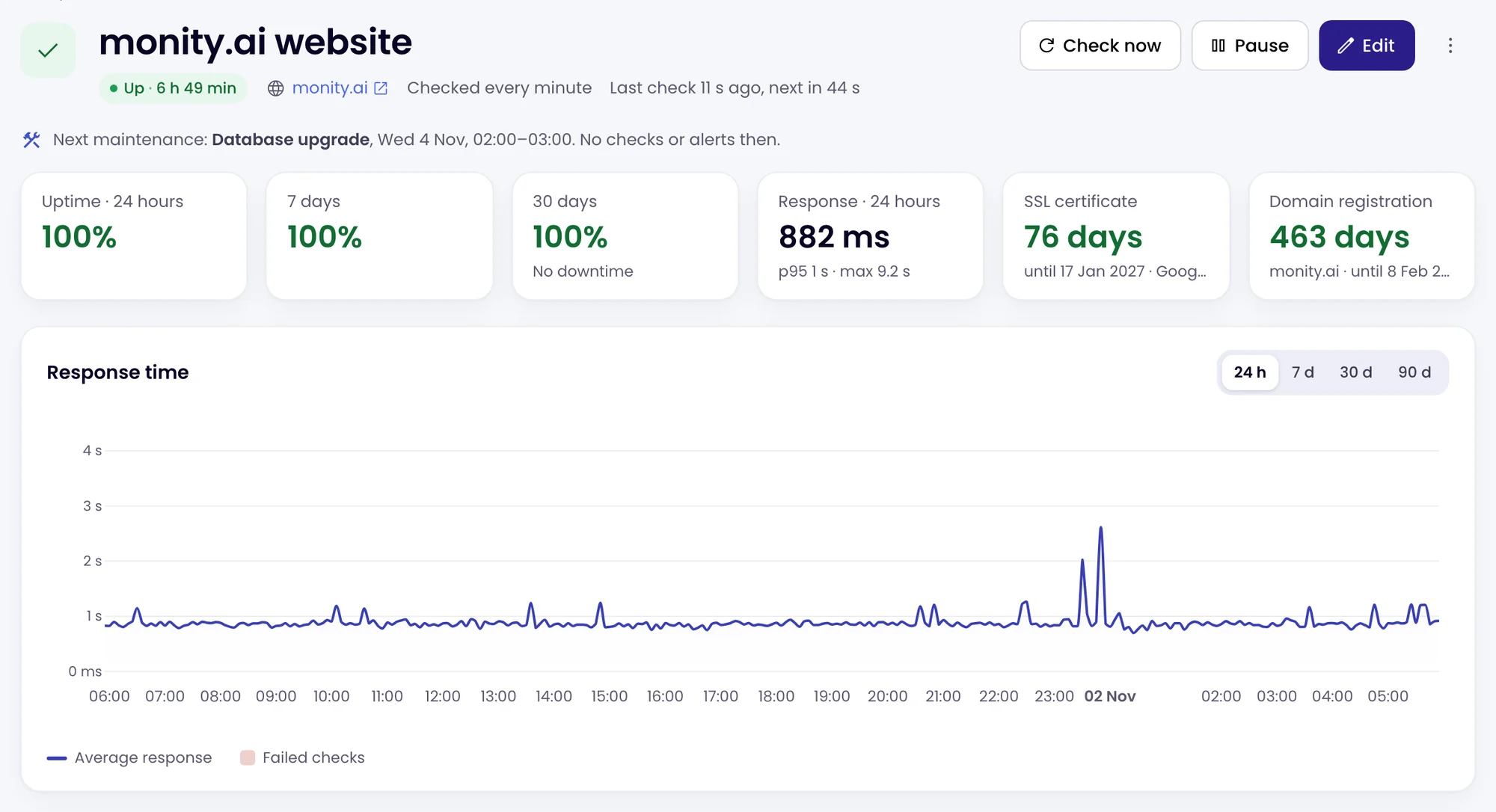
A 504 is often the end of a slow climb: response times creep up until one day they cross the proxy’s limit. Monity’s uptime monitoring records every check’s response time and can alert when responses are slow, for example over 2 seconds for three checks in a row, before they become timeouts.
Seeing a 504 on someone else’s site?
Wait a minute and reload; many pass once the load drops. If you were paying or sending a form, check your email or account before trying again: the request may have finished behind the timeout. Only if the site works for others and you use a VPN or corporate proxy is it worth checking those.
More: 502 Bad Gateway, 503 Service Unavailable and all HTTP status codes.