


A 403 Forbidden means the website understood your request and refuses it. It isn’t asking you to sign in: something about the request isn’t allowed, such as your network, your country, a security rule, or a file the server isn’t permitted to show. As a visitor, try another network and a private window. If it’s your site, the error log or the firewall’s events name the rule that said no.
Blocked on a site? Try these first
- Check the address. A link to a folder instead of a page can be forbidden on its own.
- Turn off a VPN or proxy, or switch to your phone’s mobile data. Security rules often block whole IP ranges, and VPN addresses are shared with strangers.
- Open a private window. It drops cookies and most extensions, either of which can trip a rule.
- Sign out and back in if the page belongs to an account. If it still says 403, your account isn’t allowed to see it.
- Send the site a screenshot. A Cloudflare block page carries a Ray ID; the owner can look it up and change the rule. Reloading won’t help: MDN notes that the same request fails the same way.
403 or 401?
| Code | What the server is saying | Does signing in help? |
|---|---|---|
| 401 Unauthorized | It doesn’t know who you are: credentials are missing or were refused | Yes |
| 403 Forbidden | It refuses, whoever you are (RFC 9110: it “understood the request but refuses to fulfill it”) | No, not with the same account |
| 404 Not Found | Sometimes a 403 in disguise: the RFC lets a server hide a page it won’t show | Sometimes |
Your site: which rule said no?
Read the log for the minute of the 403, or the block page itself:
| Where you see it | What it means | Fix |
|---|---|---|
nginx error log: (13: Permission denied) |
The web server’s user can’t read the file, often after a migration, a restore or an upload under the wrong owner | Ownership and permissions (below) |
nginx: directory index of … is forbidden; Apache: AH01276: … server-generated directory index forbidden |
A folder was requested and it has no index.html or index.php |
Put the index file back, or point the document root at the right folder |
A rule in .htaccess or nginx: Require, Deny, deny, an IP allowlist, a country block, ModSecurity |
Your own access rules | Narrow the rule |
| A Cloudflare-branded 403, or error 1020 “Access denied” | A WAF rule, Security Level or Browser Integrity Check at Cloudflare (Cloudflare) | Find the Ray ID in Cloudflare’s security events and change that rule |
| A file in Amazon S3: “Access Denied” | The bucket policy doesn’t allow public reads | Fix the policy, or serve the files through your CDN |
For permissions, WordPress recommends 755 for folders and 644 for files. From the site’s root folder, with your own path:
find /var/www/example -type d -exec chmod 755 {} \;
find /var/www/example -type f -exec chmod 644 {} \;
Behind Cloudflare, also allow Cloudflare’s IP ranges at your origin, or the origin may block Cloudflare itself.
APIs: a valid token that isn’t allowed
An API answers 403 when it knows who you are but your token lacks the right. RFC 6750 names this insufficient_scope. Ask for the missing scope or role; sending the same token again won’t change the answer. One exception to know: GitHub’s API also answers 403 for rate limits, and the retry-after or x-ratelimit-remaining headers tell the two apart.
When a security rule blocks real visitors
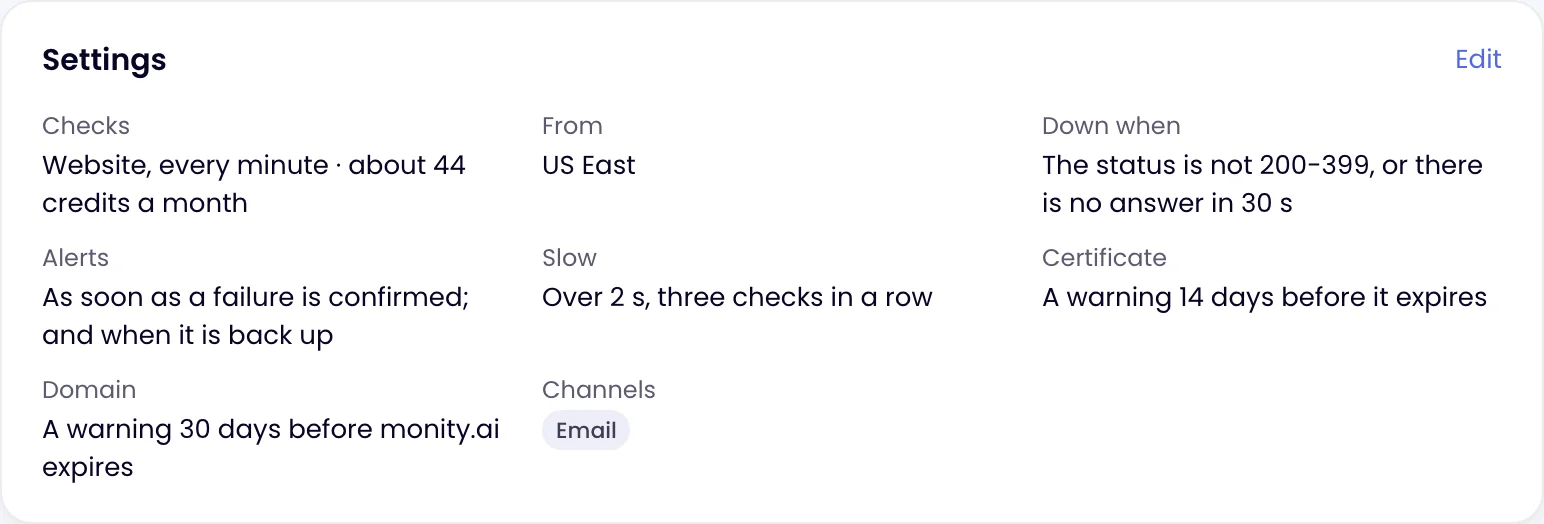
A new firewall rule can lock out a country, a mobile carrier or your own customers, and nothing on your servers looks wrong. A check from outside shows it. A website monitor in Monity’s uptime monitoring counts any status outside 200 to 399 as down by default, so a 403 alerts like an outage.
More: 401 Unauthorized, 404 Not Found and all HTTP status codes.