


A 422 Unprocessable Content means the server could read your request, because its format was fine, but the data in it broke the server’s rules: a required field is missing, a value has the wrong type, an email address isn’t one. It’s the usual answer to a validation error in APIs and forms, and the response body normally names the field. Sending the same request again won’t help; changing the data will.
400, 415 or 422?
- 400: the request can’t be read, such as invalid JSON.
- 415: the body is in a format the endpoint doesn’t accept.
- 422: the body parses, but its values are wrong. RFC 9110: the server “understands the content type” and the syntax “is correct, but it was unable to process the contained instructions”.
The code began in WebDAV as 422 Unprocessable Entity (RFC 4918), which is why many frameworks still print the old name. It’s the same code.
Read the error your framework sent
Each framework puts the failed fields in a different place. What to look for:
| Where | What a 422 contains |
|---|---|
| FastAPI | A detail list, one entry per error, each with the field’s location and the problem. Sending "size": "XL" where an integer is expected is enough. |
| Laravel | A JSON response with every validation error, for an XHR or JSON request; a normal form post is redirected back instead (Laravel docs). |
| GitHub’s REST API | “Validation Failed” and an errors array with codes such as missing_field, invalid and already_exists. |
| Kubernetes | 422 for a create or update with invalid data; its API conventions say not to retry, but to fix the request. |
An excerpt of FastAPI’s answer to "size": "XL": it names the field and the problem exactly.
{"detail": [{"loc": ["body", "size"],
             "msg": "Input should be a valid integer, unable to parse string as an integer",
             …}]}
The usual mistakes
- A field renamed on one side, so the back end finds the required field missing.
- The wrong type: a number sent as a string, one value where a list is expected,
"true"instead oftrue. - A value outside the rules: too long, out of range, a date or phone number in the wrong format, a choice not on the list.
- A duplicate, in APIs that report it as a validation error (others answer 409).
- Bad encoding inside a field, such as file content that isn’t valid Base64: MDN’s own example.
- A new API version with a new required field or a stricter rule.
Log the payload as it was sent, after serialization, and compare it field by field with the documentation.
If you build the API
Return a message per field, keep 400 for requests you can’t parse and 422 for values that fail validation, and document both. A client can then show the person which field to fix, instead of a generic “something went wrong”.
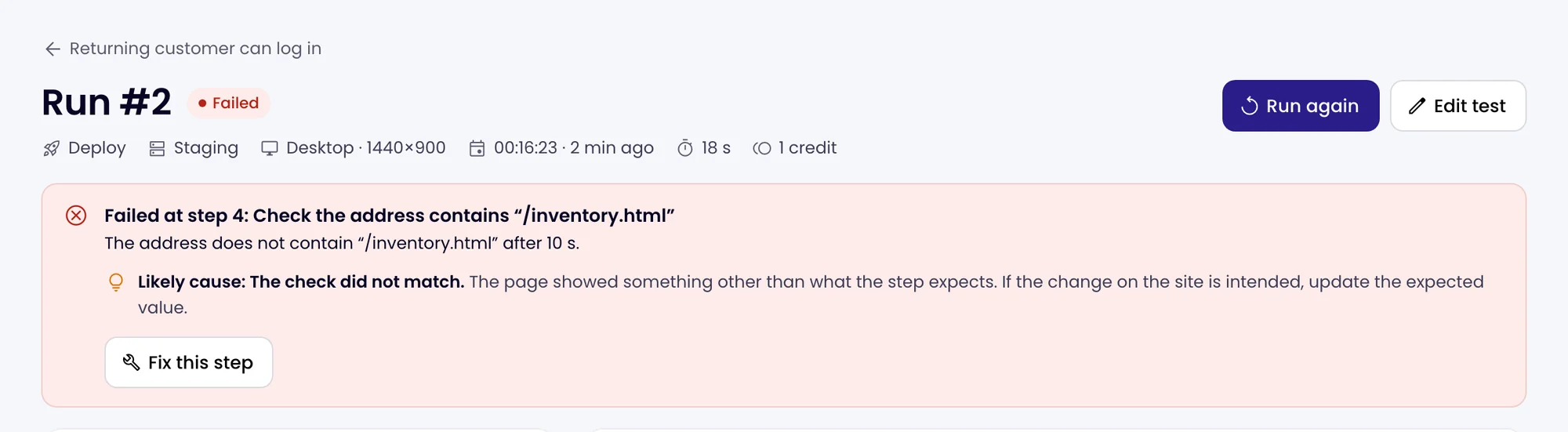
A form that suddenly rejects valid input after a deploy is easy to miss. A browser test in Monity fills it in and checks the result after each deploy, and stops at the step that failed.
More: 400 Bad Request, 409 Conflict and all HTTP status codes.