


A 401 Unauthorized means the request didn’t carry credentials the server accepts: none were sent, or the ones sent were refused. Despite the name, it’s about who you are, not what you may do; a refusal by permission is a 403. The response must say how to authenticate in a WWW-Authenticate header, and that header is the first thing to read.
Read the WWW-Authenticate header first
RFC 9110 requires a 401 to carry at least one challenge, such as Basic or Bearer. Token APIs often add the reason. This is the example from RFC 6750, the OAuth bearer token standard:
HTTP/1.1 401 Unauthorized
WWW-Authenticate: Bearer realm="example",
                  error="invalid_token",
error_description="The access token expired"invalid_token: expired, revoked or malformed. Refresh it or get a new one.- No
errorat all: the server got no credentials. Look at whether your header arrives (next section). Basic realm="…": the server wants a username and password, and a browser shows its own password box for it (MDN).
RFC 6750 draws the lines between codes: a malformed request is 400, a bad token 401, and a good token without enough scope 403.
Is the Authorization header even arriving?
Send the request by hand, with the header you think your code sends:
curl -i -H "Authorization: Bearer $TOKEN" https://api.example.com/meIf that works and your app doesn’t, the header is lost on the way. Three common places:
- A redirect to another host. RFC 9110 tells clients to consider dropping
Authorizationand cookies when they follow a redirect, and curl sends credentials only to the first host unless you add--location-trusted. An API that moved to a new hostname, with a redirect from the old one, starts answering 401 this way. - PHP behind Apache. Run as CGI or FastCGI, PHP doesn’t see
AuthorizationunlessCGIPassAuth Onis set (Apache docs). - A typo or a missing variable: the header name misspelt, or
$TOKENempty in that environment.
Tokens that look right but fail
- The wrong scheme.
Token abcwhere the server expectsBearer abc, or the reverse. - Basic credentials not encoded. Basic sends
user:passwordin base64:echo -n 'user:password' | base64. - The wrong environment. A test key against the live API, or a key someone rotated.
- A server clock that’s off. A fresh JWT can look expired, or not yet valid, to a server whose clock has drifted. RFC 7519 allows only “a few minutes” of leeway, so sync clocks with NTP.
A password box on a page that should be public
That grey browser prompt means the server answered 401 with a Basic challenge. On a public site it’s usually HTTP Basic authentication left over from staging: a .htpasswd rule or nginx auth_basic still active after launch, or set on the whole server instead of one folder. Visitors should tell the owner rather than guess passwords; owners should remove the rule from public paths.
Checking that an endpoint still demands a key
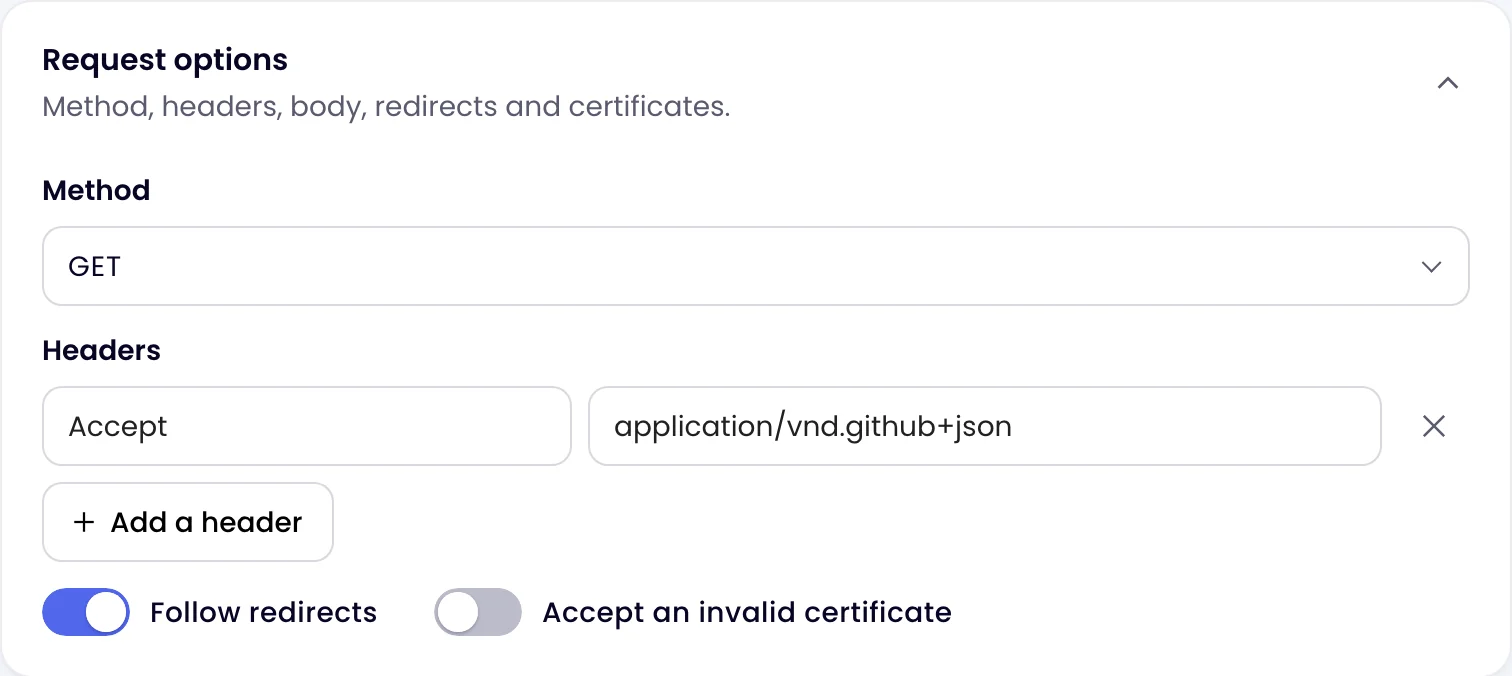
A 401 can be the right answer. An admin route or a private API that answers 200 to a request with no key is a leak. A website monitor in Monity’s uptime monitoring can treat 401 as the good status for such a route, so you’re alerted if it ever starts answering without credentials. For the opposite, a monitor can send your own header, such as an API key, and alert when the endpoint stops accepting it.
More: 403 Forbidden, 400 Bad Request and all HTTP status codes.