


There is no safe way to get automatic alerts for open US visa interview slots. On ais.usvisa-info.com, the official appointment site in Canada and other countries, open dates show only to an applicant who is signed in and scheduling, and its terms forbid bots and scripts. What you can do is look for earlier dates in your own account at a normal pace, use the official routes to an earlier interview, and get alerts when public State Department and embassy pages change. That last part is where Monity (monity.ai) fits.
Can you get alerts for open US visa appointment slots?
Not from the scheduling site itself. The quotes below are from the Canada pages of ais.usvisa-info.com, the official appointment site for the US Embassy in Canada, read on 23 November 2026. The same site serves other countries, so check your country’s version.
- Slots are only visible while scheduling. “You cannot see appointment availability unless you are actively scheduling an appointment.” To look for an earlier date you sign in, click Continue and choose Reschedule Appointment (FAQ).
- Refreshing can cost you the account. “There is no limit on the number of times you can access your account; however, repeatedly refreshing a page inside the system over an extended period of time can lead to the deactivation of your account.” Using several computers at once, or bots and scripts, “is prohibited by the Terms of Use of the site”.
- The terms forbid automation. Applicants agree they “will not access the Site through automated or non-human means, such as with bots, scripts or otherwise”, and the site may “suspend or terminate your account” (Terms of Use).
So slot-alert bots, browser extensions that refresh the calendar for you and services that sign in as you all go against these terms. That includes tools that run on your own computer, our free desktop app and browser extension among them. The other official site, usvisascheduling.com, refused our requests on 23 November 2026, so we couldn’t read its terms. Read them yourself before you assume anything different.
Is it safe to give a slot service your visa account login?
No. On 25 March 2024 the US consular sections in Canada warned of “a fraud scheme whereby third parties advertise services to obtain expedited/earlier U.S. visa appointments” (announcements). The scammers ask for your login, take over the account and demand money. The notice says getting your account back “may take weeks and if you lose your appointment, you will not be able to recover your original appointment date.” If you have already shared your login, change your password at once.
How can you get an earlier US visa interview the official way?
- Check your own account for cancellations, by hand. Sign in, choose Reschedule Appointment and look at the calendar. If nothing better is there, click Close to keep your current date. Do it now and then, not on a constant refresh.
- Ask for an emergency appointment if you have an urgent reason. You need a regular appointment first, and the request goes from your account. The FAQ says requests are granted “based on the availability of consular officers”, and if you hear nothing you should attend your original date.
- Look at Paid Expedite if you need a visitor (B) visa and it is offered where you apply. The Canada FAQ describes it as an extra fee of US $750 per applicant for an appointment “within the next 10 business days”; the fee is non-refundable and does not guarantee a visa. The State Department also announced a nonimmigrant visa expedited appointment pilot program (18 August 2026), which we couldn’t open: read it for the countries it covers.
- Check whether you can skip the interview. The interview waiver rules changed more than once in 2025, and some nationalities must now interview in person even to renew. travel.state.gov refused our requests on 23 November 2026, so we won’t state the rules here: check the current ones in the State Department’s interview waiver update. On the scheduling site, if you qualify you’ll see the qualifying statements as you go through the steps.
Don’t schedule in another country to get an earlier date without reading the rules first. A 6 September 2025 notice on the same site says nonimmigrant applicants “should schedule their visa interview appointments at the U.S. embassy or consulate in their country of residence or nationality”, and that visa fees are non-refundable and non-transferable.
Which public visa pages can you watch for changes?
Public pages carry the news that moves dates: wait-time changes, new rules and notices about appointments. They need no account, so watching them doesn’t touch your visa profile.
- The State Department’s visa wait-time page. The Canada scheduling site sends applicants there for “current wait time information” for each embassy and consulate. If the page asks you to pick a city first, record that choice as a browser action so every check picks it.
- The State Department’s visa news page, where notices such as interview waiver changes are posted.
- Your embassy’s own visa page on usembassy.gov, for local announcements.
Leave the scheduling sites out, even their public announcement pages: their terms cover the whole site. Read those announcements when you sign in.
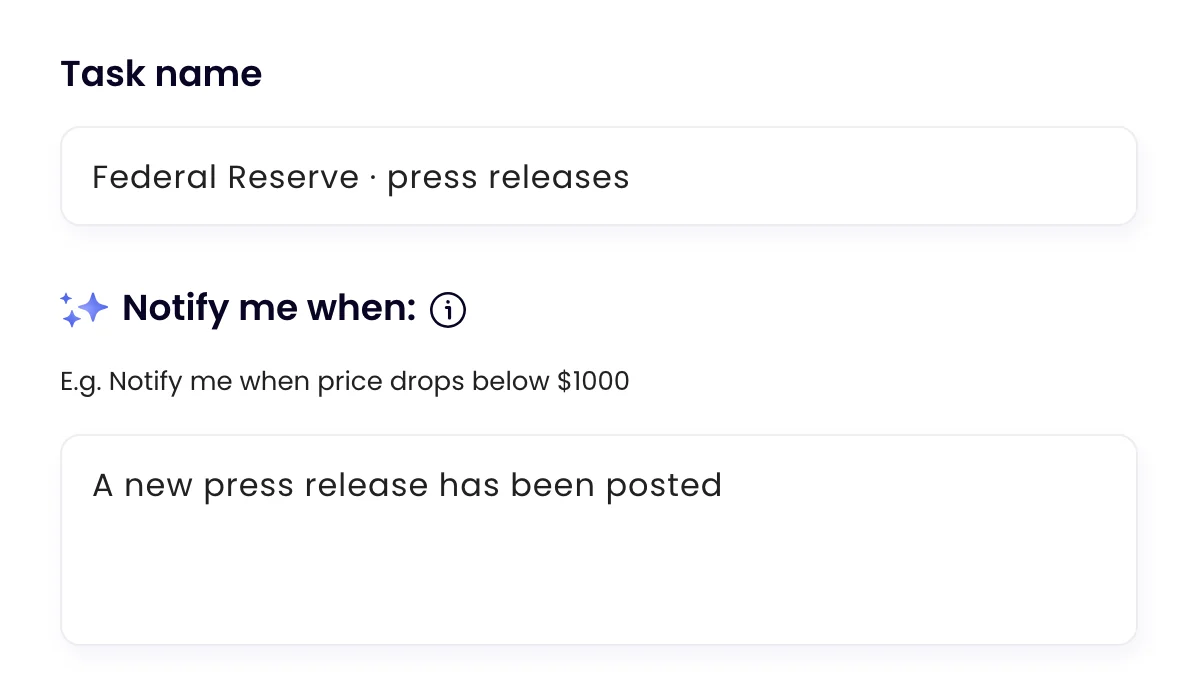
In Monity you create a monitor with the page’s address and a rule in plain words, such as “tell me when the wait for a visitor visa interview in Toronto changes” or “tell me when a new notice about interview waivers is posted”. Monity reads each change against the rule and stays quiet about the rest. The free plan has 3 monitors and 100 credits a month with a check every 3 hours at most; a page checked twice a day uses about 60 credits a month. Alerts can go to email, push in the phone app, Telegram, Slack and the other alert channels, on every plan.
One caution: travel.state.gov and the embassy sites refused our plain automated requests on 23 November 2026, and we have no customer check numbers for them. Monity checks pages in a real browser, but look at the first check’s screenshot before you rely on it. If a site blocks Monity, the check is reported as blocked and Monity doesn’t try to get past it (what happens then).
Can Monity watch my signed-in visa account?
Monity can watch pages behind a sign-in on other sites, using a browser session you save once, on paid plans. Don’t use that, or any tool, on the visa scheduling sites. Their terms forbid automated access, and repeated refreshing can get the account deactivated. We don’t support it. Monity also doesn’t schedule, hold or change appointments, and it doesn’t solve captchas.