Website change monitoring
Monity checks a page on the schedule you set and tells you what changed, in one sentence, with the page before and after. Say what matters in plain English and you hear only about that.
- Any page, on a schedule
- Rules in plain English
- The page before and after
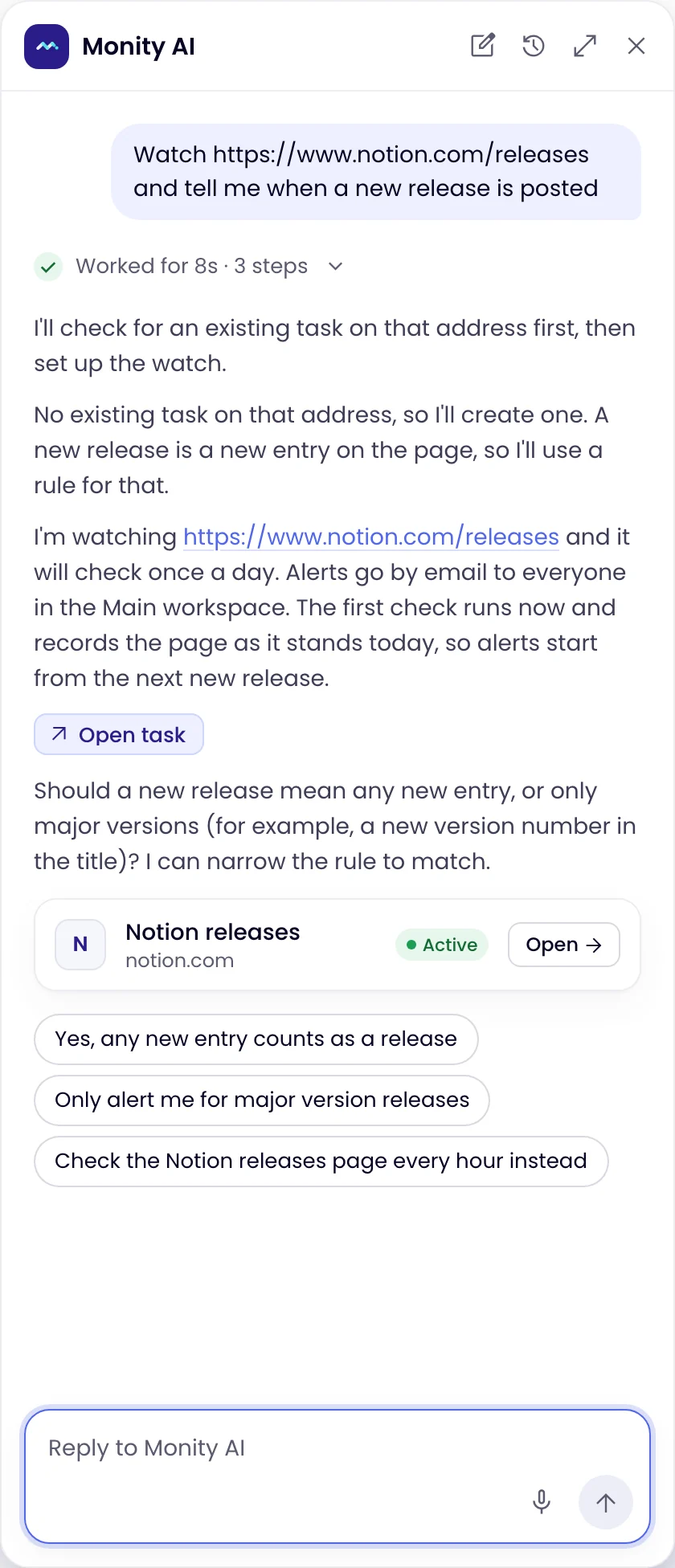
 Here's what I'll doNo selectors
The check
Monity opens the page on your schedule and tells you what changed.
Give Monity an address and how often to look. Each check loads the page in a real browser, compares it with the last one, and writes one sentence on what is different. A few minutes after you save a task, Monity’s AI confirms what it reads on the page, so later checks can compare it item by item: each price, each row, each listing.
- Every 3 hours on the free plan, down to every 5 minutes on the larger ones
- The whole page, how it looks, its text, or one element
- Pages behind a login, and PDFs at an address

The rule
Say what matters in a sentence. Monity reads every change against it.
Type a rule under Notify me when, such as “the price of the Business plan goes above $30” or “a new job is posted in London or remote”. Each time a check finds a change, Monity’s AI reads it against your rule and alerts you only when it matches.
- Up to 500 characters, in your own words
- Works in Auto, Visual and Element modes
- Combine conditions: “a price drops below $20 or a new colour is added”

The alert
When a change matches, you get it in a sentence.
Every alert carries a short AI summary of what changed and a link to the before and after. Changes that don’t match your rule stay quiet, and every check is still kept in the task’s history, so nothing is lost.
- A small change is still read against the rule
- A big change that doesn’t match stays quiet
- Before and after, with the changed regions marked
Exact rules
For exact words or numbers, use keywords and conditions.
When you need a strict test, Text mode alerts when chosen keywords are added to or removed from a page, and an exact rule, which Monity AI sets up for you, alerts when a value meets a condition, such as less than 1.30. Rules are best for meaning; keywords and conditions are exact.

Examples
Rules people write, and what they hear back.
The rule is what you type under Notify me when. The summary is written by Monity’s AI from the change it found; alerts go to the channels you switch on for the task.
-
 Notify me when the price of the Business plan goes above $30
The Business plan went from $29 to $35 per month Other edits to the pricing page were left out.
 Email · you@company.com
-
Notify me when the medium size is back in stock
Size M is back in stock The product page shows Add to cart for M again.
 Telegram · private chat
-
Notify me when a new job is posted in London or remote
New role: Product Designer, Remote (UK) Two other edits to the careers page did not match the rule.
 Slack · #hiring
-
Notify me when the refund period or the cancellation terms change
The refund period changed from 30 to 14 days Only section 4 of the terms was rewritten.
 Microsoft Teams · Legal
FAQ
Questions about website change monitoring
What is website change monitoring?
How often does Monity check a page?
What is a Notify me when rule?
Which monitoring modes support rules?
Do I still need CSS selectors?
What happens to changes that don’t match?
Can a rule test an exact number?
Can the assistant write the rule for me?
One page, one sentence about what matters.
Write the rule the way you would say it. Monity reads every change against it and tells you only about the ones that match.
- Free plan: 3 tasks, no card
- 7-day Business trial
- Every alert channel on every plan