


StubHub has its own price alert, in the StubHub app. On an event page you tap the clock icon with a dollar sign, choose how many tickets you need, a seating zone and your top price per ticket, and the app tells you when listings match. StubHub’s help centres for the UK, Ireland and Spain describe it and say it isn’t on the website; we couldn’t find the same article in StubHub’s US help centre on 23 November 2026. Where the app alert isn’t there, or you want a rule it can’t set, a page monitor from Monity (monity.ai) can watch the event page for you.
How to set a price alert in the StubHub app
These are StubHub’s own steps, from its article How to manage a price alert on the StubHub App (StubHub UK, read 23 November 2026):
- Open the event in the StubHub app.
- Next to the event name, tap the clock icon with a dollar sign inside.
- Choose the number of tickets you need.
- Choose a seating zone, if you have one in mind.
- Enter the most you will pay per ticket, and tap Save.
To change or delete an alert later, go to the Profile tab, then Price alerts. Tap the alert to change the number of tickets, the zone or the price, or tap the bin icon to delete it. The same article is on StubHub Ireland and StubHub Spain.
Can you set a StubHub price alert on the website, or in the US?
Not on the website. StubHub’s article says the alert “is not available on the website (desktop or mobile web)”, so a browser on a laptop won’t show the clock icon.
For the US, the answer is less clear. The steps above come from StubHub’s international help centres. StubHub’s US help centre, at support.stubhub.com, had no article on price alerts that we could find on 23 November 2026. If you shop on stubhub.com, open the app, go to Profile and look for Price alerts. If it’s there, use it: it’s StubHub’s own alert on StubHub’s own listings. If it isn’t, the section below is the other way to get an alert.
Do StubHub prices in the US include fees?
Yes, the price you see should be the total. The FTC’s Rule on Unfair or Deceptive Fees took effect on 12 May 2025. It requires live-event ticket sellers to show the total price, mandatory fees included, wherever they show a price. Government taxes and optional add-ons can still be added before you pay, as the FTC’s questions and answers on the rule explain.
On 9 April 2026 the FTC announced that StubHub would refund $10 million in fees to people who bought tickets from 12 to 14 May 2025: in those days, the FTC said, StubHub’s first price displays left fees out. For an alert, this matters in one way: a target price of $150 on a US event page is compared with what you would pay before tax.
Watching a StubHub event page with Monity
Monity checks a web page on a schedule in a real browser, compares it with a rule you write in a sentence, and alerts you when the rule is met, with a screenshot of the page. On StubHub it’s useful when:
- your app has no price alert, or you buy on the website;
- your rule is narrower than a zone: a list of sections, a row, or pairs only;
- you want the alert somewhere other than your phone: email, Slack, Discord, Telegram, Microsoft Teams, Google Sheets, a webhook or the Monity app.
- Set up the event page first. On stubhub.com, open the event, choose the number of tickets and filter the seat map to the sections you want. Copy the address from the browser.
- Write the rule. Create a page monitor with that address and a rule such as “Alert me when any listing for 2 tickets in sections 108 to 114 is under $220 each.” When the first check finishes, look at its screenshot: it should show the listings you filtered. If it shows the whole event, the filters weren’t in the address, and the rule has to name the sections instead.
- Choose how often. One check uses one credit. The free plan has 100 credits a month and checks at most every 3 hours. Personal Small ($12 a month, or $10 billed yearly) checks every hour, Personal Medium ($35, or $25 yearly) every 15 minutes, and Personal Large ($70, or $50 yearly) every 5 minutes. An event watched every hour for its last week uses 168 credits. See plans and credits.
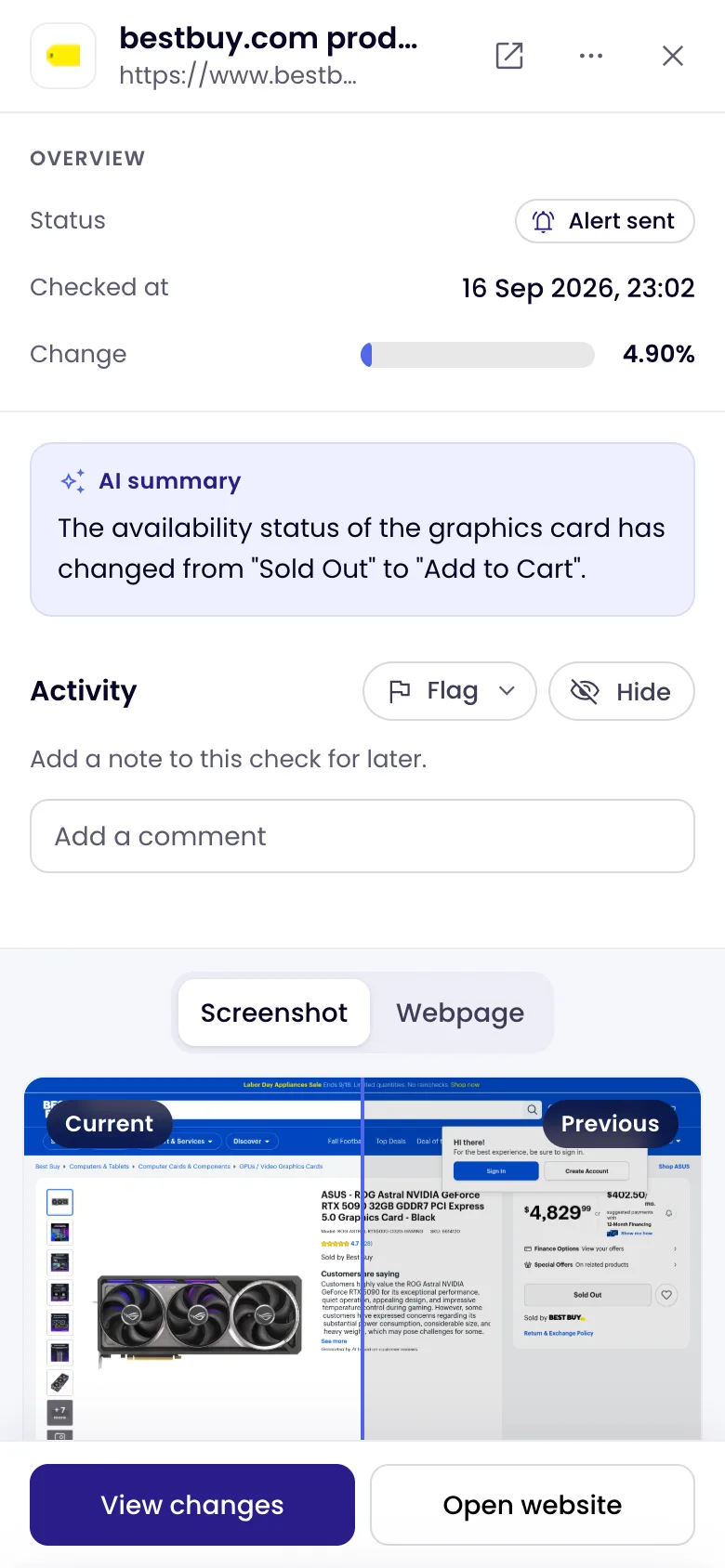
In a 14-day count of customers’ checks in November 2026, every check of a stubhub.com page completed normally. What Monity doesn’t do:
- It doesn’t buy tickets or hold them. You buy on StubHub.
- A listing can sell between two checks, so a faster schedule matters close to the event.
For prices on other sites, see the price tracker page, and for flights and hotels, tracking flight, hotel and ticket prices. Start free on Monity to watch a StubHub event page.