To get an alert when a web page changes, use a website change monitor: it loads the page on a schedule, compares it with the last version and tells you when something changed. In monity.ai you give it the page’s address, say in a sentence what matters, and choose where the alert goes. The free plan watches 3 pages, each checked every 3 hours, with no credit card.
The short version
- Create a task with the page’s address.
- Say what counts as a change, or leave it to Auto mode.
- Choose how often to check and where alerts go.
1. Tell monity.ai which page to watch
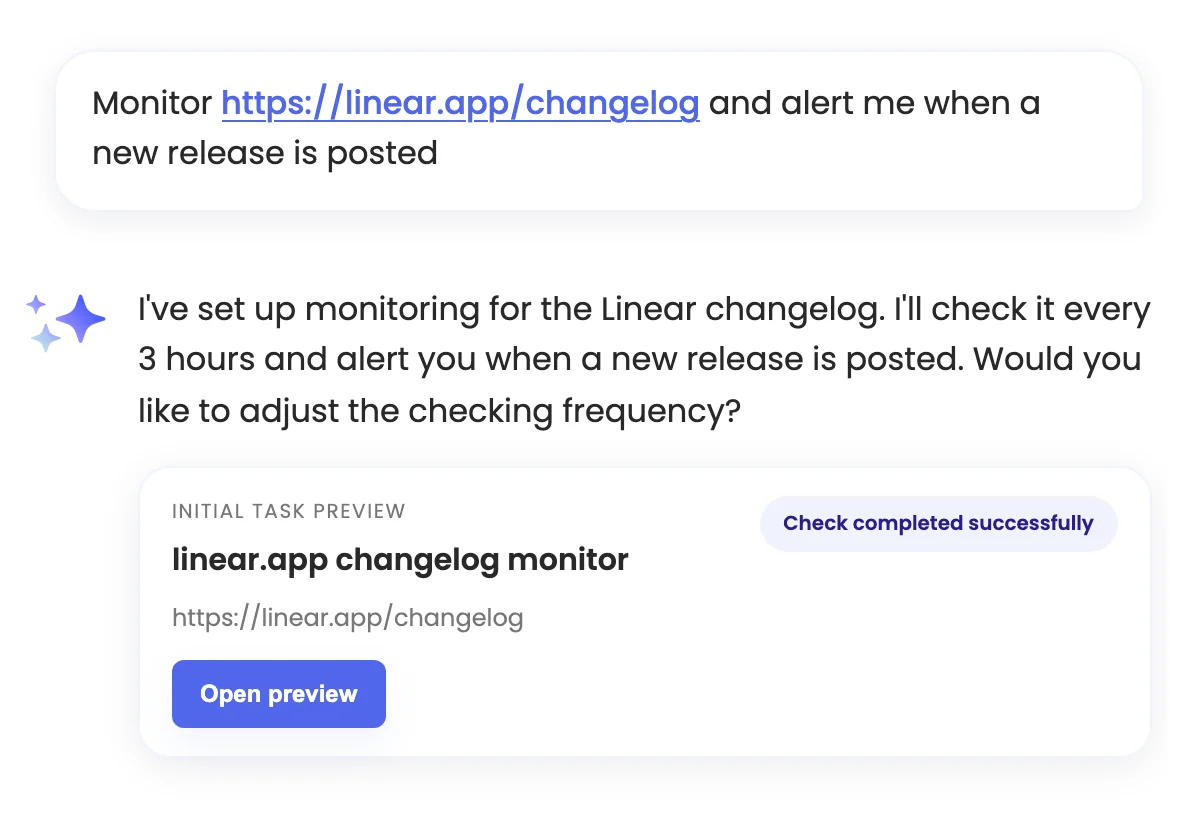
Open New task and type what you want, for example “Monitor https://linear.app/changelog and alert me when a new release is posted”. You can also speak it. The assistant creates the task and runs the first check straight away, then tells you what it set up.
One conversation sets up one page. To add many pages at once, business accounts can import a list: one row per page with its address, a name and, if you like, a rule. You can also skip the assistant and fill in the task editor yourself.
2. Say what counts as a change
Every check compares the page with the last one. A Notify me when rule of up to 500 characters narrows the alerts to what you care about, for example “the price of the Business plan goes above $30” or “a new job is posted in London or remote”. Monity’s AI reads every change against the rule; changes that don’t match stay in the history but don’t alert you. Leave the rule empty to hear about any meaningful change.
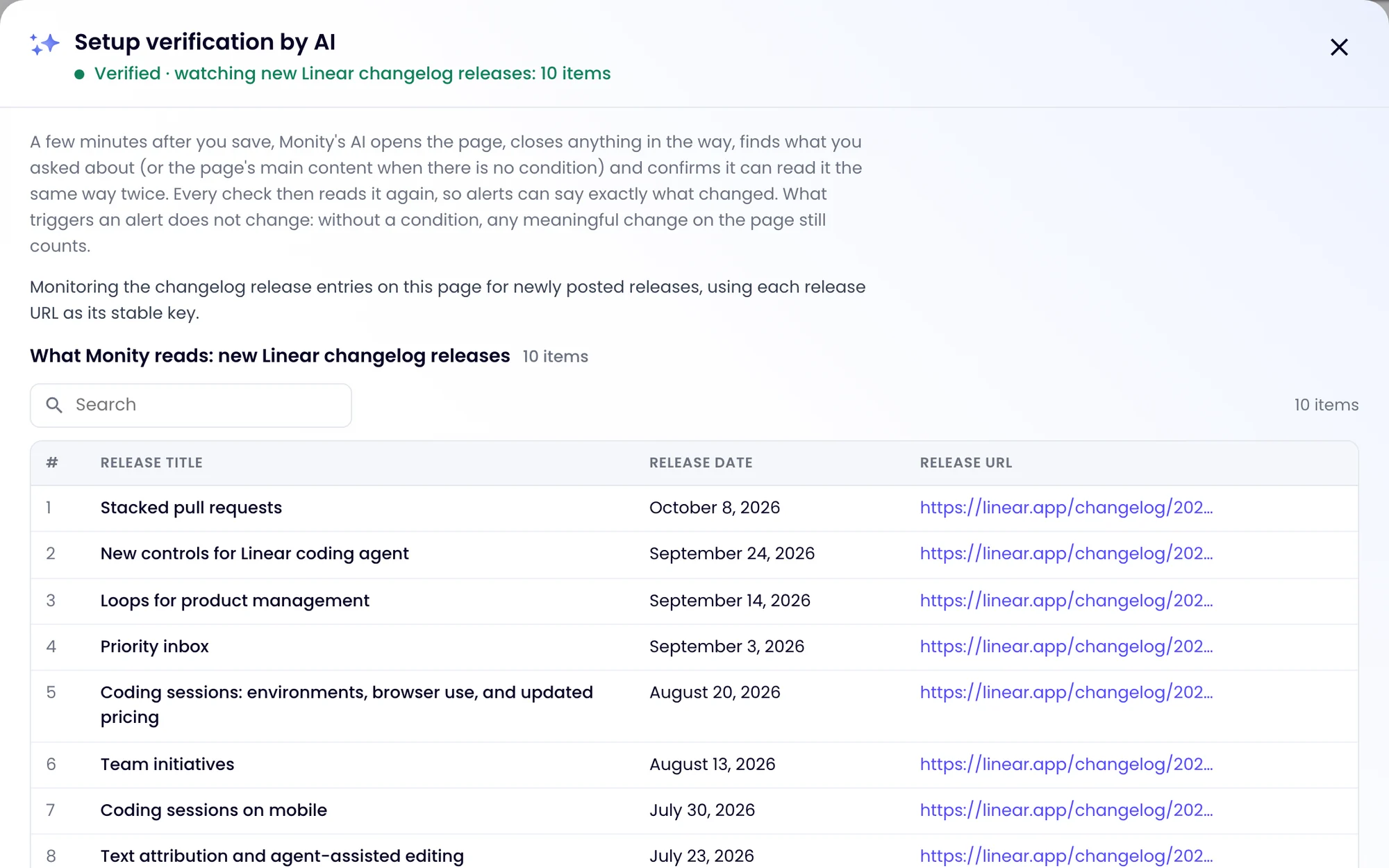
A few minutes after you save, Monity’s AI opens the page, finds what you asked about and confirms that it reads it the same way twice. The task then shows Verified and what it watches: a value, a list or a table. Every check compares those items, so the alert can name the release, price or job that changed instead of saying “the page changed”.
3. Pick a monitoring mode, or leave it on Auto
- Auto (the default) decides what to compare and alerts on meaningful changes.
- Visual compares screenshots: an area you draw, the full page or its first folds, with a threshold from any change to 50%.
- Text compares the words and ignores layout.
- Element watches one part of the page you pick.
- HTML compares the page’s code, for meta tags and other things you can’t see.
- Crawler follows links to find new pages on a site.
The monitoring modes page explains each one.
4. Choose how often to check
How soon you hear about a change depends on how often the page is checked: every 3 hours on the free plan, every hour on Personal 1k, every 15 minutes on Personal 5k, Business 1k and Business 10k, every 5 minutes on Personal 10k and Business 20k and up, and every minute on Enterprise. You can also limit checks to certain days and hours, for example office hours. See pricing for the plans.
5. Choose where the alert goes
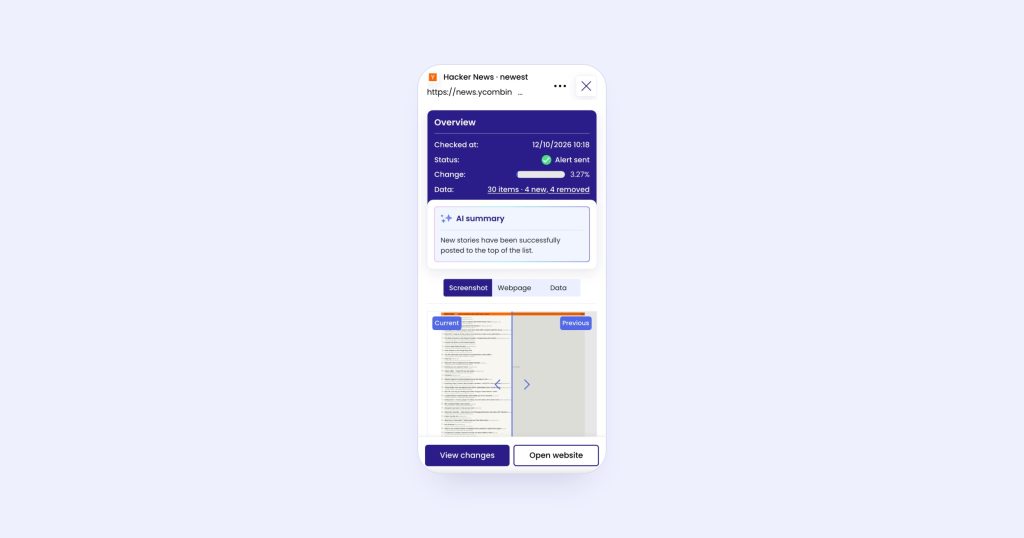
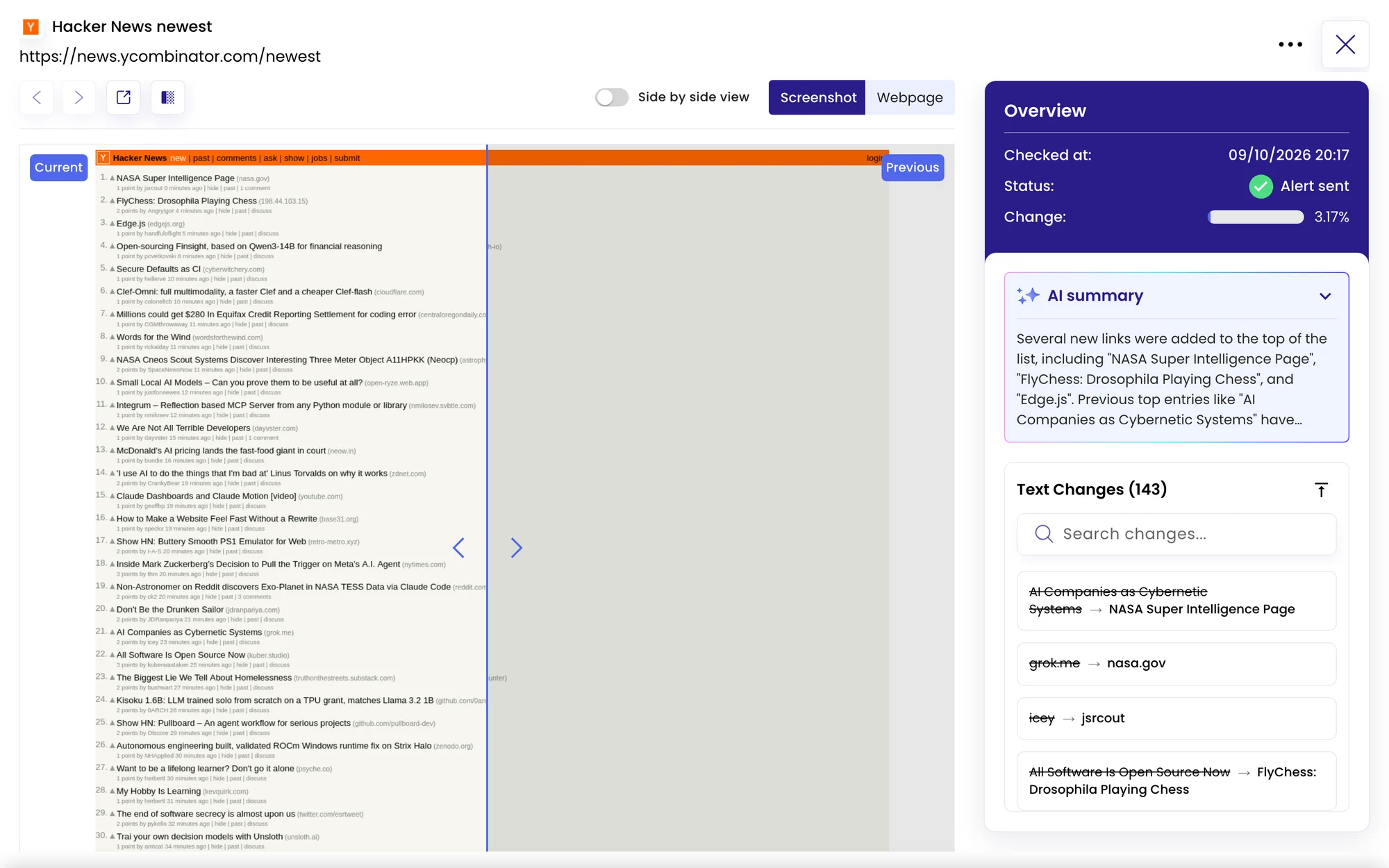
Alerts go by email to start with. On the task’s Channels tab you can add Slack, Microsoft Teams, Discord, Telegram, Google Sheets or a webhook, and the iOS and Android app sends push notifications. Every channel is on every plan, including the free one. Each alert carries a short AI summary and a link to the check, with the before and after.
When it won’t work
- Pages that block automated visitors. Some sites block monitors. When a page can’t be read, the check says it was blocked rather than guessing.
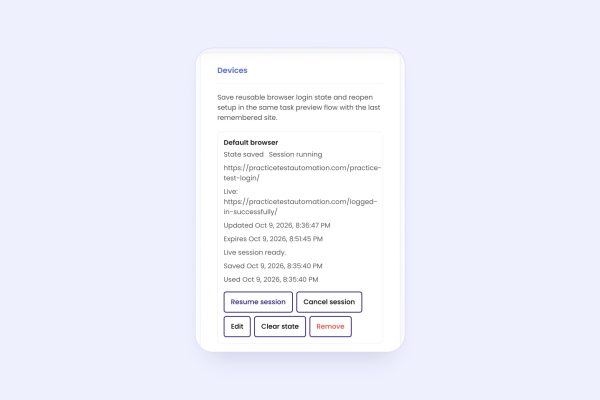
- Pages behind a login. Sign in once in the live browser and every check runs signed in. See how to monitor a page behind a login.
- Content that needs a click first, such as a tab, a size or a postcode. Add browser actions to the task and Monity performs them before each check.
- Sites with a sign-in wall for automated visitors, such as LinkedIn, are not good targets.
Related: the complete guide to monitoring a website for changes, monitoring a PDF on a website, back-in-stock alerts and knowing the day a competitor changes its pricing page.