


Port checker: is a port open?
Test whether a TCP port is open from the internet. Leave the host empty to check your own address, for port forwarding, or enter a server to check its web, mail, DNS or SSH port.
How it works
-
Choose the address
Leave it empty for your own public address, or enter a domain or public IP address.
-
Choose the port
Any port on your own address. On another host, a web, mail, DNS or SSH port, such as 22, 25 or 443.
-
Read the answer
Open, closed, no answer (filtered) or unreachable, from one TCP connection made by Monity’s server.
Monity’s free port checker opens one TCP connection from Monity’s server to the address and port you choose, and tells you what came back. It sends nothing and reads nothing, so it works for any service: a game server, a camera, SSH, a database.
Your own address, or a server
- Host left empty: the checker tests your own public address, as the internet sees it. Use it after setting up port forwarding on your router. Any port from 1 to 65535 works.
- A domain or IP address: the checker tests that server on a web, mail, DNS or SSH port. Database and remote-desktop ports, and every other port, can be checked on your own address only, so the checker can’t sweep someone else’s ports.
What the answers mean
| Answer | What happened | What to look at |
|---|---|---|
| Open | Something accepted the connection | Nothing, unless the port should be private |
| Closed | The host refused the connection | The program isn’t running or listens on another port |
| No answer (filtered) | Nothing came back within 4 seconds | A firewall dropping the traffic, or the host is off |
| Unreachable | No network route to the address | The address itself, or the network in front of it |
The words follow Nmap’s port states. One TCP connection can’t tell a firewall from a switched-off host, which is why both read as no answer.
Port forwarding checklist
- Start the program and confirm it listens on the port on the device itself.
- Give the device a fixed local address (a DHCP reservation), and point the router’s forwarding rule at it.
- Allow the port in the device’s own firewall, such as Windows Defender Firewall.
- Compare the router’s internet (WAN) address with your public address. If the router shows an address from 100.64.0.0 to 100.127.255.255, your provider shares one public address among many customers (RFC 6598), and inbound forwarding can’t reach you. Ask the provider for a public address.
- Check the port here with the host left empty.
Common ports
| Port | Service | Checked on |
|---|---|---|
| 22 | SSH | any host |
| 25, 465, 587 | SMTP: server to server, over TLS, submission | any host |
| 53 | DNS | any host |
| 80, 8080 | HTTP | any host |
| 110, 995 | POP3, over TLS | any host |
| 143, 993 | IMAP, over TLS | any host |
| 443, 8443 | HTTPS | any host |
| 21 | FTP | your own address |
| 1433 | Microsoft SQL Server | your own address |
| 3306 | MySQL | your own address |
| 3389 | Remote Desktop | your own address |
| 5432 | PostgreSQL | your own address |
| 6379 | Redis | your own address |
| 27017 | MongoDB | your own address |
A database, Redis or Remote Desktop port that answers from the whole internet is worth closing, or limiting to the addresses that need it. Those ports are checked on your own address only, so test them from the server’s own network.
Check a port from your computer
- Windows PowerShell:
Test-NetConnection -ComputerName example.com -Port 443(Microsoft’s reference) - macOS or Linux:
nc -zv example.com 443
These test from your own network, so they show whether you can reach the server. This page tests from the internet, which is what port forwarding and a public server need.
What this check doesn’t do
It tests TCP only: UDP has no handshake, so it can’t be checked this way. It tests one port per check, from one place, and doesn’t say which program answered. To test a website rather than a port, use the website down checker; to see whether a host answers at all, the ping check.
Watch a port with Monity
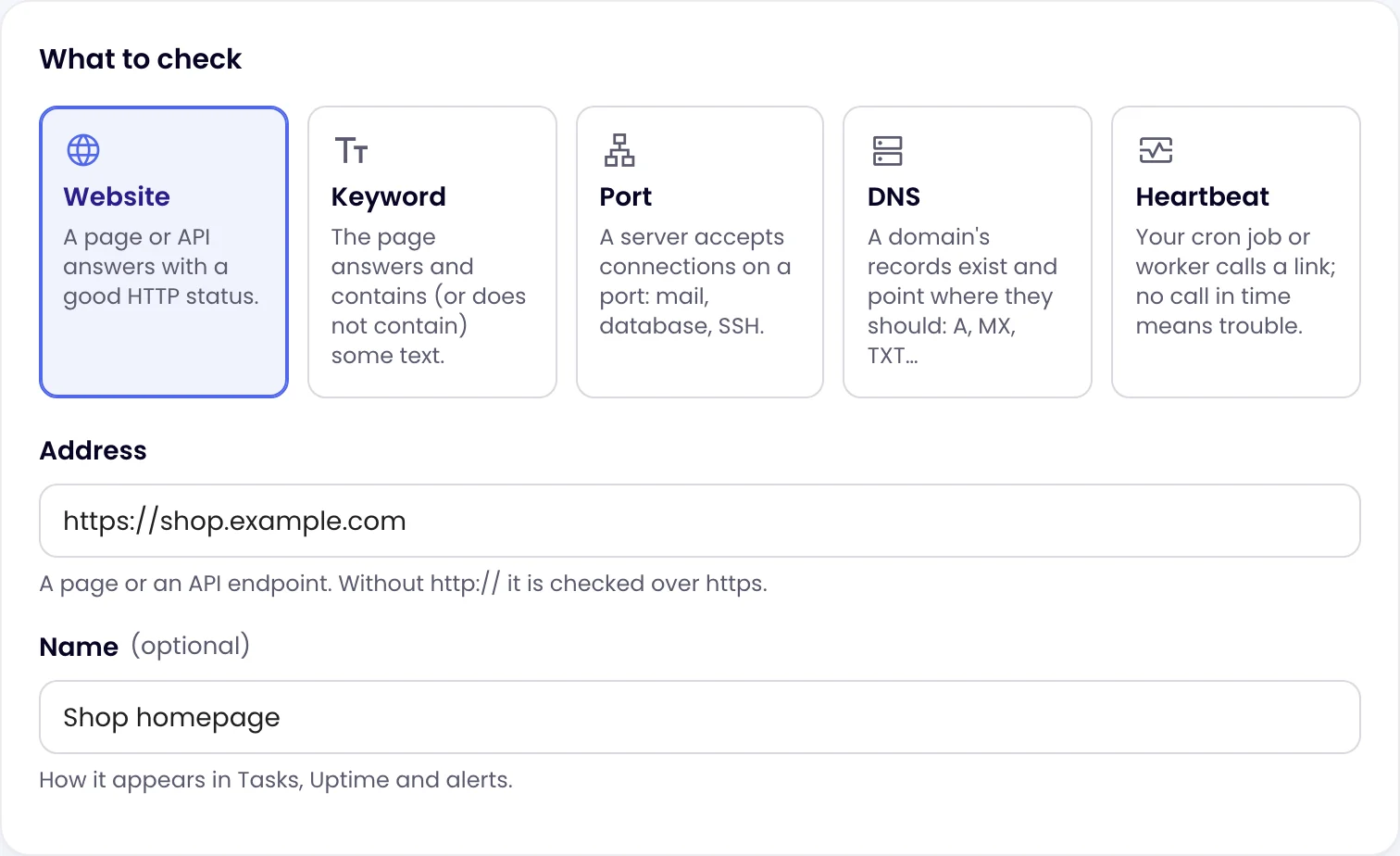
In uptime monitoring, a port monitor connects to a host and port on a schedule and alerts you when it refuses or doesn’t answer in time, after checking again 3 and 6 seconds later (monitor types).
FAQ
Common questions
How do I check if a port is open?
Enter the port and check it here: leave the host empty to test your own address, as port forwarding needs. From a computer, Test-NetConnection -ComputerName example.com -Port 443 in Windows PowerShell or nc -zv example.com 443 on macOS and Linux test it from where you are.
What do open, closed and filtered mean?
Open: something accepted the connection. Closed: the host answered and refused it, so nothing is listening there. Filtered: nothing answered in time, which usually means a firewall drops the traffic; a host that is switched off looks the same.
Why is my port forwarding not working?
Check the program is running and listening, the forwarding rule points at the device’s current local address, and the device’s own firewall allows the port. If your router’s internet address starts with 100.64 to 100.127, your provider shares one address among many customers (RFC 6598), and forwarding cannot work without the provider’s help.
Why can I check only some ports on someone else’s server?
So the checker can’t sweep someone else’s ports. Any port can be checked on your own address. On another public host, web, mail, DNS and SSH ports, one connection at a time; database and remote-desktop ports only on your own address.
Can it check a UDP port?
No. It opens a TCP connection. UDP has no handshake, so a closed UDP port and a silent program look the same from outside. Game servers and VPNs such as WireGuard often use UDP.
Can Monity alert me when a port stops answering?
Yes. A port monitor in Monity connects to the host and port on a schedule, as often as every 5 minutes on the free plan, and checks a failure again 3 and 6 seconds later before it alerts you by email, Slack, Microsoft Teams, Discord, Telegram, Google Sheets, webhooks or the phone app.
What is port forwarding?
A rule on your router that sends connections arriving at one port of its public address to a device and port on your local network. It is how a server behind the router’s network address translation (RFC 2663) can be reached from the internet. To test a forwarded port from outside, leave the host empty above: it checks your own public address.
Know when a port stops answering.
Set up a port monitor.
Monity connects to your host and port on a schedule and alerts you when it refuses or goes quiet.
- Free 7-day trial
- No credit card
- 3 monitors free, forever