


Since 28 June 2025, the European Accessibility Act (Directive (EU) 2019/882) has required businesses that provide covered services to consumers in the EU to make their websites and apps accessible and to say publicly how they do it. The covered services include online shops, consumer banking and passenger transport. Microenterprises that provide services are exempt. Monity (monity.ai) can’t make a site compliant, but its Accessibility skill runs axe-core on your key pages at every check and alerts you when a release adds a WCAG failure, the kind of procedure the Directive asks for to keep a service compliant.
The quotes below are from the Directive on EUR-Lex, read on 23 November 2026. This is technical information, not legal advice.
Which websites and businesses must comply with the EAA?
The Act applies to services provided to consumers after 28 June 2025 (Article 2(2)). A “service provider” is anyone who “provides a service on the Union market or makes offers to provide such a service to consumers in the Union” (Article 3(4)), so a UK or US company selling to EU consumers is covered too.
| Service | What the Directive covers |
|---|---|
| E-commerce (Article 2(2)(f)) | “Services provided at a distance, through websites and mobile device-based services by electronic means and at the individual request of a consumer with a view to concluding a consumer contract” (Article 3(30)). |
| Consumer banking (Article 2(2)(d)) | Credit agreements, certain investment services, payment services, services linked to a payment account, and electronic money (Article 3(28)). |
| Passenger transport (Article 2(2)(c)) | For air, bus, rail and waterborne transport: websites, mobile apps, electronic tickets, travel information and interactive self-service terminals. For urban, suburban and regional transport, only the self-service terminals. |
| Communications and media (Article 2(2)(a) and (b)) | Electronic communications services, and services that give access to audiovisual media services. |
| E-books (Article 2(2)(e)) | E-books and dedicated software. |
Key EAA dates and exemptions
- 28 June 2025: Member States had to adopt their laws by 28 June 2022 and apply them from 28 June 2025 (Article 31).
- 28 June 2030: the end of a transitional period. Until then, service providers may keep using products they lawfully used for similar services before 28 June 2025. Service contracts agreed before 28 June 2025 may continue unchanged until they expire, “but no longer than five years from that date” (Article 32(1)).
- Microenterprises. “Microenterprises providing services shall be exempt” from the accessibility requirements and the obligations that go with them (Article 4(5)). A microenterprise “employs fewer than 10 persons and … has an annual turnover not exceeding EUR 2 million or an annual balance sheet total not exceeding EUR 2 million” (Article 3(23)).
- Website and app content outside the Act (Article 2(4)):
- pre-recorded time-based media (video and audio) published before 28 June 2025;
- office file formats published before 28 June 2025;
- online maps and mapping services, if essential information is provided in an accessible way for maps meant for navigation;
- third-party content the business neither funds, develops nor controls;
- archives: content not updated or edited after 28 June 2025.
- Fundamental alteration or disproportionate burden (Article 14). The requirements apply only as far as they don’t fundamentally alter the service or impose a disproportionate burden, judged by the criteria in Annex VI. A business relying on this must document its assessment, keep the results for five years and give a copy to the authorities on request. A service provider claiming disproportionate burden must renew the assessment when the service changes, when asked, and at least every five years.
What a covered website must do
- Be accessible. Websites, online applications and mobile apps must be made accessible “by making them perceivable, operable, understandable and robust” (Annex I, Section III(c)). Under Article 15, a service that follows harmonised standards published in the Official Journal is presumed to conform. The European standard for ICT accessibility, EN 301 549 V3.2.1, says that conforming with WCAG 2.1 Level AA is equivalent to meeting its web clauses 9.1 to 9.4. So WCAG 2.1 AA is the level most teams test against.
- Make sign-in and payment accessible. For e-commerce, the functions for identification, security and payment must be perceivable, operable, understandable and robust, and the shop must pass on the accessibility information that the maker of a product provides (Annex I, Section IV(g)). For consumer banking, information must not exceed level B2 (upper intermediate) of the Common European Framework of Reference for Languages (Section IV(e)).
- Explain it publicly. Service providers must prepare information under Annex V and explain how the service meets the requirements, in written and oral form and in an accessible way (Article 13(2)). Annex V asks for that information in the general terms and conditions or an equivalent document, including “information demonstrating that the service delivery process and its monitoring ensure compliance” (Annex V, point 3).
- Keep it compliant. Service providers “shall ensure that procedures are in place so that the provision of services remains in conformity”, and must take changes to the service into account (Article 13(3)). When the service isn’t compliant, they must correct it and “immediately inform the competent national authorities” (Article 13(4)).
- Support. Where a business has help desks, call centres or technical support, they must give information on the service’s accessibility and its compatibility with assistive technologies, in accessible ways (Annex I, Section III(d)).
Each Member State checks services itself (Article 23) and sets penalties that are “effective, proportionate and dissuasive” (Article 30).
How to monitor your website for new WCAG failures with Monity
For a one-off look, Monity’s free Accessibility Checker and Color Contrast Checker test a single page. To catch what each release breaks, put your key pages under website accessibility monitoring:
- Watch the pages of your consumer journey: product, basket, checkout, sign-in and account pages. For pages behind a sign-in, use login steps, or sign in once in the Live Browser on paid plans and the Business trial (authenticated monitoring).
- Turn on the Accessibility skill in the monitor’s monitoring skills. It runs axe-core in the browser that just loaded the page, including its frames and cookie banners. It tests WCAG 2.1 AA by default, WCAG 2.2 AA is one setting away, and the AAA checks a tool can automate are an option: 7:1 contrast, link purpose and no timed refresh.
- Keep the default alert rule, any new or worse failure. It fires when a WCAG rule starts failing, or fails on a part of the page where it didn’t before, confirmed by the next check. More copies of an element that already fails don’t alert, so a known backlog doesn’t flood your team.
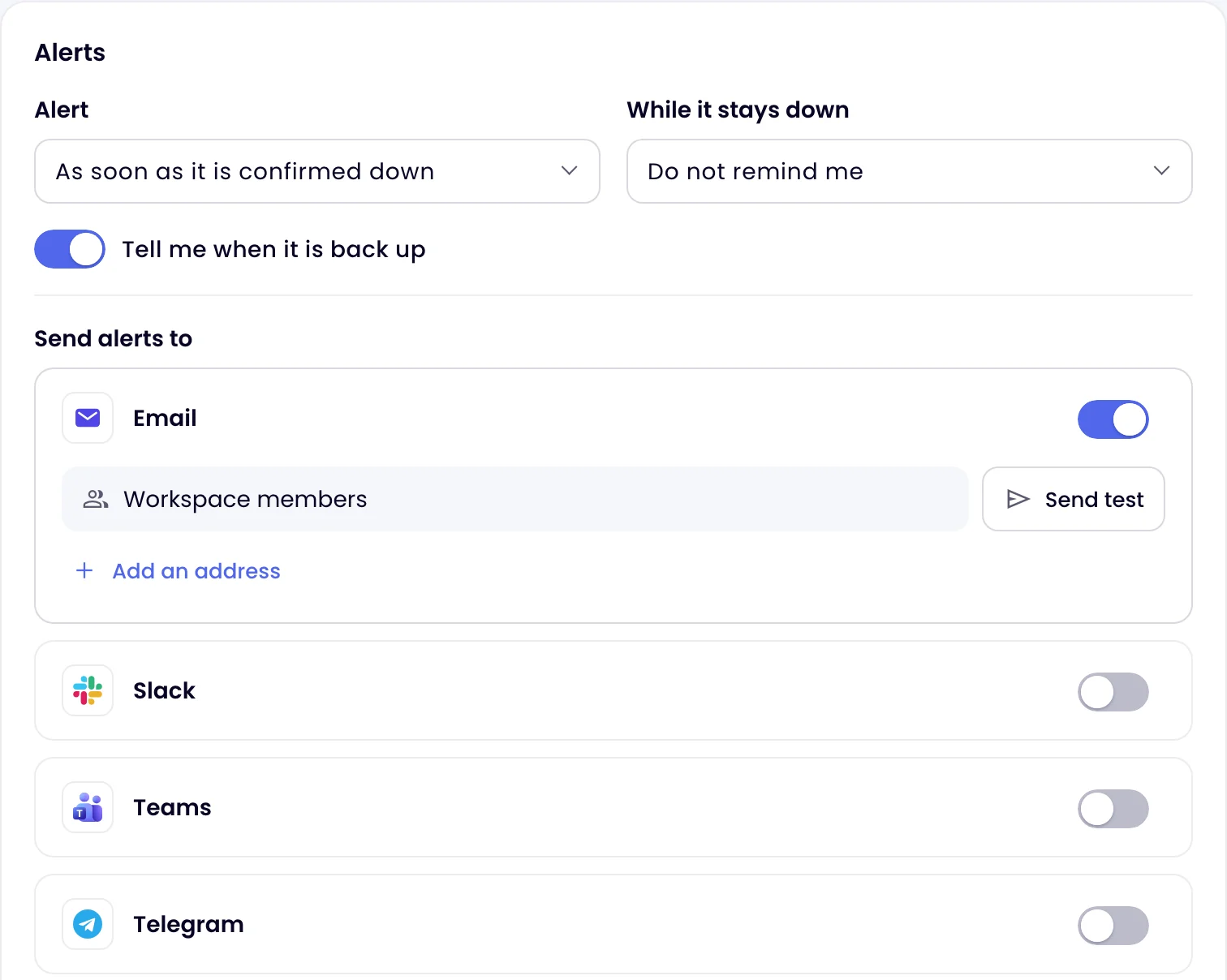
- Keep a record. With the Google Sheets integration, every alert is added as a row: the time, the monitor, its URL and label, and the AI summary. That dated log is the kind of evidence of monitoring Annex V asks you to describe.
What it costs
Monitoring skills use no extra credits: one check of a page is one credit, whatever skills run on it.
- Three pages checked daily: about 90 credits a month, within the Free plan (3 monitors, 100 credits a month).
- Twenty pages checked daily: about 600 credits a month, within Personal Small (20 monitors, 1,000 credits, $10 a month billed yearly).
- Thirty pages, or a team: Business Small (30 monitors, 5,000 credits, 3 seats, $25 a month billed yearly). See pricing.
What automated monitoring doesn’t cover
- It doesn’t make you compliant. axe-core finds what can be tested in the rendered page: contrast, missing text alternatives, unlabelled form fields, empty buttons, the page language and, at WCAG 2.2, target size. Rules that need a human decision are listed, not guessed. It can’t judge whether alt text is accurate, whether the focus order of a checkout makes sense, or whether banking text stays within B2. Test those by hand, with a keyboard and a screen reader.
- It isn’t an overlay. Monity tests your pages from outside and adds nothing to them. Your team fixes the HTML and CSS.
- It isn’t legal advice. Each Member State applies the Act through its own law, so check with counsel for the countries you sell to.