


Who is hosting this website?
Enter a website to see who hosts it: every public address its domain points to, the organization each address is registered to, and the name servers that run its DNS. A CDN such as Cloudflare shows as the host when it sits in front of the site.
How it works
-
Enter the website
Type a domain or paste a URL. Only DNS and the IP registries are asked: the site itself is never contacted.
-
Read the addresses and their owners
Every IPv4 and IPv6 address from four public resolvers, with the organization the regional internet registry lists for each.
-
Check the name servers
The servers that answer for the domain’s DNS, which often belong to a different company from the web host.
Monity’s free website hosting checker asks four public DNS resolvers where a domain points, then asks the regional internet registries who each address is registered to. It never contacts the site itself, so a lookup leaves no trace in the site’s web server logs.
What the lookup shows
- Addresses: every IPv4 and IPv6 address the resolvers returned. When the domain is an alias, the name the addresses were found under is shown too, which often names a CDN.
- Registered to: the organization the registry lists for each address’s network. When the record names no organization, the network’s own name is shown.
- Name servers: the servers that answer for the domain’s DNS, found where the domain’s zone starts (for www.example.com, at example.com).
Examples, checked on 24 Nov 2026
| Site | Addresses registered to | What it means |
|---|---|---|
| github.com | GitHub, Inc. | The company runs its own network |
| www.bbc.co.uk | Fastly, Inc. (via bbc.map.fastly.net) | A CDN answers; the servers behind it stay hidden |
| wikipedia.org | Wikimedia Foundation, in ARIN and RIPE NCC | Its own networks, in two regions |
When a CDN or proxy hides the host
A site behind Cloudflare, Fastly, Akamai or Amazon CloudFront points its domain at the CDN, and the CDN forwards visitors to the real server. That is the point of it: the origin’s address is kept from the public. From outside, a hosting lookup can only name the CDN, and the site’s owner sees the real host in their own account. If you own the site: a mail or old staging subdomain that points straight at your server gives its address away, so point it through the CDN, or let the server accept connections only from the CDN’s addresses.
Host, DNS provider and registrar are three different jobs
| Role | What it does | Where to look |
|---|---|---|
| Web host | Runs the server that answers visitors | The addresses’ owners, above |
| DNS provider | Answers for the domain’s records | The name servers, above, or the NS lookup |
| Registrar | Holds the domain’s registration | The domain expiry checker |
What this lookup doesn’t do
It reads public records only: DNS from four resolvers, and RDAP from the registry IANA’s bootstrap list (RFC 9224) names for each address. It doesn’t connect to the site, so it can’t tell which server software runs there or whether the site is up; the website down checker does that. An address’s owner is who holds the network, which for a reseller or a cloud customer is the provider, not the customer. Answers are kept for five minutes.
Watch the site, not just its host
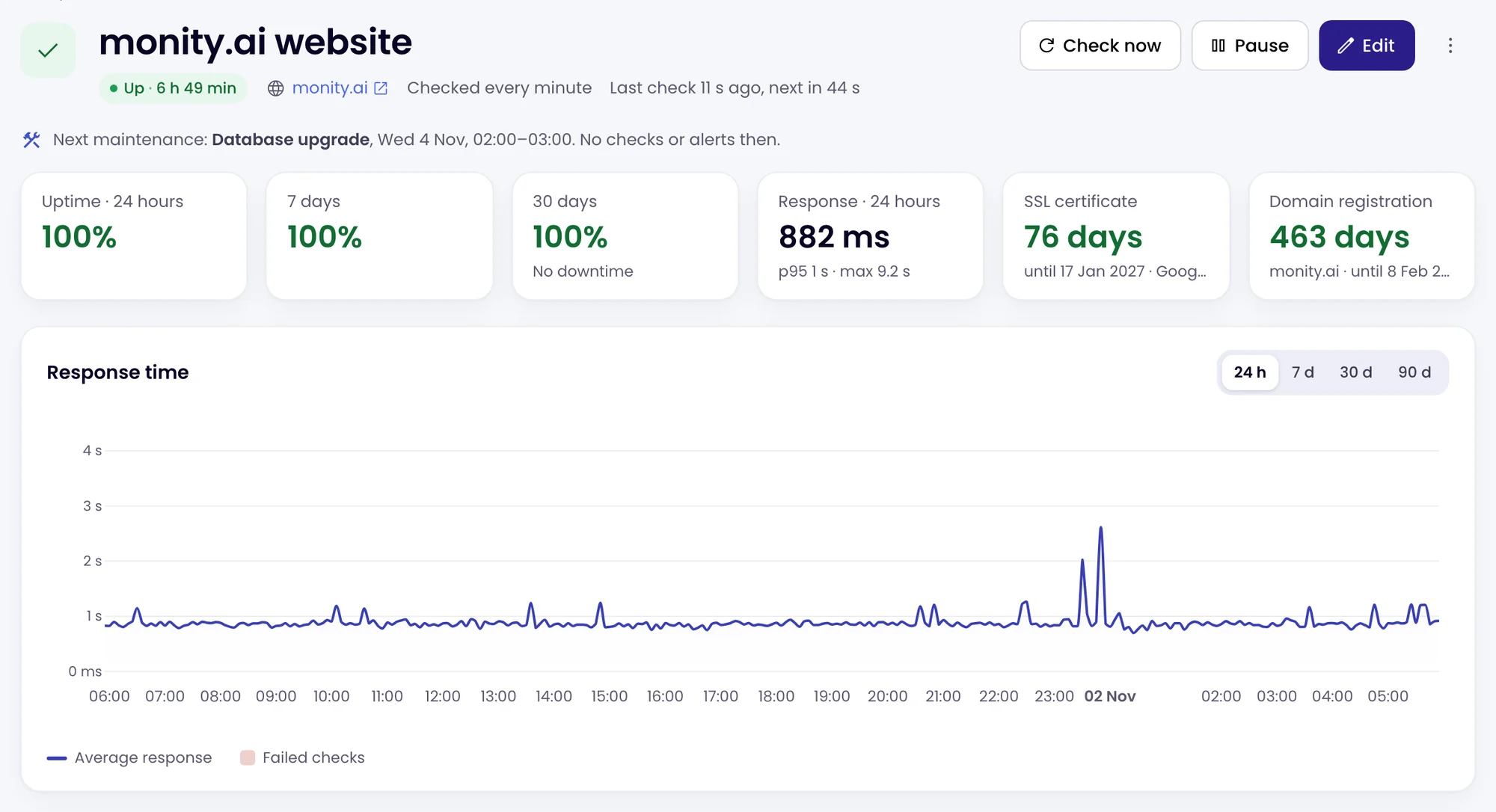
Knowing who hosts a site matters most when something changes: a move to another host, a DNS provider that answers wrong, or a site that stops loading. In uptime monitoring, a website monitor checks the site on a schedule, and a DNS monitor alerts you when an A, AAAA or NS record you expect is missing (monitor types).
FAQ
Common questions
How do I find out who is hosting a website?
Look up the addresses its domain points to, then who those addresses are registered to. Enter the site here and both come back at once, with the DNS name servers. If the owner is a CDN or proxy, that company answers for the site and the server behind it stays hidden.
Why does it say Cloudflare (or another CDN) and not my host?
When a site uses a CDN or reverse proxy, its domain points to the CDN’s addresses, and the CDN forwards visitors to the real server. From outside, only the CDN shows. The site’s owner can see the real host in their CDN or hosting account; outsiders aren’t meant to.
Is the hosting provider the same as the domain registrar?
Not always. The registrar is where the domain is registered, the DNS provider runs its name servers, and the host runs the server. One company can do all three, or three companies can. To find the registrar and expiry date, use the domain expiry checker.
Why do I see several addresses and owners?
Large sites spread visitors over many addresses, often in several networks and both IPv4 and IPv6. A site behind a CDN can return different addresses from different resolvers. The first four are looked up; the rest are counted.
What is RDAP?
RDAP is the successor to WHOIS for looking up who an IP address or domain is registered to; the registries still run WHOIS beside it. The checker finds the right registry through IANA’s bootstrap list (RFC 9224) and asks it: ARIN, RIPE NCC, APNIC, LACNIC or AFRINIC.
Can Monity tell me when a site’s DNS or host changes?
Yes. A DNS monitor in Monity checks a domain’s A, AAAA or NS records on a schedule and alerts you when a value you expect is missing, as often as every 5 minutes on the free plan, and a website monitor alerts you when the site stops answering.
Does the hosting checker contact the website?
No. It asks four public resolvers (Cloudflare, Google Public DNS, DNS4EU and CIRA Canadian Shield) for the name’s addresses and name servers, and the internet registries, through RDAP, for each address’s owner. Nothing is sent to the site itself, so its owner doesn’t see a visit from the check.
Keep an eye on your site.
Set up uptime monitoring.
Check a URL on a schedule and hear when it stops responding.
- Free 7-day trial
- No credit card
- 3 monitors free, forever