


SEC filings are the reports public companies and other filers send to the U.S. Securities and Exchange Commission, and anyone can read them free on EDGAR, the SEC’s filing system. Search by company name, ticker or CIK, or search the full text of filings back to 2001. To hear when a company files, EDGAR’s RSS feeds are free if you use a feed reader; for an email, Slack message or phone alert that fires only for the forms you care about, watch the company’s EDGAR filing list with a page monitor in monity.ai.
The SEC filings people look for most
EDGAR labels every filing with its form code and a short description. These are EDGAR’s own descriptions, as its filing lists showed them on 23 November 2026:
| Form | EDGAR’s description | What it tells you |
|---|---|---|
| 10-K | Annual report | The year in full: the business, its risks and its financial statements. |
| 10-Q | Quarterly report | The quarter’s financial statements and results. |
| 8-K | Current report, with item numbers | An event between quarterly reports. The items say which, for example Apple’s 8-K of 2 November 2026: “Current report, items 2.02 and 9.01”. |
| S-1 | General form for registration of securities under the Securities Act of 1933 | A company registering shares to sell, often before an IPO. |
| 4 | Statement of changes in beneficial ownership of securities | An officer, director or large holder bought or sold shares. |
| Schedule 13D | General Statement of Acquisition of Beneficial Ownership | Someone acquired a large stake in the company. |
How to find a company’s SEC filings on EDGAR
- Search for the company. On EDGAR’s search page, type the company name, ticker or CIK. The SEC calls it “free public access to millions of informational documents”.
- Filter the filing list by form. The classic company list takes a form type in its address. Apple’s 8-K list shows each filing’s format, description, filing date and file number, 40 to a page.
- Search inside filings. EDGAR full-text search finds words and phrases in “the full text of electronic filings since 2001”, across every company.
- See today’s filings from everyone. The Latest Filings page lists the current filing day’s filings and can be filtered by company, CIK, form type and whether to include ownership forms.
EDGAR accepts filings on business days “from 6:00 a.m. to 10:00 p.m., ET”, and some that start after 5:30 p.m. ET appear in the next business day’s index (SEC, Accessing EDGAR Data, reviewed 20 November 2026).
Free ways to follow a company’s filings
- EDGAR’s RSS feeds. The SEC’s RSS page offers a Company Search feed with one company’s latest filings, filterable by filing type, and a Latest Filings feed filterable by company, CIK or form type. Apple’s feed is an example. If you read feeds in a feed reader, this costs nothing and you may not need anything else.
- The company’s investor relations site. Many have an email-alerts sign-up for their own filings and press releases. It covers one company at a time.
- The SEC’s data APIs. Developers can read submissions and XBRL financial data from data.sec.gov. The SEC asks automated tools to declare a user agent and keep to 10 requests a second.
How to get an email when a company files, with monity.ai
A feed tells you about every filing. A page monitor can tell you only about the ones you care about, and send it where your team already looks.
- Open the filing list you want watched. For one company, open its EDGAR list filtered to the form, such as Apple’s 8-K list above. For every company filing a form, open Latest Filings filtered by form type, such as S-1. Copy the address.
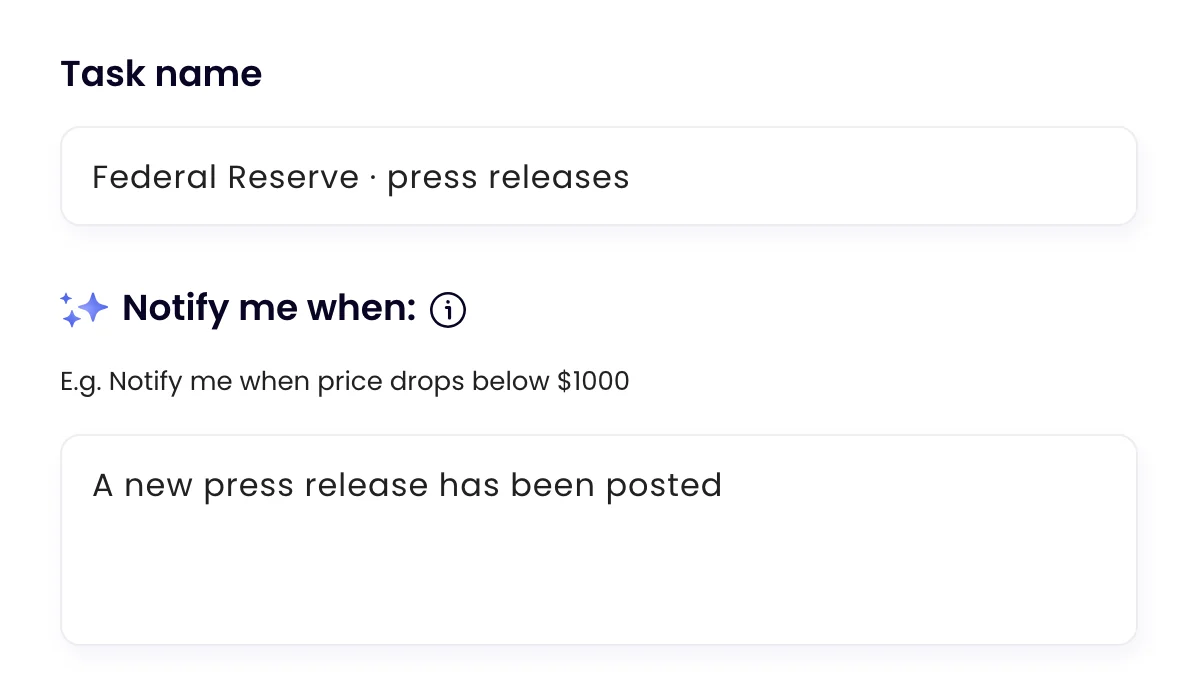
- Tell Monity what matters. Click Ask Monity and type, for example: “Watch [the address] and tell me when a new 8-K is filed that lists item 5.02.” Monity creates the monitor and runs the first check. A few minutes later its AI confirms what it reads: the list of filings.
- Check the first result. Open the first check and confirm it shows the filings list with its dates. sec.gov turns some automated visitors away. If the first check shows an access-denied page instead of the list, the page can’t be watched this way, and the RSS feed is the better route.
- Choose when to check and where the alert goes. Email to start with, or Slack, Microsoft Teams, Google Sheets (a row per alert, which makes a filing log) or a webhook.
Rules that work on filing lists
- “Tell me when a new 10-K or 10-Q is filed.”
- “Tell me when a new 8-K lists item 5.02 or item 1.01.” Item 5.02 covers changes of directors and officers, and 1.01 a material agreement.
- “Tell me when a new Form 4 appears”, for insider buying and selling.
- On Latest Filings filtered to S-1: “Tell me when a company in medical devices files an S-1.”
Filings that don’t match the rule stay in the monitor’s history, so you can look back at every version of the list.
How often to check
Filings arrive on business days between 6 a.m. and 10 p.m. ET, so check in those hours and skip weekends with a schedule rule. Hourly checks from 6 a.m. to 10 p.m. on weekdays use about 350 credits a month for one list, which fits Personal Small (1,000 credits, $10 a month billed yearly). The free plan has 100 credits and checks at most every 3 hours: enough for one or two companies checked once each weekday. Personal Medium, Business Small and Business Medium check as often as every 15 minutes; Personal Large and Business Large and up, every 5. See pricing.
What Monity doesn’t do
- It isn’t a filings database or an API. It watches the pages you name. For data across every filer, use EDGAR’s full-text search or the SEC’s data APIs.
- It doesn’t read the numbers inside a 10-K. It tells you a filing arrived and links to the list; you open the filing.
- It checks on a schedule. An alert comes at the next check after the filing appears, not the moment it is accepted.
- It can’t get past a block. The SEC says it “does not allow botnets or automated tools to crawl the site”, and its own tools are free. If sec.gov blocks a check, use the RSS feed.
- It isn’t investment advice. It tells you what was filed, not what to do about it.
Compliance teams watching regulators’ pages can see regulatory change monitoring, and finance teams Monity for financial services. Rules are explained in Notify me when rules.
Start free on monity.ai and watch one company’s filings.