


HHS-OIG publishes its exclusion list (the LEIE) as monthly files, and SAM.gov publishes a new exclusions extract every day. A page monitor in Monity (monity.ai) can watch each download page and alert your team when a new release appears, so the person responsible downloads it and runs your screening. The alert says a file changed; the screening itself stays in your own process.
Which OIG and SAM exclusion lists should you watch?
Use two monitors, because each list answers a different question. The List of Excluded Individuals/Entities (LEIE) is HHS-OIG’s list of exclusions from federal health care programs (HHS-OIG exclusions FAQ). SAM.gov’s exclusions cover parties excluded from federal contracts and assistance, with the excluding agency, the action and its effect. Searching for one name stays separate from both monitors.
| Source | Signal to watch | What to do after an alert |
|---|---|---|
| HHS-OIG LEIE | The “Last Update” date or the month in the full database CSV label. If you use supplements, watch the latest exclusions and reinstatements labels. | Replace your local database with the full CSV, or follow OIG’s supplement instructions to apply the changes to your existing copy. |
| SAM.gov exclusions | The current public extract’s file name, if it appears in the first check. GSA produces a new file every day, after 7 a.m. Eastern, named SAM_Exclusions_Public_Extract_V2_YYDDD.ZIP (a Julian date), and it holds all active exclusions. |
Open the current extract or search the official exclusions records. Read the entire record and verify possible matches with the excluding agency. |
Put the three source pages in your procedure, so whoever acts on an alert opens the original: OIG’s LEIE Database & Supplement Downloads, SAM.gov’s Public V2 extracts, and GSA’s extract calendar and file names.
How can I tell when OIG has posted a new LEIE file?
Watch the update date and the month in the file label together. On 23 November 2026, the download page showed “11-10-2026” as the last update and listed the “10-2026” database and supplements. Those fields refer to different dates because the file reflects actions through the previous month. Comparing only the month in the file name with the current calendar month could make a fresh release look old, as OIG’s download page explains.
Use the full CSV if your procedure calls for replacing the database. Leave the monthly supplements out in that case. If your team keeps an incremental copy, apply the exclusions and reinstatements files together under its normal procedure. The reinstatements file matters because a previously excluded party can be removed from the active list (OIG’s instructions for full and incremental updates).
How do I set up the two release alerts?
- Open the LEIE downloads page in your browser. Create a page monitor and use this rule: “Tell me when the Last Update date or the month on the full LEIE database CSV changes.” If your process uses supplements, name the latest exclusions and reinstatements links in the rule.
- Open SAM.gov’s Public V2 folder and find the current extract’s file name. Create a second monitor with the rule “Tell me when the file name of the current SAM exclusions extract changes.” Because GSA posts a new file every day, expect one alert a day: check once a day after 7 a.m. Eastern, and use the alert as the cue for a daily screen, or as proof the day’s file was posted. If your team screens SAM monthly, a calendar reminder does the same job. If the first check shows only a shell or a sign-in screen instead of the file list, go straight to the official exclusions search.
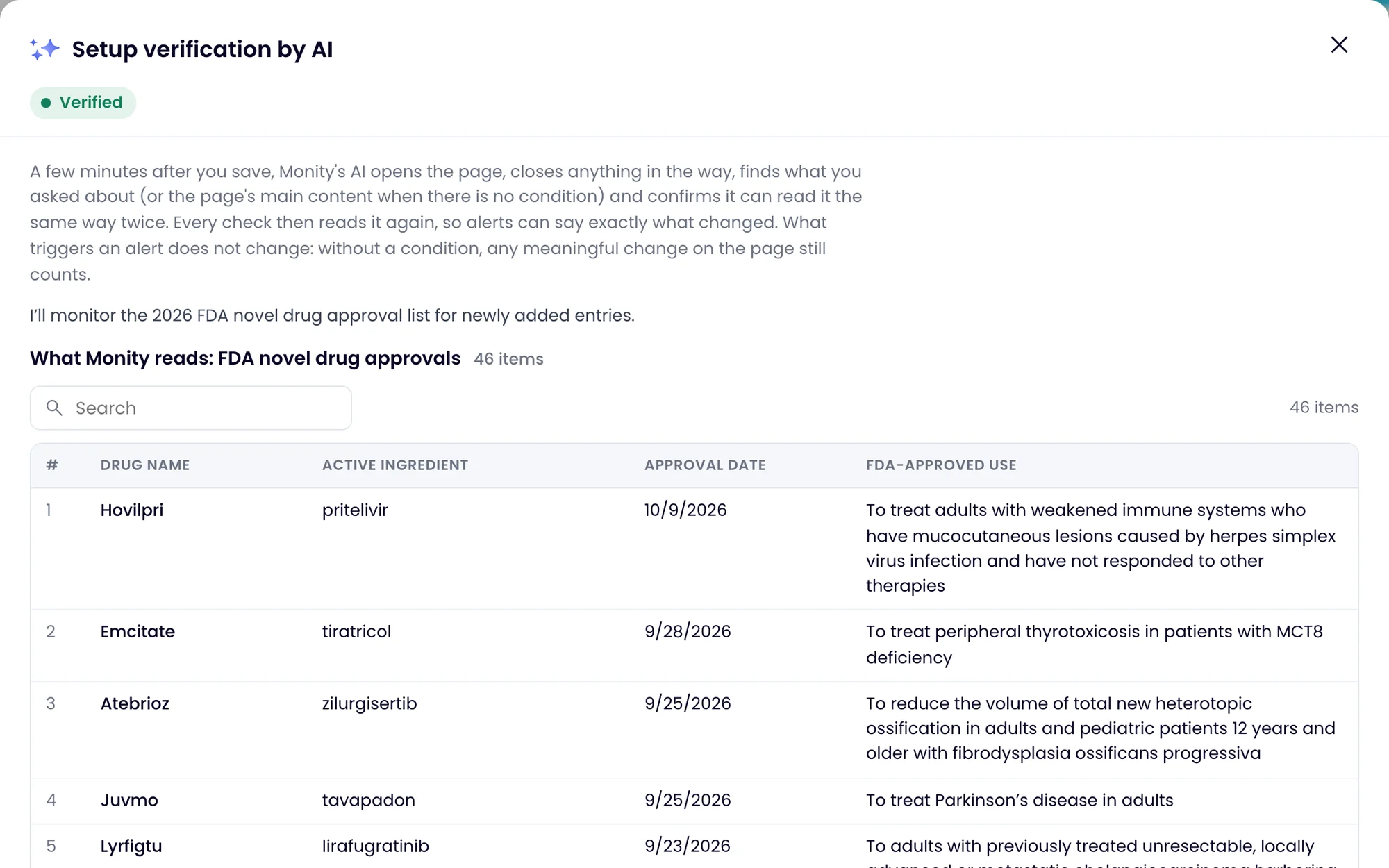
- Review the first check for each monitor. You should be able to read the same date or label in the check that you can see on the agency page. If it is absent, keep the manual workflow and resolve access before relying on the alert (setting up a first monitor).
- Send alerts to the person or shared channel responsible for the update. When one arrives, confirm the new label against the agency’s page and record the source and issue date in your normal screening log. The before-and-after view shows whether the alert was about the release rather than a menu or banner change (reviewing a check).
When should I use the official search instead?
To screen one person or business, go straight to the official search. OIG’s online search can verify a possible match with an SSN or EIN where available, and SAM.gov directs you to the agency that created a record to verify a match (SAM.gov exclusions search). A page alert only tells you something changed on the page: keep names, identifiers and rosters in your approved screening system, on its regular calendar.
For other regulator pages your team checks regularly, keep the same split between a publication alert and the work that follows it; Monity for healthcare has more examples.