To get an alert when your website goes down, use an uptime monitor: a service outside your network requests your site on a schedule and tells you when it stops answering properly. You’ll usually hear about an outage before your customers do, and you’ll know when it started and when it ended.
This guide uses Monity, which we make. The steps are the same idea in any uptime tool; the labels in bold are Monity’s.
The short version
- Monitor the address customers actually use, not only the home page.
- Check every minute if downtime costs you money, every 5 minutes if it doesn’t.
- Count an error page as down, not only a dead server.
- Send the alert somewhere a person will see it at night, and say when it’s back.
1. Decide what to monitor
Start with the two or three addresses that matter most, then add more:
- The home page, as the first sign that the site is up at all.
- The page that earns money: the shop, the sign-up page, the booking form.
- Your API or its health endpoint, if you have one. A JSON answer such as
{"status":"ok"}is easy to check. - Mail and other servers by port, such as SMTP or a database, if customers depend on them.
- The domain’s DNS records, if you’ve ever had a site disappear after a DNS change.
Each monitor in Monity is a task, so your plan’s task limit applies: 3 on the free plan, 20 on Personal 1k, 100 on Business 10k.
2. Create the monitor
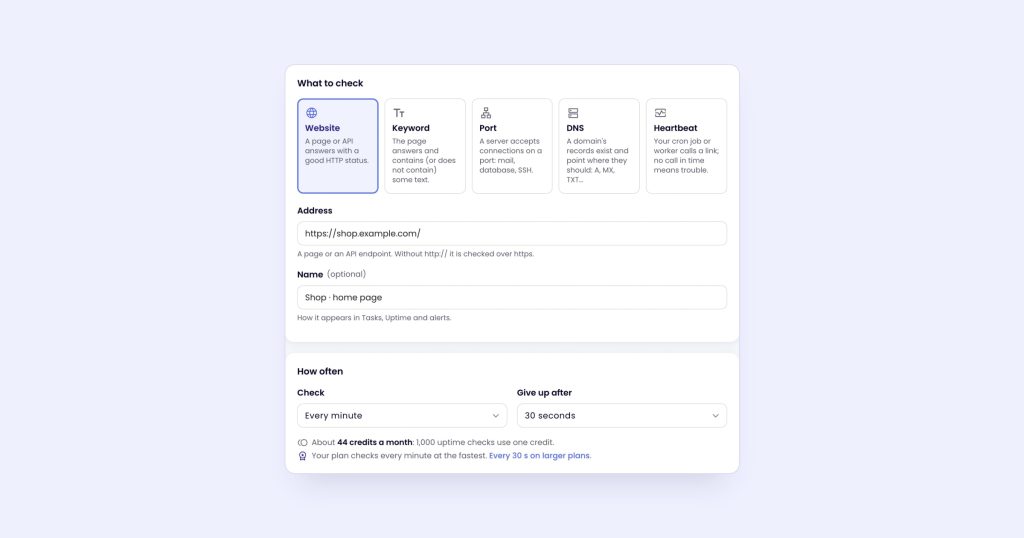
- Open Uptime in the sidebar and click New monitor.
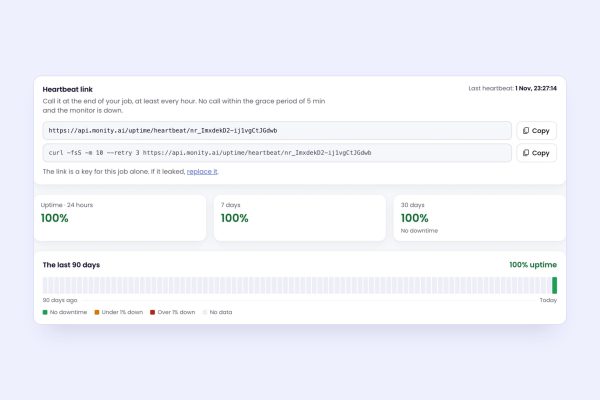
- Choose the kind: Website for a page or an API, Keyword to also check for some text, Port for a server, DNS for records, or Heartbeat for a scheduled job (see cron job monitoring).
- Enter the Address, for example
https://shop.example.com/. Add a Name if the address isn’t clear; it’s what alerts and status pages show. - Under How often, choose how often to Check. The list shows what each interval costs in credits a month.
- Click Test now. Monity requests the address straight away and shows the status, the timings and the certificate, so you know it works before you save.
- Click Create monitor.
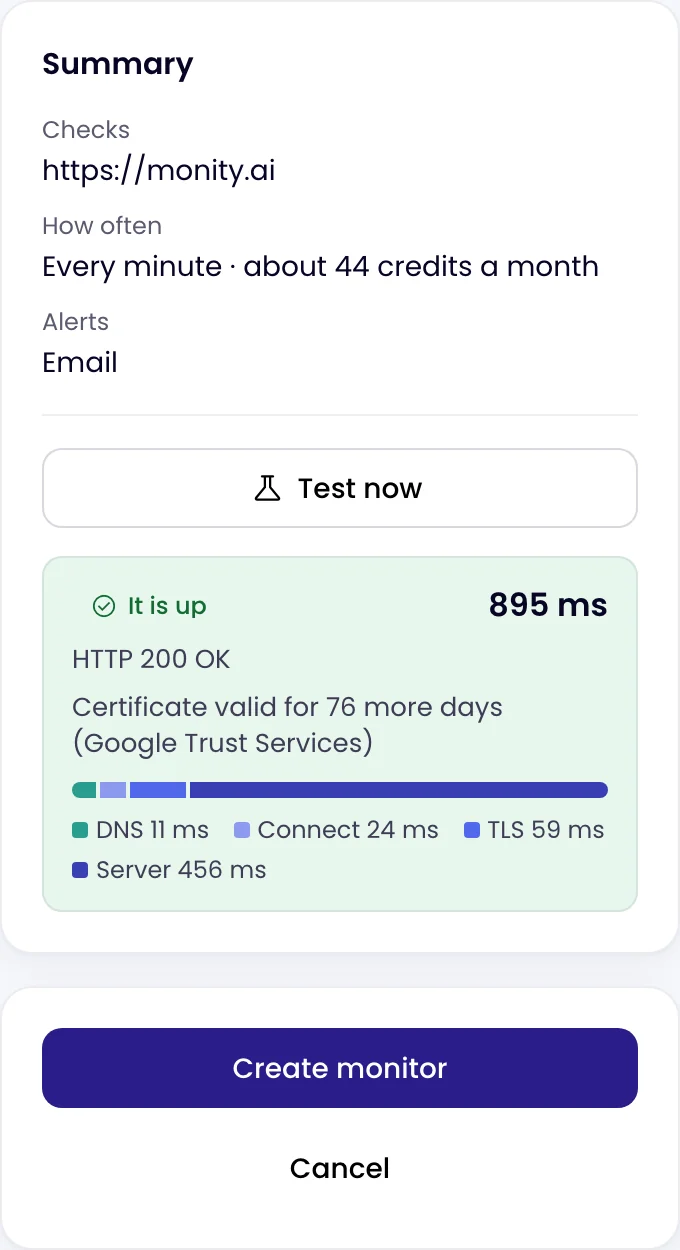
You can also type a sentence in Ask Monity, such as “tell me when shop.example.com is down”. It suggests the monitor, with its interval and credits a month, and creates it when you confirm.
3. Choose how often to check
How quickly you hear about an outage depends mostly on the interval. The fastest one depends on your plan:
| Plan | Fastest check | Credits a month for one monitor |
|---|---|---|
| Free | Every 5 minutes | 9 |
| Personal 1k, Personal 5k, Business 1k, Business 10k | Every 1 minute | 44 |
| Personal 10k, Business 20k and up | Every 30 seconds | 87 |
1,000 uptime checks use 1 credit, so a monitor checked every minute costs 44 credits a month, against the 1,000 credits of Personal 1k. See pricing.
4. Decide what counts as down
A server that doesn’t answer is down. So is one that answers with an error page. Under When it counts as down:
- Good status codes are 200 to 399 by default. A
500or a404counts as down. - A Keyword monitor fails when the text isn’t on the page, or when it is, if you chose “must not contain”. Use it to catch an error page that still answers 200 OK, for example by requiring “Add to cart” on a product page.
- Checks on the answer look inside an API’s JSON or headers, up to 10 of them, such as
$.statusequalsok. - Give up after sets the timeout: 30 seconds by default.
- An invalid certificate counts as down unless you tick Accept an invalid certificate.
5. Avoid false alarms
Most uptime alerts that turn out to be nothing come from a single failed request. Monity confirms every failure before alerting: it retries twice, 3 and 6 seconds later, and when the failure is a network one (a timeout, a refused connection, a DNS error), it first checks its own connection against three well-known sites, so a problem on Monity’s side doesn’t page you.
If short blips still bother you, set Alert to wait until the site has been down for a while: 1, 2, 5, 10, 15 or 30 minutes, or 1 hour. One good check ends the incident.
6. Send the alert where someone will see it
Under Alerts, choose Send alerts to: email, Slack, Microsoft Teams, Discord, Telegram, Google Sheets, a webhook, or push to the Monity app on your phone. Every channel is on every plan, the free one included. Two more settings help:
- While it stays down: a reminder every 15 or 30 minutes, 1, 3, 6 or 24 hours, so a missed alert isn’t the end of it.
- Tell me when it is back up: a recovery alert with how long it was down.
The alert channels page explains how to connect each one.
7. Watch the certificate and the domain too
Two outages give you weeks of warning and still catch people out: an expired TLS certificate and an expired domain. Every Website and Keyword monitor on an HTTPS address watches both:
- Certificate warning: one alert 3, 7, 14 or 30 days before the certificate expires (14 by default).
- Domain registration warning: one alert 7, 14, 30 or 60 days before the domain’s registration ends (30 by default), looked up once a day over RDAP. Some registries, such as .de, don’t offer the lookup; the monitor says so.
To check a certificate once, use the free SSL checker. For deeper certificate checks on a schedule (the issuer, the nameservers), see SSL certificate monitoring.
What happens when it goes down
The monitor’s page opens the incident: when it started, what failed (the status, the timings, the server’s address, the start of the answer), a likely cause, and a screenshot of the page taken when the down alert went out. Admins and editors can acknowledge it to stop reminders, add notes, and ask Monity’s AI what the failure most likely means. When it’s back, the incident closes and the downtime counts in the monitor’s uptime for 24 hours, 7, 30 and 90 days.
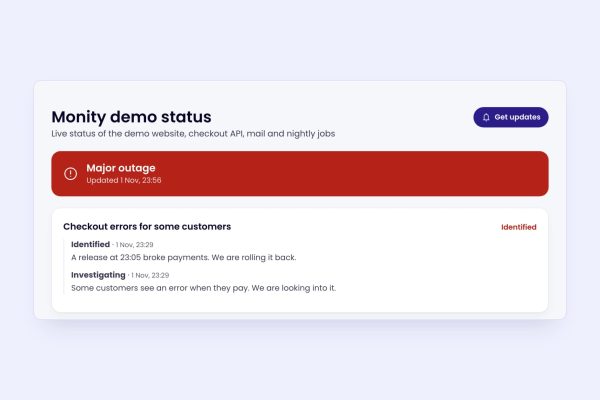
If your customers ask “is it down?”, a public status page answers for you.
When “up” isn’t enough
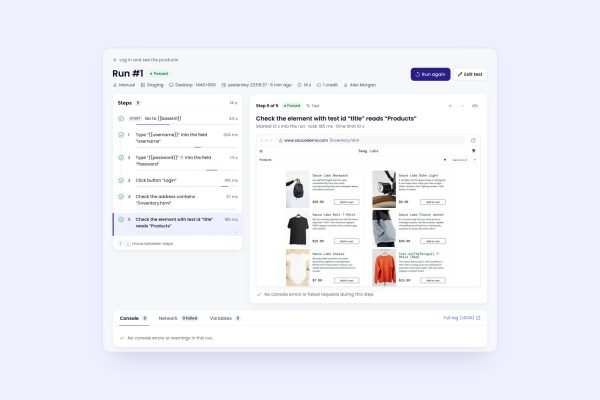
An uptime monitor tells you the server answered. It won’t tell you that the checkout button does nothing or that the page shows yesterday’s prices. For a journey, use a browser test. For a page that breaks without going down, see getting notified when your website is broken.
Set it up on the free plan: start monitoring with Monity. The uptime monitoring docs cover every setting.