


Five Below doesn’t publish a restock day or time. For squishies and dumplings, the items most people are hunting, its support page says that when a store or the website is out of stock, “they ARE coming back”, and stock differs by store. So the dependable way to know is your store’s stock on fivebelow.com, or a page monitor such as Monity (monity.ai) watching the product page for you.
Does Five Below have a restock schedule?
Not one it publishes. Five Below’s support article All Things Squishy! (updated 11 Nov 2026) says: “We’re doing everything we can to keep in stock in stores & online!” and “if your local store or the Five Below website is out of stock, don’t worry, they ARE coming back!” It gives no dates.
The days you see on TikTok and Facebook, Tuesday, Wednesday or Friday mornings depending on who you ask, are shoppers’ experience at their own store. Five Below doesn’t confirm any of them.
Squishies also have a purchase limit: five per person per day, which Five Below’s examples put as “5 Needohs per person per day” or “5 different squish products”. The limit has been in effect since August 10, 2026, and Five Below says it “may be subject to change”.
How to check your Five Below store’s stock
- Set your store. On fivebelow.com, enter your ZIP code and choose “select this store” for the location you want, as Five Below’s support pages describe.
- Open the product page. It shows that store’s stock. Sold out reads “Oops, sold out at your store. Check Nearby Stores.”
- Try nearby stores, then call. Check Nearby Stores lists other locations; a quick call confirms the count before you drive.
- Buy online, pick up in store. If a store has it, Five Below’s own page says: “It’s FREE! There is no extra fee when you buy online, pick up in store!”
How to get an alert when it’s back
A page monitor checks the product page on a schedule and tells you when it changes in the way you describe. In Monity:
- Copy the product page’s address from fivebelow.com.
- Write the rule in a sentence: “Tell me when this can be added to the cart” or “Tell me when it no longer says sold out.”
- Choose how often. One check is one credit. The free plan’s 100 credits a month cover about three checks a day on one page; Personal Small ($12 a month, $10 billed yearly) checks every hour, and Personal Medium ($35, $25 yearly) every 15 minutes. See plans and credits.
- Pick where the alert goes: a push to the Monity phone app, email, Discord, Telegram, Slack, Microsoft Teams, Google Sheets or a webhook.
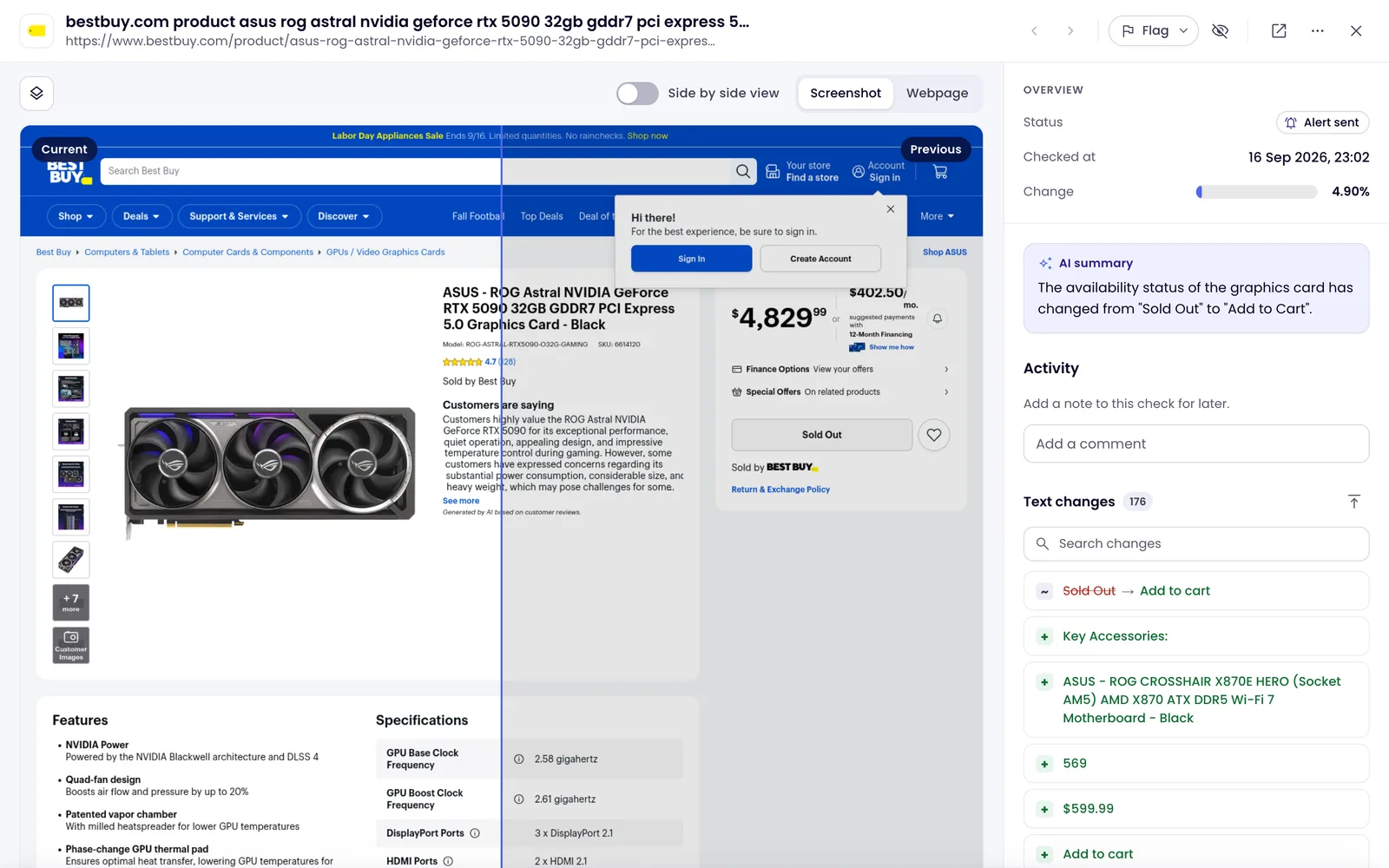
Two things to check on the first day. fivebelow.com answered a plain request from our network with a bot check on 23 Nov 2026, and we have no numbers yet from customers’ checks of it, so open your first check’s screenshot: if it shows a check page and not the product, the monitor can’t read that page, and Check Nearby Stores and a phone call are the better bets. The screenshot also shows which stock the page reports, online or a store’s.
Monity alerts you and stops there: it doesn’t add to cart, buy or hold anything, and a popular squishy can sell out between two checks. The same set-up works at other stores: see when Target restocks and how to get notified when a product is back in stock.