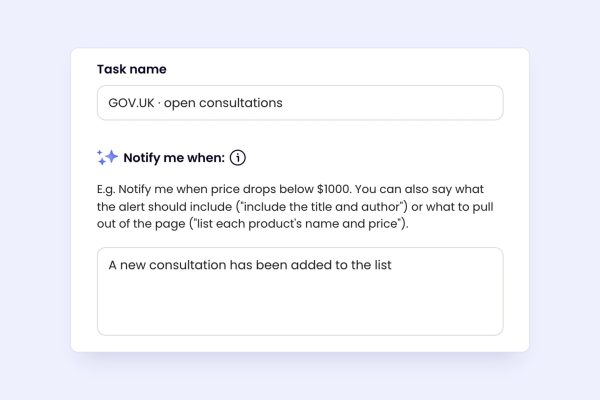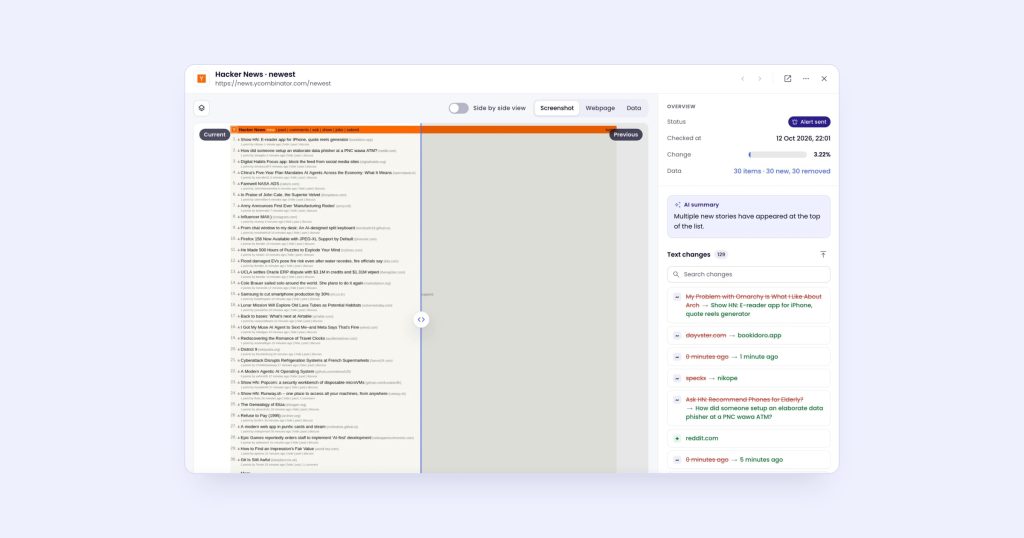
To get notified when a product is back in stock, watch the product page with a rule about the size or variant you want, such as “tell me when size 10 is back in stock”. In monity.ai every check reads the page, compares it with the last one and alerts you only when your rule matches, by push notification, email, Telegram or any other channel. It works on any store whose product page shows stock to a visitor, not only stores with their own “notify me” button.
Step 1: Watch the product page
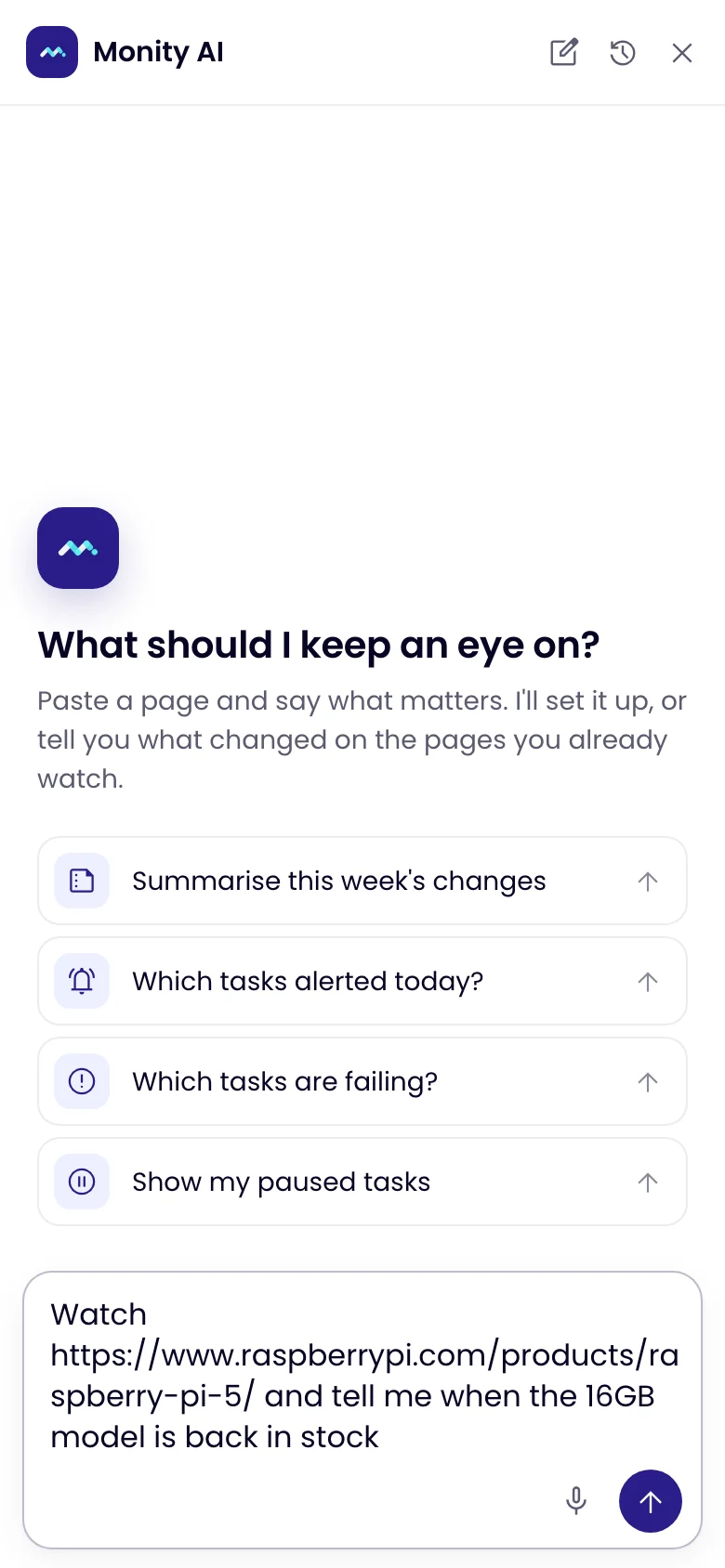
Click Ask Monity and describe it: “Watch this page and tell me when the medium size is back in stock”, with the product’s address. Monity AI creates the task, writes the rule and runs the first check. The free plan has room for 3 products.
Step 2: Be specific about the variant
A product page usually lists every size and colour. Name the one you want: “size 10 in black”, “the 16 GB model”, “any size from M to XL”. Monity’s AI reads every change against the rule, so a different size coming back doesn’t wake you up.
Step 3: Add a step if the stock depends on a choice
Some stores only show stock after you pick a size, a colour or a store, or enter a postcode. Add browser actions to the task, such as choosing the size, and Monity performs them before every check. Without that step, the page may simply not say whether your size is available.
Step 4: Get the alert on your phone
Install the monity.ai app for iOS or Android and you get a push notification when the rule matches. Telegram, email, Slack and the other channels work too, on every plan.
How often to check
Restocks can sell out fast, so check as often as your plan allows: every 3 hours on the free plan, every hour on Personal 1k, every 15 minutes on Personal 5k, and every 5 minutes on Personal 10k. You can limit checks to the hours a store usually restocks.
When it won’t work
- Some large retailers and marketplaces block automated visitors. Monity reports those checks as blocked instead of pretending nothing changed.
- If a product is only sold through a queue or a draw, there is no stock to watch on the page.
Related: tracking competitor prices automatically, getting an alert when a web page changes and restock and price-drop alerts.