Most competitor tracking still starts the same way: someone opens a list of tabs, looks for anything different, and pastes notes somewhere. We collected how people describe that routine in public threads. The quotes below are verbatim; we’ve left out who said them.
We make Monity, a website change monitoring tool, so the last sections point to it. The rest applies whatever tool you use.
What the manual routine looks like
“My spreadsheet has around 20 regular competitors.”
“i screenshot competitor pricing pages weekly. not to copy. to know what 0 looks like.”
“Every Monday I used to open 8 competitor changelogs, skim them, and paste ‘highlights’ into Notion. Half the time the highlight was a bugfix.”
“Looking for an automated way to pull a few dozen prices every Monday without babysitting it.”
The pattern is a fixed slot in the week, a list that keeps growing, and a lot of looking at pages where nothing changed.
Why it breaks
It doesn’t scale with the list. One operator put the limit plainly:
“once you’re past 15+, there’s no way to actually keep tabs on all of them by hand”
You either check too often or miss things. An ecommerce builder described the trade-off:
“if you sell online, checking competitor prices by hand doesn’t scale. You either do it constantly (exhausting) or you do it rarely (and miss real changes).”
Stale information costs more than time. A product marketer who maintains comparison pages wrote:
“At least once every quarter, I get an email from a competitor’s legal team asking us to update something on a comparison page because they’ve released a feature we said they didn’t have”
The enterprise fix is out of reach for many teams. The same thread priced the dedicated competitive-intelligence suites:
“I looked at tools like Klue and Crayon, but they’re incredibly expensive. From what I could find, we’d be talking somewhere around $15k–$20k+ per year.”
Want to see it on your own pages first?
Send us the pages you check by hand. We set up the monitors, confirm they read the right thing and email you the first result, usually within a business day. Free, no account, no card.
Four ways to replace the routine
1. Keep the spreadsheet, but stop opening the pages
Write down which pages matter and what you’re looking for on each: a price, a plan limit, a new item in a changelog. That list is useful whatever you do next, and it’s the input every tool below needs.
2. Use a website change monitor
A change monitor loads each page on a schedule and tells you when it changes, so the weekly look becomes an alert. Tools differ in how you say what counts as a change:
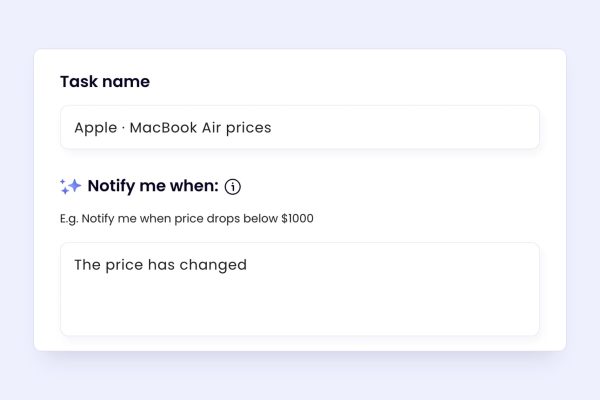
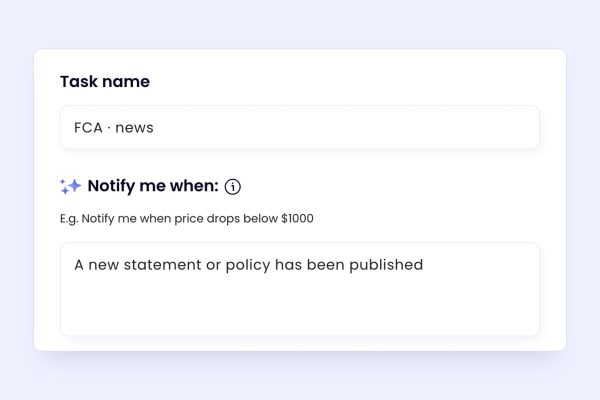
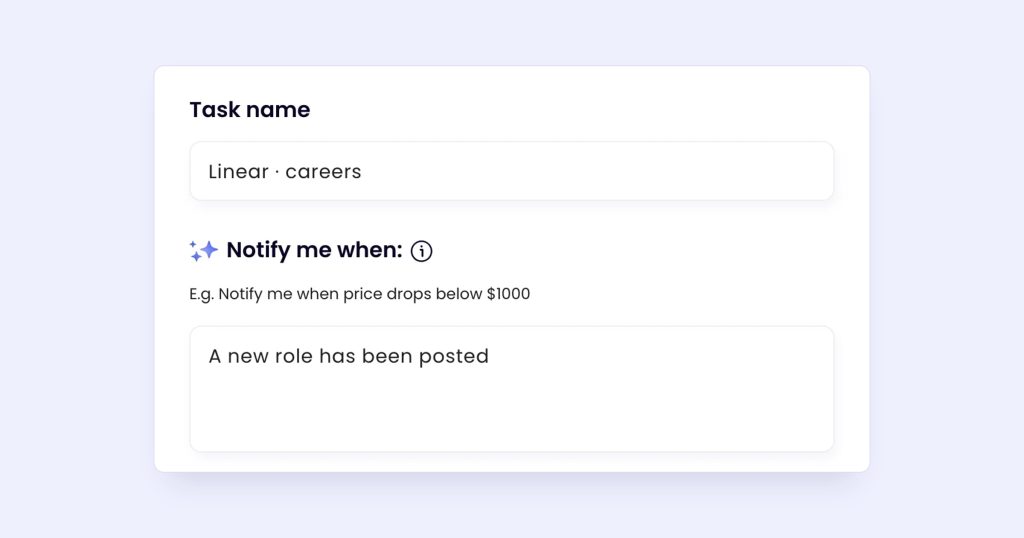
- A condition in plain English: in Monity you write what you’re looking for, such as “a plan price changed”, and when a page changes, AI checks whether it matches and ignores noise such as cookie banners.
- Visual, text and element detection with AI summaries: Visualping includes visual, text and element change detection and AI change summaries on every plan.
- Selectors and filters: changedetection.io is a fully open-source project you can self-host, with trigger text, CSS/xPath rules and ignore lists.
3. Send the change where the decision happens
An alert in a personal inbox gets missed. Send it to the team channel or the system that acts on it. Monity alerts in Slack, Google Sheets, Telegram, email, Teams or Discord on every plan, and each alert can carry the value it read into Google Sheets, a webhook or the API.
4. Save the full picture for the pages that matter most
For pricing and comparison pages, keep a dated before-and-after of every change, so you can show what changed and when. Monity keeps each check’s screenshot in the task’s history, and our free before-and-after comparison and full-page screenshot tools do this for a single page.
Where Monity fits
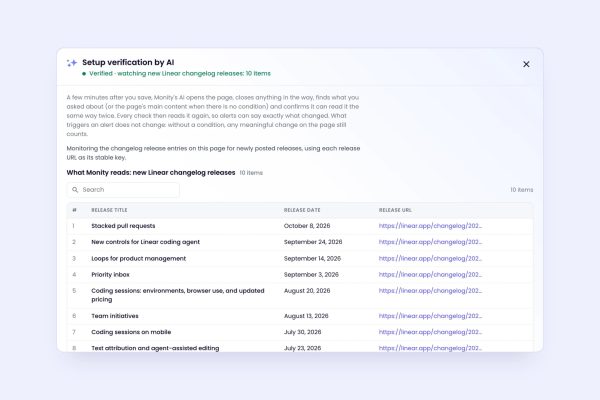
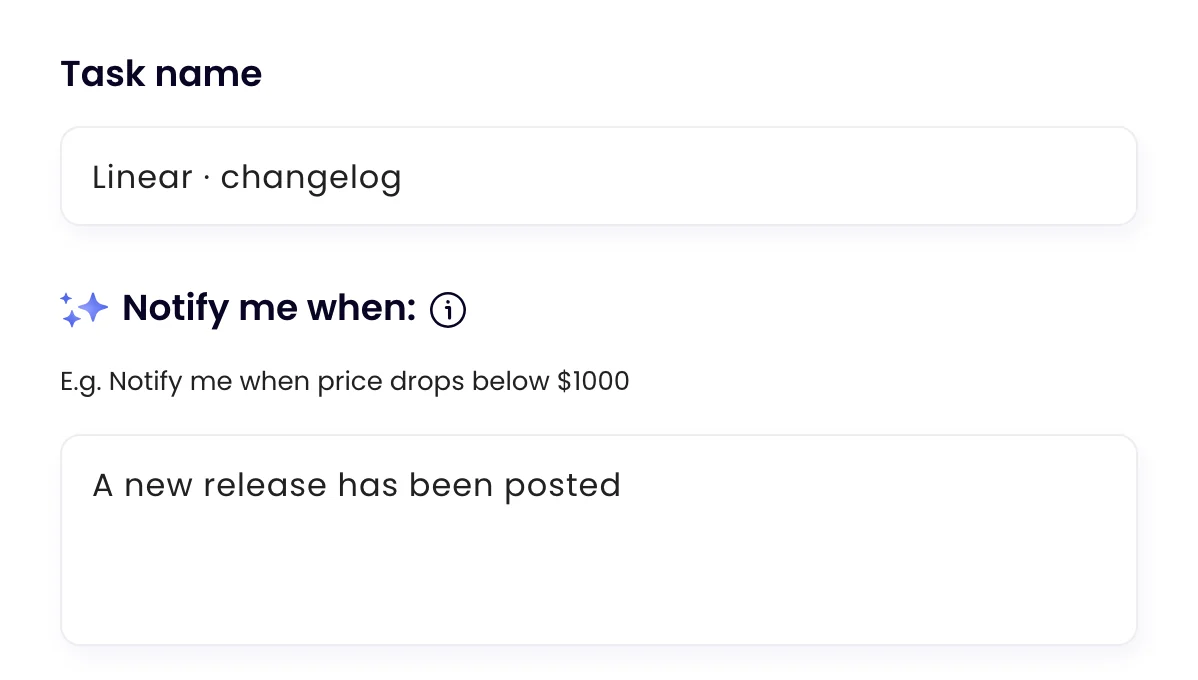
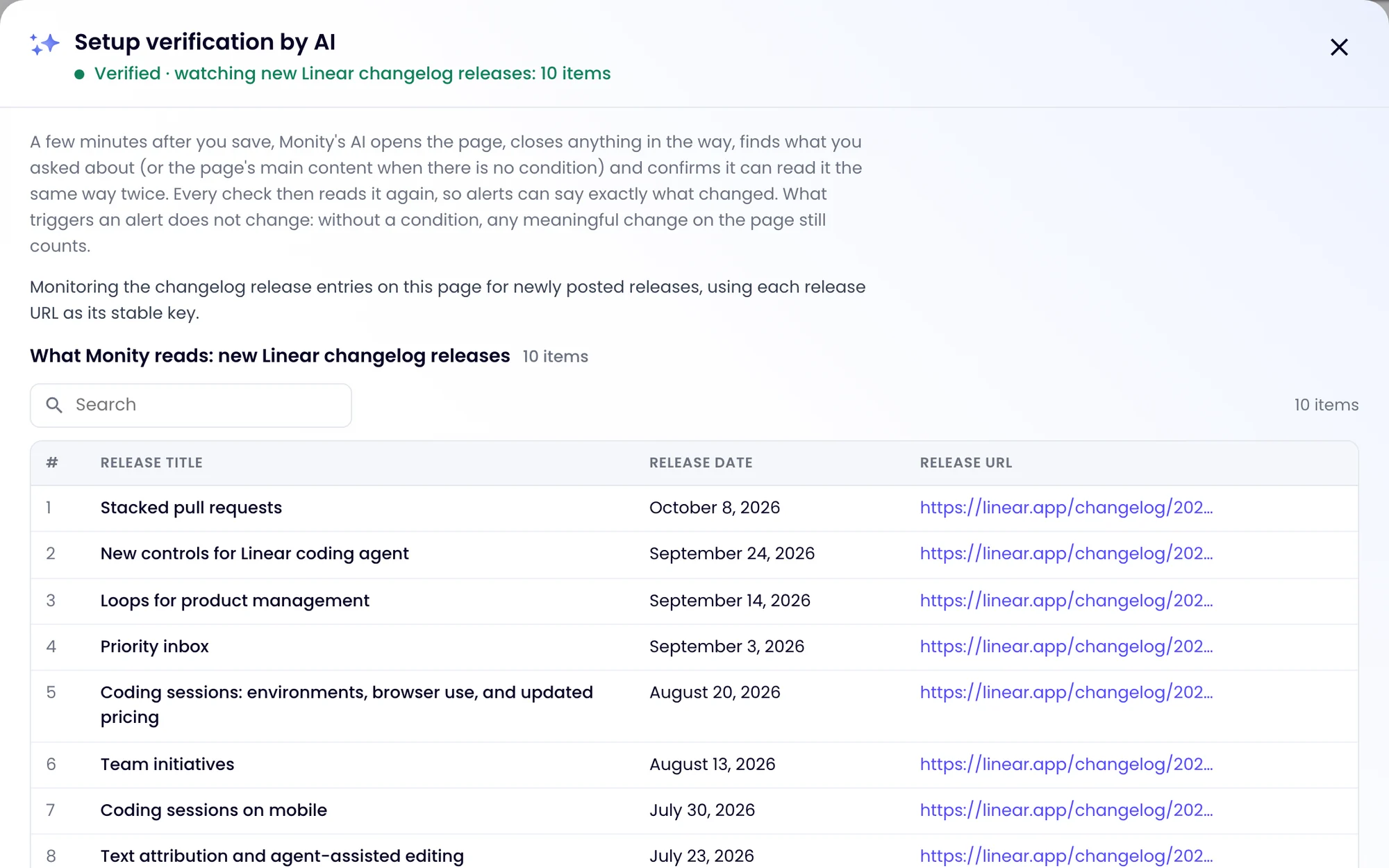
Monity is built for exactly this routine. You paste a competitor page and write the condition (“tell me when a plan price changes” or “when a new item appears in the changelog”). A few minutes later its AI opens the page and confirms what it will compare, entry by entry, so when something changes the alert names it. It can accept cookies, sign in and open the right tab before each check, and the iOS and Android apps come with every plan.
The free plan covers 3 tasks and 100 checks a month, checked every 3 hours, which is enough to try your most important competitor page. Paid plans start at $10/mo billed yearly for Personal and $25/mo billed yearly for Business; Business 10k, with 10,000 checks a month, 100 tasks and 5 seats, is $50/mo billed yearly or $70 monthly. There’s a 7-day Business trial with no credit card, and if you’d rather hand over the list, we’ll set it up for you. More in our guide to how agencies monitor client websites without manual checks.
Further reading
- How to know the day a competitor changes its pricing page
- How to track competitor price changes automatically
- Competitor monitoring with Monity
- How to send website changes to Google Sheets automatically
Try Monity on the pages you watch today
Start on the free plan in a few minutes, or let us set it up and send you the first result. Slack, Teams, Google Sheets and every other alert channel are included either way.