Skip to content

Web change intelligence you can trust

Monity.ai is AI website change monitoring for any page you need to watch. Describe what to track in plain English, and skip the false alarms.

Free basic plan No credit card DPA on request

Tell monity.ai what to watch in plain English. When a page changes, AI checks whether it matters, ignores noise such as cookie banners, and alerts you in Slack, Google Sheets, Telegram, email, Teams or Discord.

50-second product tour

See AI website change monitoring in action.

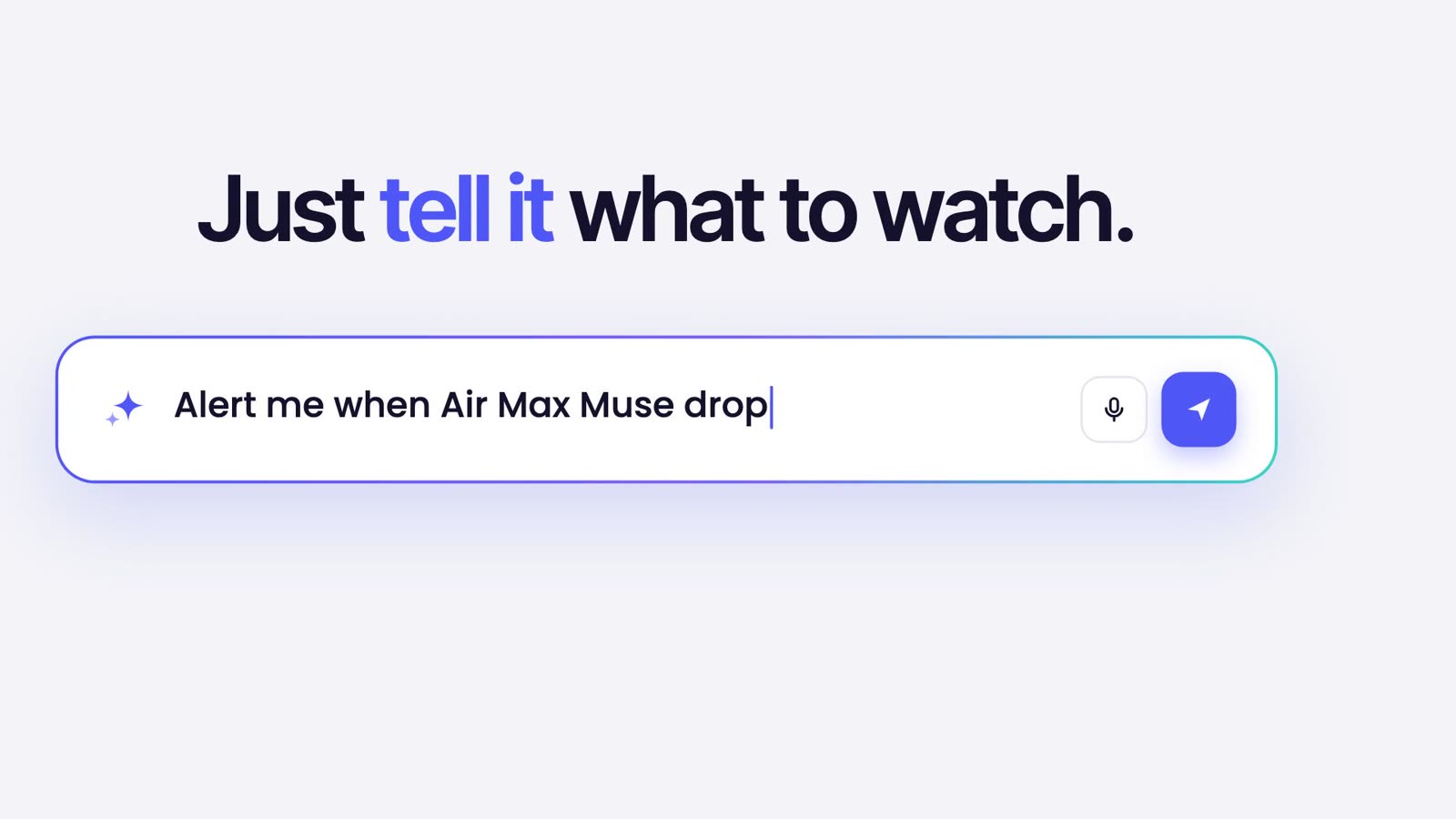
Describe what to watch in plain English. monity.ai catches price, text, visual and PDF changes on any website and alerts you where you already work.

Watch with sound 0:49
Solutions

Website change monitoring built for the teams that can't afford a blind spot.

All solutions

Competitive & market intelligence

Pricing changes, product launches, news releases, and market signals — feeding straight into your team or your data pipeline.

  • Track competitor pricing pages
  • Watch for new feature announcements
  • News and press release tracking
For marketing, CI, and data teams

Compliance, vendor & document monitoring

Regulators, contracts, sub-processor lists, and PDF brochures — under continuous watch with a full audit trail.

  • FCA, SEC, ESMA publications
  • Vendor ToS & DPA changes
  • PDF and brochure monitoring
For legal, GRC, and procurement teams

Website QA & integrity

Catch defacement, broken layouts, and unauthorised changes on your own sites — before customers do.

  • Defacement and security incident detection
  • Visual regression after deploys
  • Broken-layout and rendering alerts
For security, web ops, and brand teams
Platform

The only website monitoring platform you need.

A page changes. You hear first.

Monity everywhere

Wherever you work, Monity is already there.

In the cloud, on your phone, on your Mac or PC, in your browser, and inside ChatGPT with the official monity.ai plugin.

Monity in the cloud: the Uptime page, with seven monitors up, their last 24 hours, their uptime over 30 days and their response times.
Monity Desktop on a Mac: the pricing page of Coastal CRM, a company made up for this demo, compared with the page before. The Pro plan went from $49 to $39 and an alert was sent.
A shop’s product page in a browser with Monity’s panel beside it: this page is watched by 2 tasks, each with its last check and its last alert.

Web app

In the cloud, around the clock

Monity’s servers check your pages, your uptime and your sign-up flows day and night, and alert you by email, Slack, Teams, Discord, Telegram and more. The free plan needs no card.

iPhone and Android

A push the moment something changes

Set up monitors by chatting, open the before and after, and pass a change to your team, all from your phone.

Mac and WindowsNew

A free app that runs on your own computer

No account, no subscription, no credits. Checks start from your computer, so they reach your dev server, your router and sites on your VPN.

Chrome, Brave and EdgeNew

Watch the page you are on

A free extension. Click Monity on any page, pick what to watch and say when to alert you. Checks run in your browser while it is open.

ChatGPT, Claude and Muse

The official monity.ai plugin for ChatGPT

Install monity.ai from ChatGPT’s plugin directory, then ask it to watch a page or show what changed, right in the conversation. Monity keeps checking after the chat ends. Claude and Muse come next: both listings are in review.

Install the ChatGPT plugin How it works
  • ChatGPTLive
  • ClaudeSoon
  • MuseSoon

Any MCP client

Your coding agent can run Monity too

Claude Code, Codex, Cursor and other MCP clients create and review your monitors through Monity’s MCP server. It is in the official MCP Registry as ai.monity/monity.

Claude and Muse are in review. Every app and plugin

Our mission

We're building the simplest way to watch the web — so anyone can stay in the loop, skip the busywork, and never miss what matters.

Why teams switch

Switching from another monitor?
It takes about an hour.

Bring over URLs from Visualping, Distill.io, or a spreadsheet, rewrite them as plain-English AI prompts, and route alerts to the same channels: Slack, Teams, email, and webhook.

  • AI prompts replace brittle CSS selectors
  • Native iOS & Android app — alerts in your pocket
  • Browser actions (clicks, logins, forms) included from the entry tier
Capability
Monity
Visualping
Chat based assistant
Native iOS & Android app
Slack, Teams, Discord, webhook
Visual + text + element diff
AI Browser actions
Data extraction

FAQ

Common questions

How is monity.ai different from other website monitoring tools?
Monity.ai is built around AI-assisted website monitoring for busy teams. It removes much of the manual setup found in traditional tools by letting users describe what they want to track in plain English. AI helps filter noisy changes, summarise what happened, and send alerts through the channels teams already use, including email, Slack, Teams, webhook, and mobile push. Combined with a simple interface and direct support from the monity.ai team, it helps businesses monitor important web changes without technical complexity.
Can monity.ai monitor pages behind a login?
Yes — in two ways. For most sites, Monity can log in for you automatically as part of each check using login steps you set up once. For stricter sign-ins, including two-factor, you open a live, secure browser right inside Monity and sign in yourself, so your password and 2FA codes stay with you. Monity saves that signed-in session (we call it a "device") and reuses it for every future check, so it keeps watching without asking you to log in again. Saved devices come with every paid plan and the Business trial.
Does monity.ai do uptime monitoring and website testing?
Yes. Uptime monitors check websites, APIs, ports, DNS records and cron jobs (as often as every 30 seconds on larger plans), confirm a failure before they alert, and warn before an SSL certificate or domain expires; status pages show customers what is up. Browser tests run journeys such as sign-up and checkout in a real browser, on a schedule or after each deploy. Both use the same credits and alert channels as page-change monitoring. See uptime monitoring and browser tests.
Can monity.ai collect data from many pages, or take screenshots by API?
Yes. Datasets, in early access, collect rows from one or many pages in a real browser, keep them up to date on a schedule and alert on new, changed and removed rows; you can export them as CSV, JSON, Markdown or Excel, and Claude and Codex read them over MCP. The Screenshot API takes a full-page screenshot of any public page from one HTTP call, for 1 credit, refunded when it fails. Both use the same credits as page monitoring. See web scraping with Datasets and the Screenshot API.
How much does monity.ai cost?
The Basic plan is free: 3 tasks and 100 credits a month, each page checked every 3 hours, no credit card. Personal plans start at $10 a month billed yearly ($12 monthly) and Business plans at $25 a month billed yearly ($35 monthly), with a 7-day Business trial. Enterprise is priced to your needs. 1 credit = 1 check of a task. The same credits pay for uptime monitors, browser tests, Datasets and the Screenshot API. Pricing lists what each uses.
How quickly do alerts arrive?
An alert goes out when the check that finds the change finishes, so it depends on how often the page is checked: every 3 hours on the free plan, every hour on Personal 1k, every 15 minutes on Personal 5k, Business 1k and Business 10k, every 5 minutes on Personal 10k and Business 20k and up, and every minute on Enterprise.
Do you support Slack, Teams, and webhooks?
Yes, on every plan, including the free one: Slack, Microsoft Teams, Discord, Telegram, Google Sheets, email and webhooks, plus push notifications in the iOS and Android app. Webhooks are signed (HMAC-SHA256) and carry the AI summary and a link to the change, and the REST API lets you pull checks into your own systems.
Is there a monity.ai app, browser extension or ChatGPT plugin?
Yes. monity.ai runs in the cloud as a web app, with apps for iPhone and Android, a free desktop app for Mac and Windows, a free browser extension for Chrome, Brave and Edge, the official monity.ai plugin for ChatGPT, and an MCP server for Claude Code, Codex, Cursor and other MCP clients. Listings for Claude and Muse are in review. See every app and plugin.
How does Monity know it is watching the right thing?
A few minutes after you save a task, Monity’s AI opens the page, finds what you asked about (a price, a list, a table) and confirms it reads it the same way twice. The task then shows “Verified” with what it watches, and every check compares those items, so an alert can say exactly what changed. If it can’t verify, the task keeps watching how the page looks and our support team is told.
How does monity.ai support privacy and security reviews?
Monity supports business security reviews with DPA materials, sub-processor information, data residency discussions, role-based access, and security documentation available on request. Certification-specific requirements should be confirmed during procurement.
What's the difference between visual, text, and element monitoring?
Visual catches any pixel change (good for layout-driven sites). Text catches content changes only (good for noisy pages with rotating banners). Element targets a specific component (good for pricing tables, status pages, regulatory feeds).
Get started

Catch the changes that matter.
Before your team does.

  • Free 7-day trial
  • No credit card
  • 3 monitors free, forever

Just need it for personal stuff? See personal use cases →

Kamil, Alex and Martyna Median reply under 6 hours

Have a question?

Pricing, security, or scoping - pick a route and you will land in a real person's inbox.