Mobile App
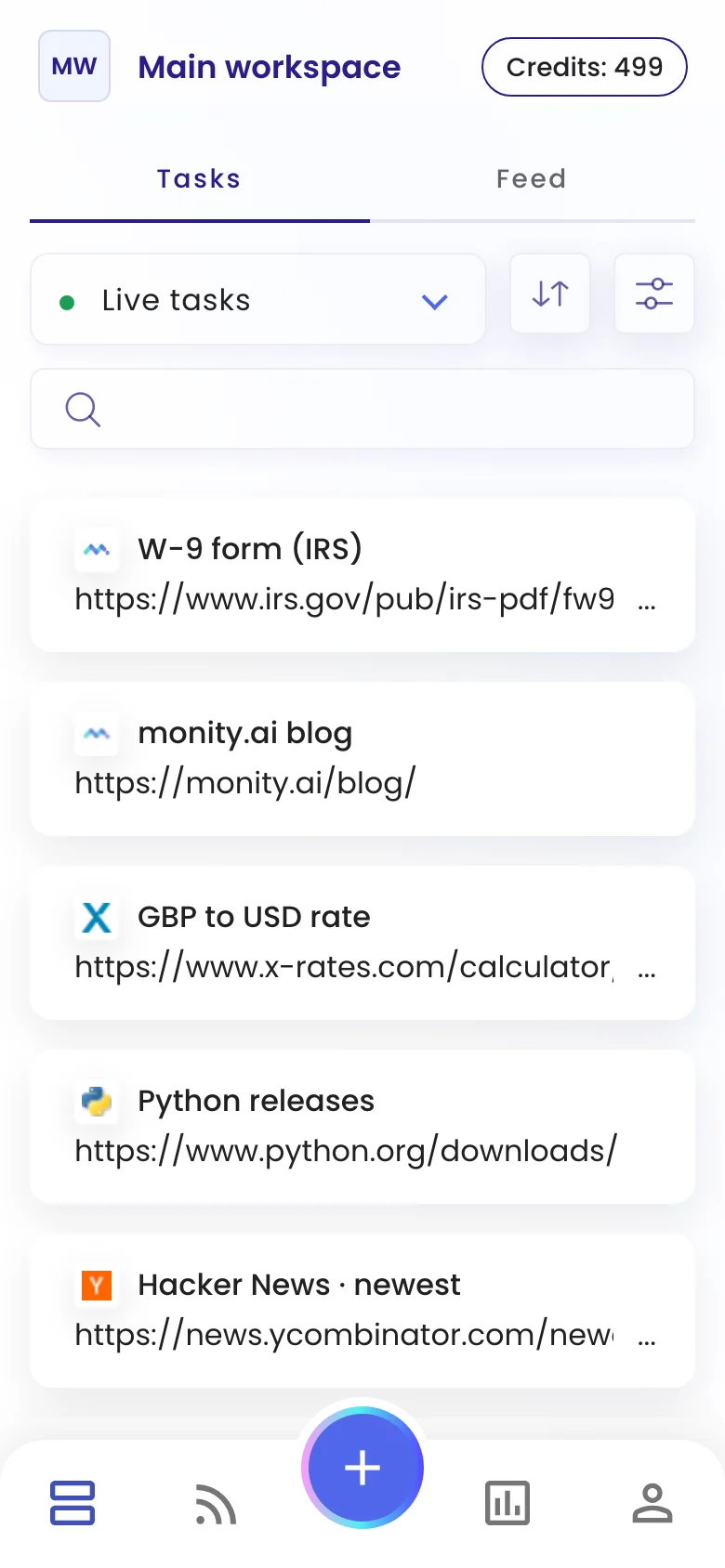
Monity on iPhone and Android: a push notification when a check finds a change, the before and after a tap away, and the assistant to set up a task, by voice if you like.
- iPhone and Android
- Push notifications on every plan
- The same account as the web

On your phone
A push notification when a check finds a change.
Switch on Push notifications for a task in the app, and your phone tells you when a check finds a change. Tap the notification to open that check, with the AI summary and the before and after.
- Push notifications are on every plan
- Email, Slack and your other channels keep working alongside
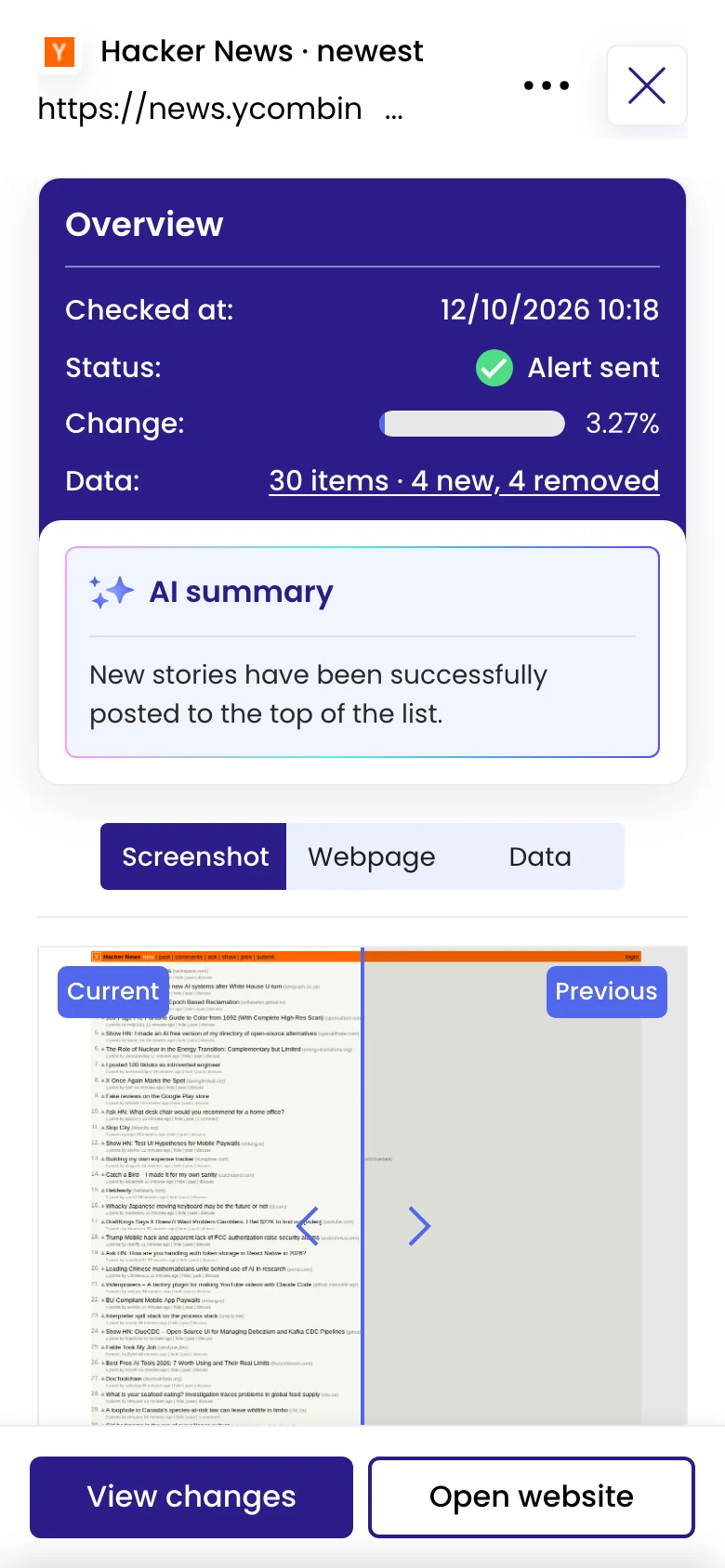
The change in your hand
Open the change, compare it, read what was added.
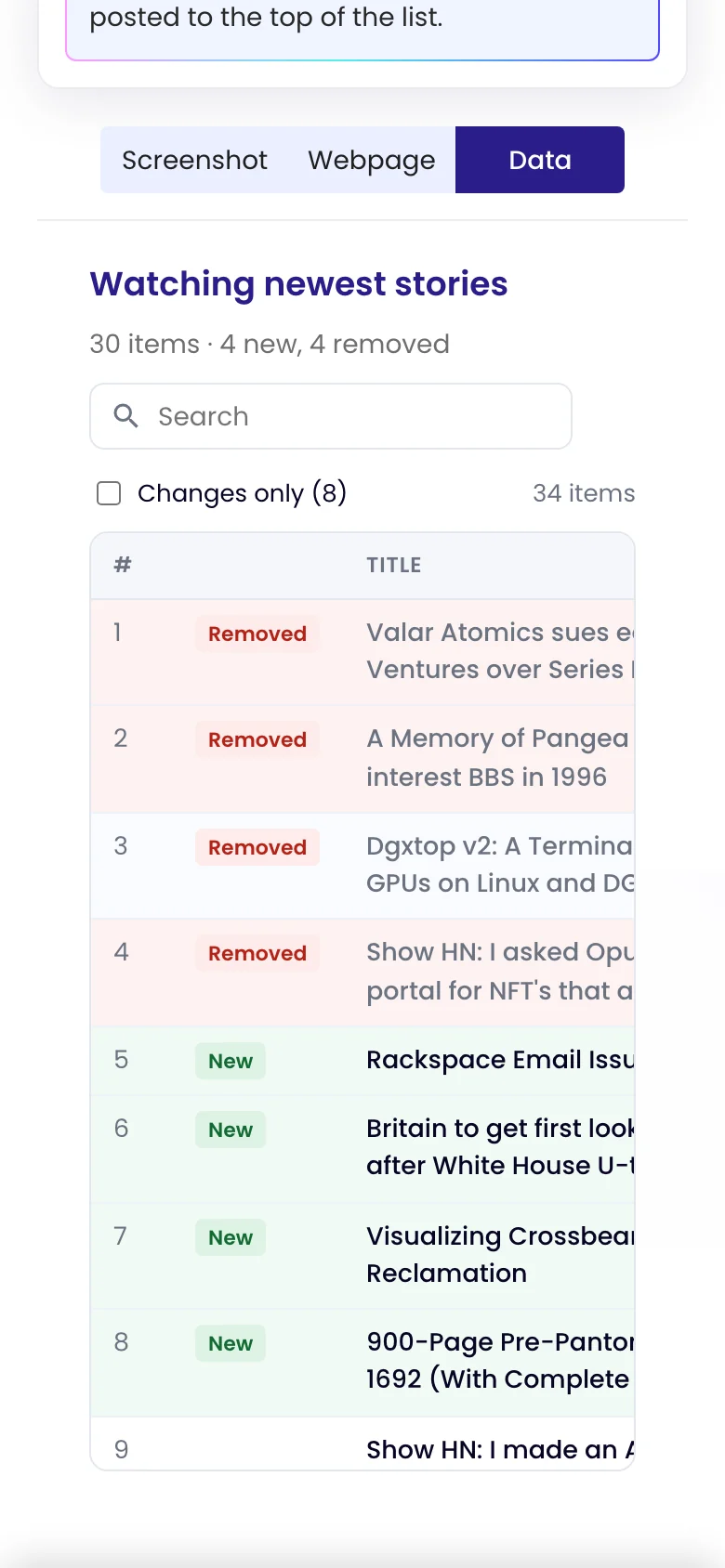
Every check opens with the AI summary and the before and after. When Monity reads data on the page, the Data view lists what was added and what was removed, item by item.
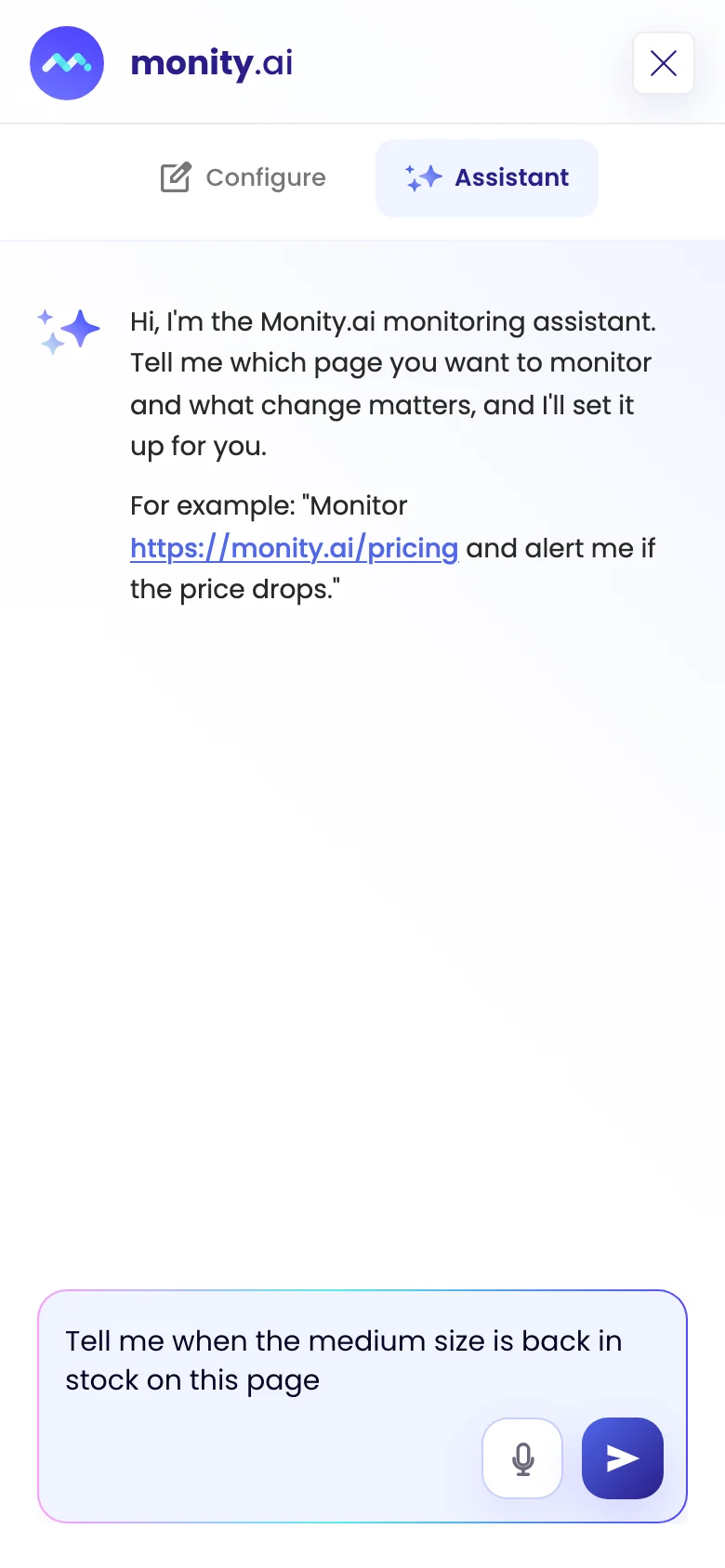
Set it up anywhere
Tell the assistant what to watch, out loud if you like.
Start a task from your phone: describe the page and the change, typed or with the microphone, and the assistant sets it up. Your tasks, checks and settings are the same as on the web.
FAQ
Questions about Mobile App
Is there an app for iPhone and Android?
Is the app included on every plan?
What does a push notification say?
Can I create tasks from my phone?
How do I turn on push notifications?
Take your monitors with you.
Download the app, sign in with your Monity account, and switch on push notifications for the tasks that matter.
- Free to download
- Push notifications on every plan
- The same account as the web