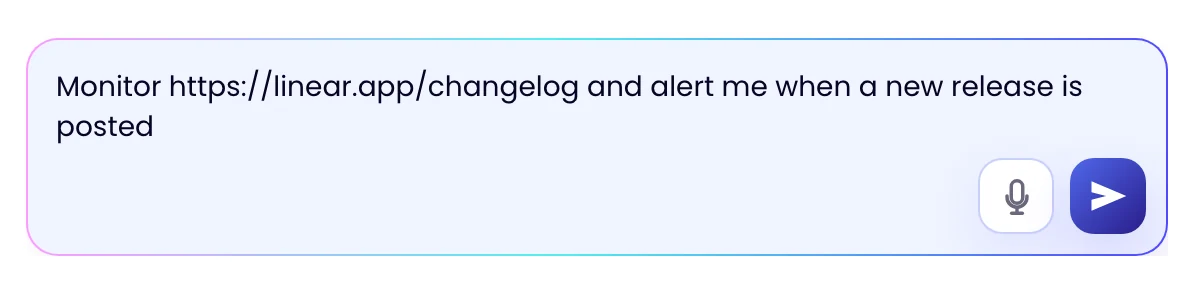
AI Chat Setup
Tell the assistant which page to watch and what matters, in one sentence. It creates the task, runs a first check and tells you what it will watch and how often. Change anything by replying.
- One sentence to start
- First check runs at once
- Refine it by replying

 Your monitors
 Change detected · alert sent to Telegram
 Change detected · alert sent to Slack
 Change detected · alert sent to Sheets
 Change detected · alert sent to Email
One message
Name the page and the change. The assistant does the setup.
Write one sentence, such as “Monitor linear.app/changelog and alert me when a new release is posted”. The assistant creates the task, loads the page, runs a first check and tells you what it will watch and how often.
- “Alert me when…”, “Notify me if…” and “Let me know when…” all work
- Type it, or use the microphone in the message box
- The first check records the page as it is today
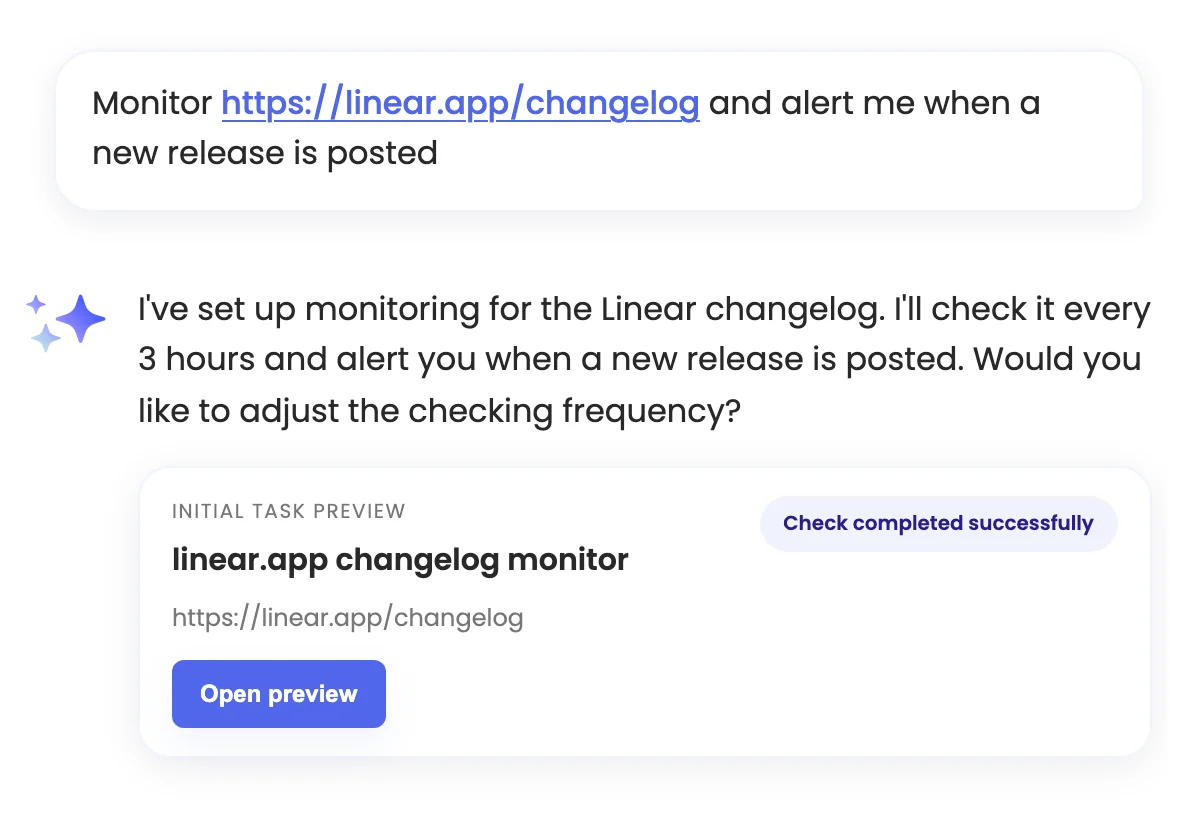
Refine it
Change anything by replying.
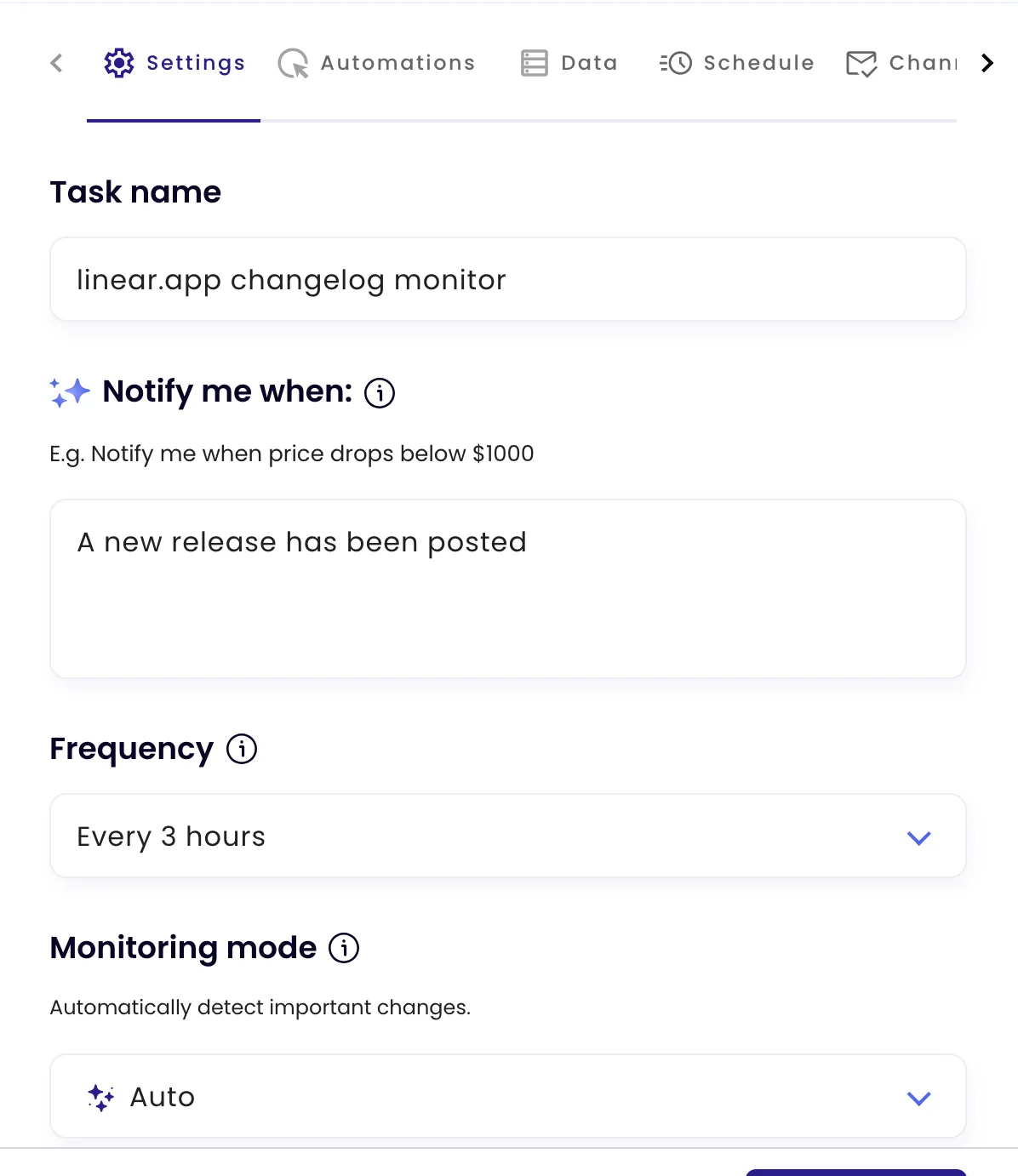
“Check every hour”, “only tell me about the Enterprise plan”, “add the label Pricing”. The assistant updates the task, and everything it set is in Configure, where you can edit it by hand.
- Name, rule, frequency, mode, schedule and labels
- Email alerts are set in chat; Slack, Teams and the other channels on the Channels tab
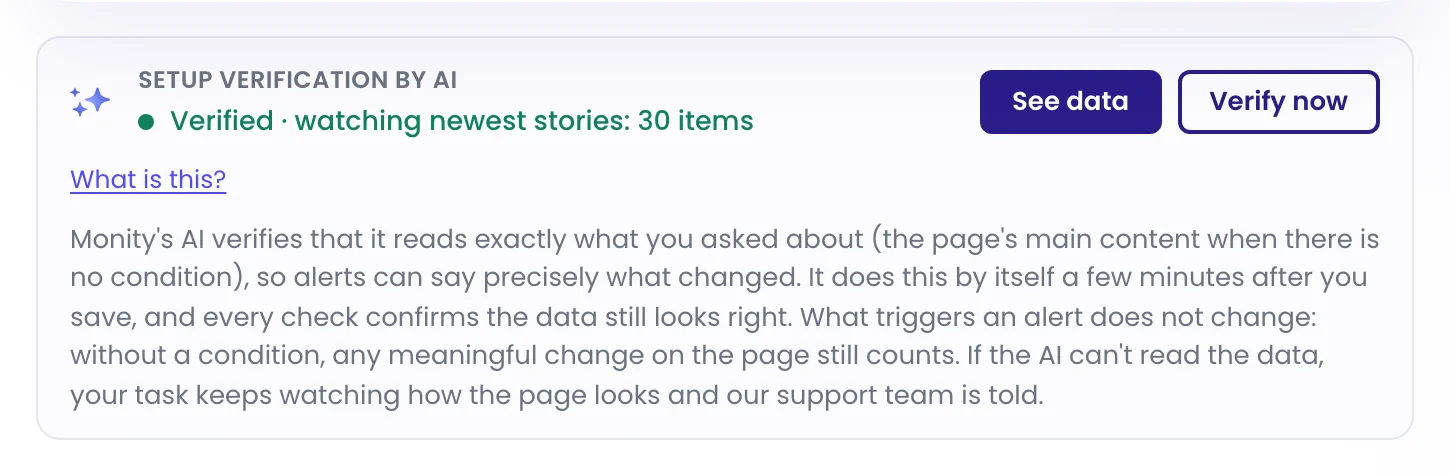
Then it verifies
A few minutes later, Monity’s AI shows you what it reads.
After the task is saved, Monity’s AI opens the page, finds what you asked about and confirms it reads it the same way twice. The task then shows exactly what it watches, and every check can say what changed.
FAQ
Questions about AI Chat Setup
Can the assistant set up several pages at once?
What can the assistant set?
Does it ask before it saves?
Do I have to use the assistant?
Can I speak instead of typing?
Tell it what to watch.
One sentence is enough to start. Change anything later by replying.
- Free plan: 3 tasks, no card
- 7-day Business trial
- Every alert channel on every plan