Catch website issues before users do.
monity.ai monitors your live website for visual changes, broken layouts, missing content, defacement and unexpected updates. Describe what matters in plain English and get alerted when something looks wrong.
- No credit card
- 7-day Business trial
- Security review ready
 Website QA monitor
 Change detected · alert sent to Webhook
How it looks
Your pages, compared the way a visitor sees them.
Monity loads each page in a real browser, takes a screenshot on every check and compares it with the last one. A broken layout, a missing section or a page that suddenly says something else shows up as a change, with the changed regions marked.
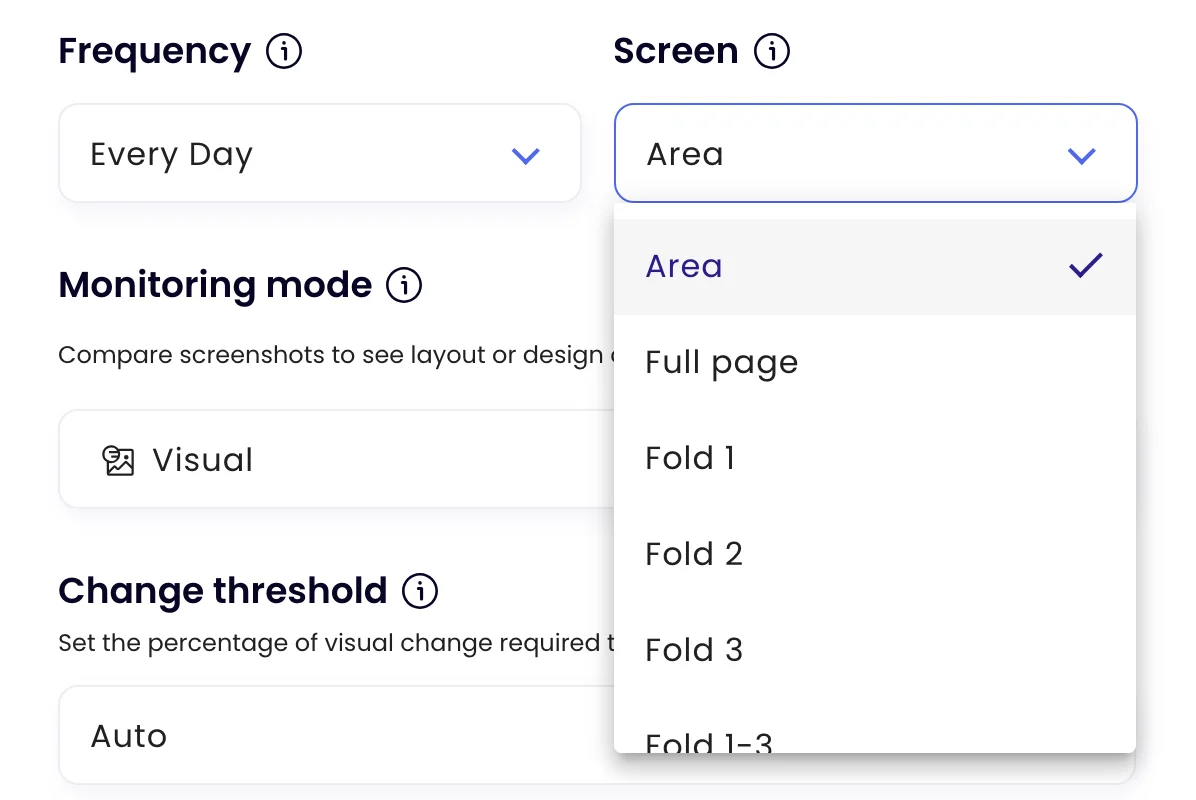
- The full page, the first screens, or an area you draw
- An AI summary says what changed, in a sentence
When to check
Check more often when it matters.
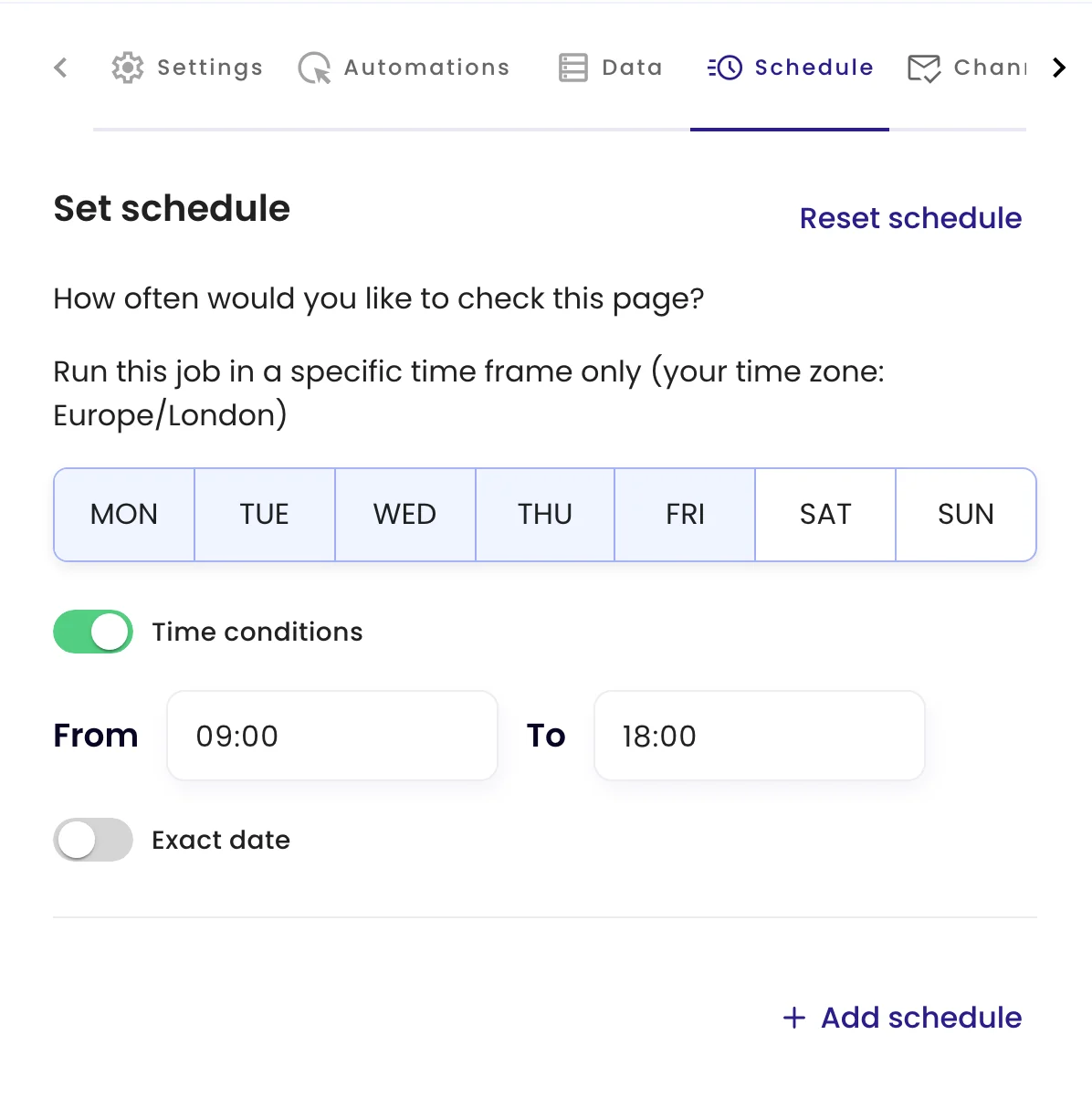
Choose how often each page is checked, from every 3 hours on the free plan to every 5 minutes on larger plans, and limit checks to certain days and hours, for example every 15 minutes during your release window.
Less noise
Leave out what always changes.
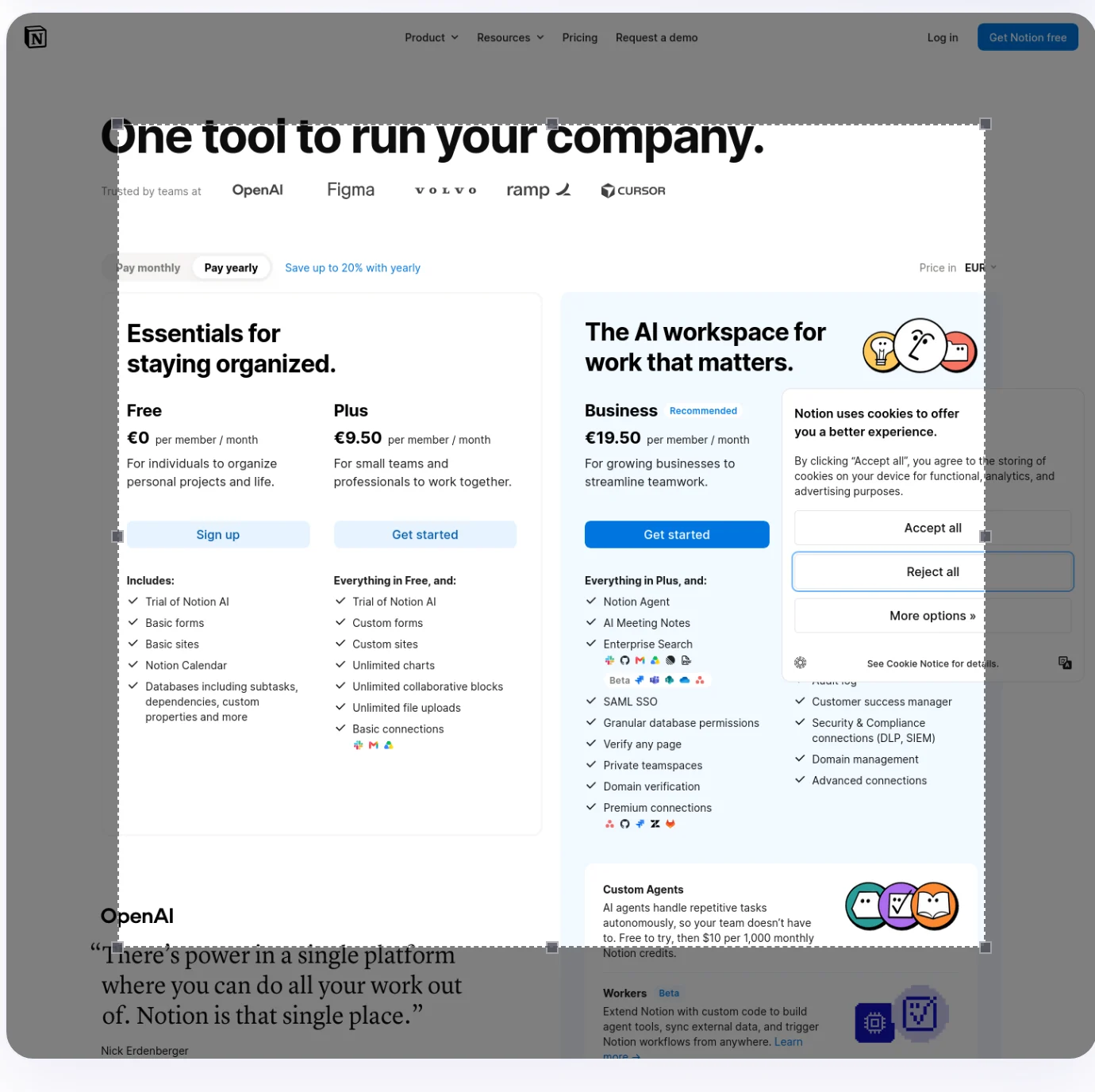
Carousels, dates and rotating banners change on every visit. Draw an area around what matters, remove an element before the capture, or add a Notify me when rule, and only real problems reach you.
Examples
What web teams ask Monity to watch.
Alerts go to the channels you switch on for each task, with the before and after one click away.
-
 Tell me if the pricing page looks different after a deploy
The Enterprise card is missing from the pricing page Seen on the 15-minute check during the release window.
Tell me if the pricing page looks different after a deploy
The Enterprise card is missing from the pricing page Seen on the 15-minute check during the release window. Microsoft Teams · Web team
-
Notify me if the homepage shows anything other than our own content
The homepage hero was replaced with an unfamiliar message The rest of the page is unchanged.
 Slack · #security
-
Notify me if the Book a demo button disappears from the product pages
Book a demo is missing on /product/analytics The button was there on the previous check.
 Email · web@company.com
-
Watch our status page and tell me if anything is not operational
Payments API: degraded performance Every other component still shows operational.
 Telegram · on-call
FAQ
Questions about Website QA & defacement detection
What kind of website problems can Monity catch?
Is this an uptime monitor?
Can it watch a staging site or a page behind a login?
How do I avoid alerts for content that always changes?
How often can pages be checked?
Know when a page breaks before your customers do.
Start with the pages that make you money: the homepage, pricing and checkout.
- Free plan: 3 tasks, no card
- 7-day Business trial
- Every alert channel on every plan