Visual Monitoring
Pixel-level diffs across full-page screenshots, with the changed regions highlighted and the source URL attached to every alert.
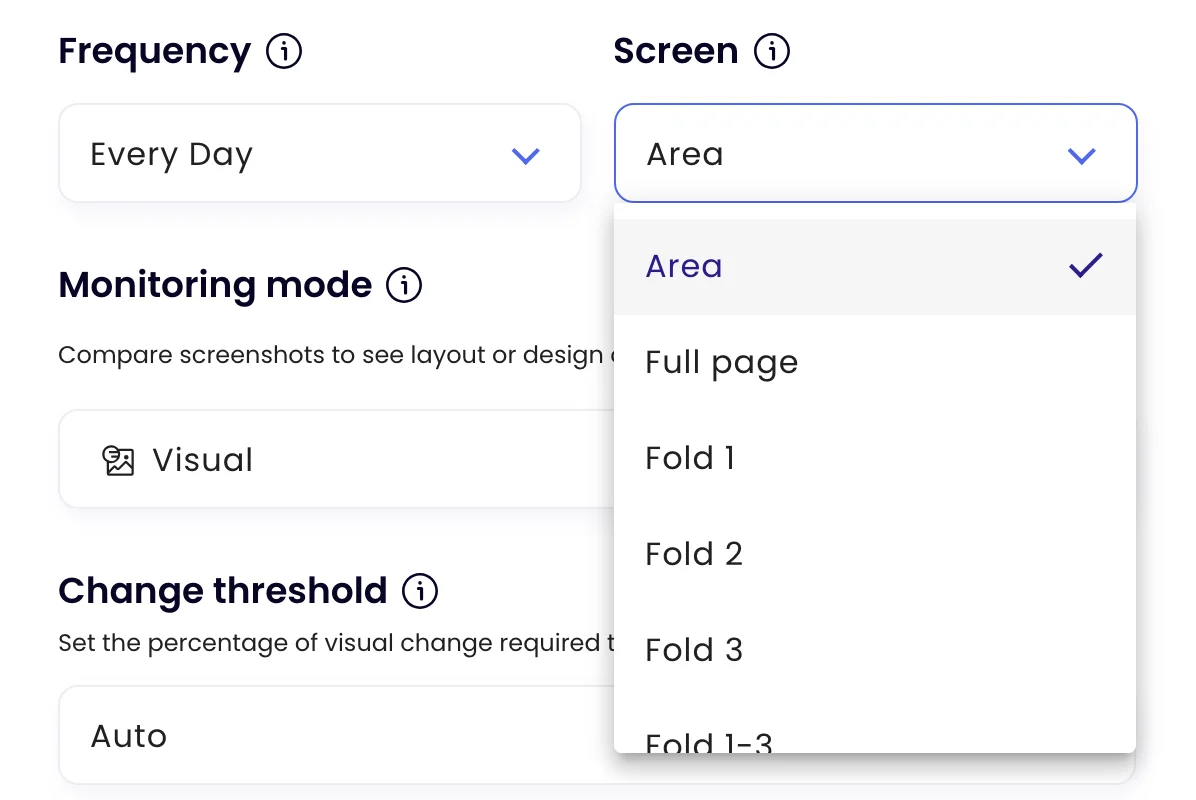
- Full page, folds or an area
- Changed regions marked
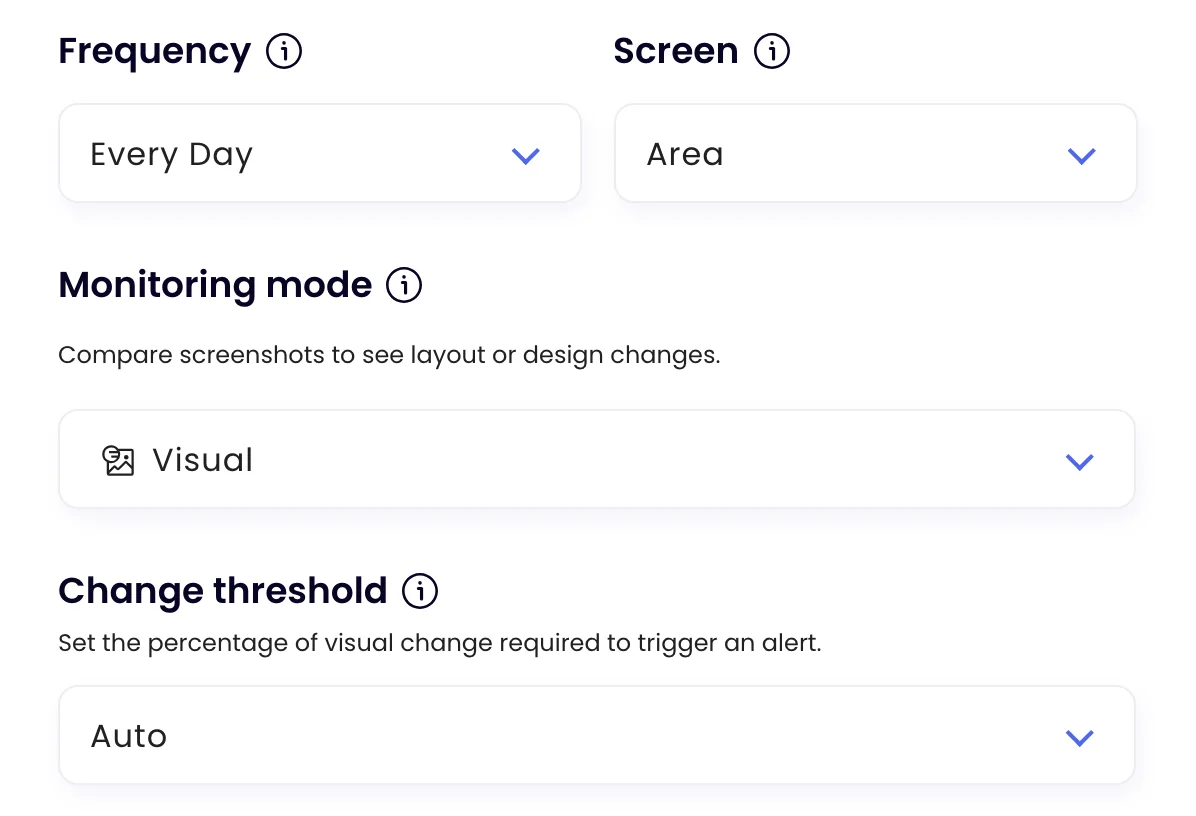
- Thresholds from any change to 50%
Before and after
See exactly what moved, side by side.
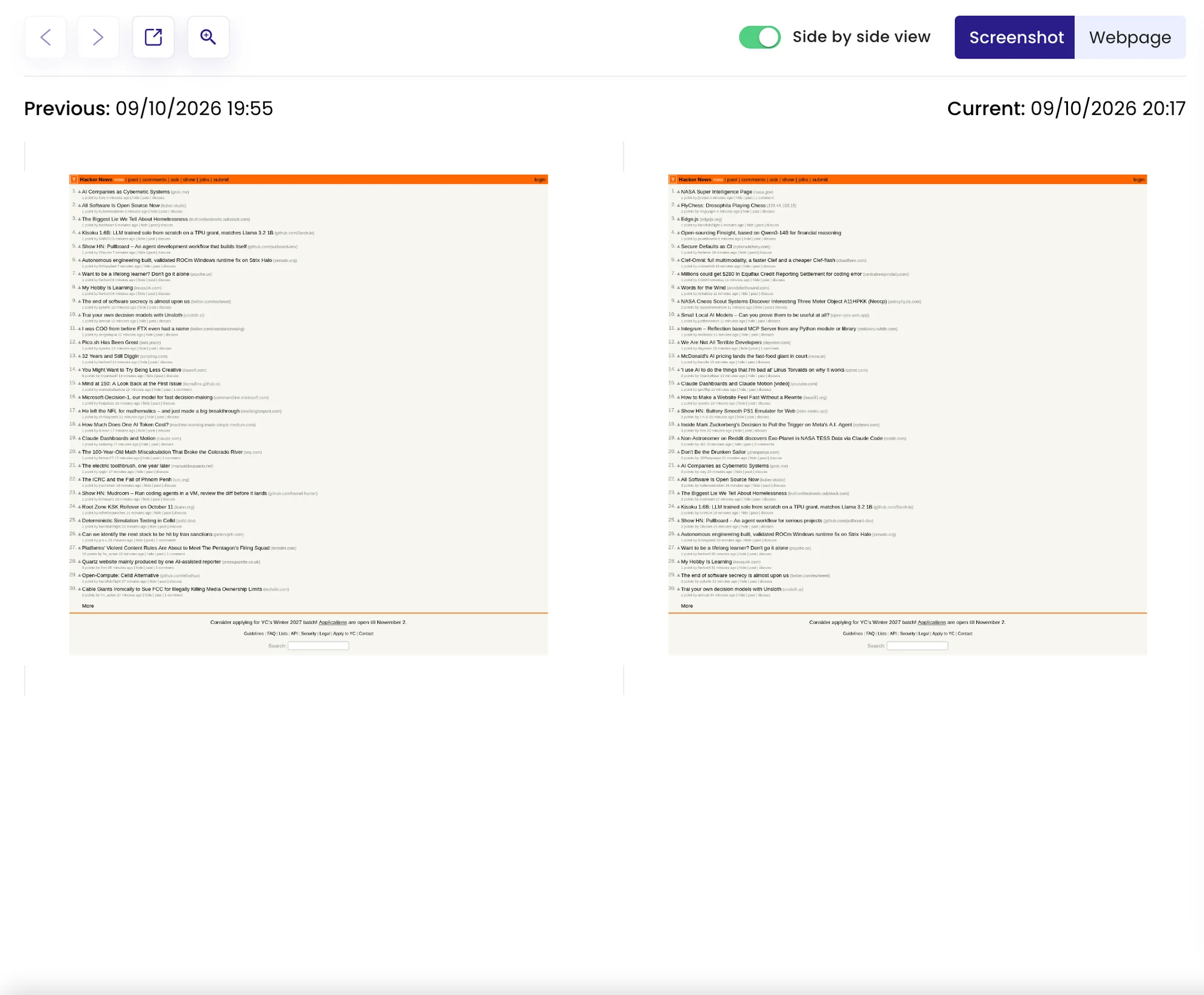
Every check keeps a screenshot. When the page looks different, the check shows before and after next to each other, or on a slider, with the changed regions marked and a short AI summary of what changed.
- Slide between before and after, or view them side by side
- Every screenshot stays in the task’s history
What to compare
The whole page, the first screen, or just the part that matters.
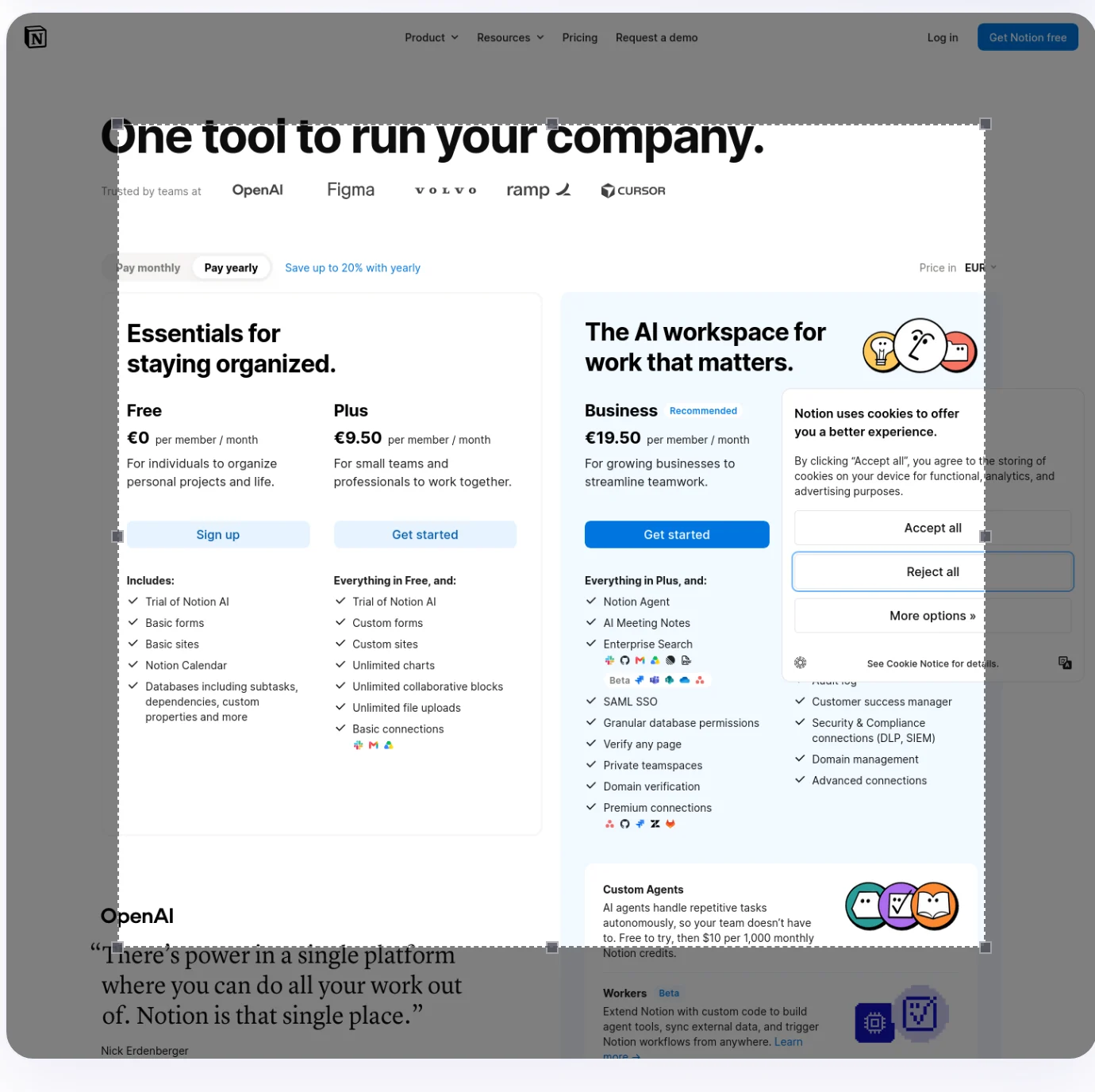
Choose Screen: the full page, the first, second or third screen-height, the first three together, or an area you draw on the preview. Changes outside an area are ignored.
- Draw the area straight on the page preview
- Hide parts that always change, such as a rotating banner
How much counts
Decide how big a change must be, or describe it in words.
Change threshold sets how much of the captured area must change: any visible difference, or 1%, 10%, 25% or 50%. Add a Notify me when rule instead, and every visible change is read against it, so a large change that doesn’t match stays quiet.
Examples
When how it looks is the news.
What people watch visually, and the kind of alert that comes back. Alerts go to the channels you switch on for the task.
-
 Watch the homepage hero on coastalcrm.com
The homepage hero has a new headline and a Book a demo button Before and after are in the check, with the hero marked.
Watch the homepage hero on coastalcrm.com
The homepage hero has a new headline and a Book a demo button Before and after are in the check, with the hero marked. Slack · #marketing
-
Notify me when the promo banner on the shop page changes
A 20% off weekend banner replaced free shipping Only the banner area is compared, so prices below don’t trigger it.
 Email · you@company.com
-
Watch our pricing page after every deploy, full page
The Enterprise card is missing from the pricing page Spotted on the hourly check, before a customer did.
 Microsoft Teams · Web team
-
Notify me when the comparison table on coastalcrm.com/compare changes
The comparison table has a new row: AI assistant One row per alert, with a link to the before and after.
 Google Sheets · Competitor log
Coastal CRM is an example company.
FAQ
Questions about Visual Monitoring
What is visual monitoring?
How do I avoid alerts for things that always change?
Can it compare the whole page?
What does a visual alert include?
Should I use Visual or Auto mode?
See the change, not just the alert.
Point Monity at a page and choose what to compare. Every check keeps its screenshot.
- Free plan: 3 tasks, no card
- 7-day Business trial
- Every alert channel on every plan